javascript
50 lines · 8 steps
Infinite scroll with Server Actions in Next.js
A client component pairs an IntersectionObserver sentinel with a Server Action to append posts as the user scrolls.
Explained by
highlit
1'use client';
2
3import { useState, useTransition, useRef, useEffect, useCallback } from 'react';
4import { loadMorePosts } from '@/app/actions/posts';
5import { PostCard } from '@/components/post-card';
6
7export function PostFeed({ initialPosts, initialCursor }) {
8 const [posts, setPosts] = useState(initialPosts);
9 const [cursor, setCursor] = useState(initialCursor);
10 const [isPending, startTransition] = useTransition();
11 const sentinelRef = useRef(null);
12
13 const loadMore = useCallback(() => {
14 if (!cursor || isPending) return;
15 startTransition(async () => {
16 const { posts: next, nextCursor } = await loadMorePosts(cursor);
17 setPosts((prev) => [...prev, ...next]);
18 setCursor(nextCursor);
19 });
20 }, [cursor, isPending]);
21
22 useEffect(() => {
23 const node = sentinelRef.current;
24 if (!node) return;
25
26 const observer = new IntersectionObserver(
27 ([entry]) => {
28 if (entry.isIntersecting) loadMore();
29 },
30 { rootMargin: '400px' }
31 );
32
33 observer.observe(node);
34 return () => observer.disconnect();
35 }, [loadMore]);
36
37 return (
38 <div className="flex flex-col gap-4">
39 {posts.map((post) => (
40 <PostCard key={post.id} post={post} />
41 ))}
42
43 {cursor && (
44 <div ref={sentinelRef} className="py-8 text-center text-sm text-gray-500">
45 {isPending ? 'Loading more\u2026' : ''}
46 </div>
47 )}
48 </div>
49 );
50}
01 / 01
STEP 01
‹ swipe to step through ›
Walkthrough
Space play
←→ step
click any line
Three takeaways
- 1A cursor plus a sentinel element turns scroll position into a clean pagination trigger without scroll math.
- 2Wrapping the async fetch in a transition keeps the appended list from blocking the UI while showing pending state.
- 3Cleaning up the observer on effect teardown prevents duplicate fetches and memory leaks across re-renders.
Related explainers
javascript
function evaluate(expression) {
  const tokens = tokenize(expression);
  let pos = 0;
Building a recursive descent calculator
parsing
recursion
operator-precedence
Intermediate
8 steps
javascript
import { useState, useEffect, useCallback, useRef } from 'react';

const cache = new Map();
const inflight = new Map();
Building a stale-while-revalidate hook in React
caching
request-deduplication
custom-hooks
Advanced
10 steps
javascript
import { useEffect, useRef, useState } from 'react';

export function useDelayedFlag(active, delay = 300) {
  const [visible, setVisible] = useState(false);
Delaying a loading spinner with a React hook
custom-hooks
debouncing
cleanup
Intermediate
8 steps
javascript
const SWIPE_THRESHOLD = 80;
const MAX_TRANSLATE = 120;

export function attachSwipeToDismiss(element, onDismiss) {
Building a swipe-to-dismiss gesture in JS
touch-events
gesture-detection
dom-manipulation
Intermediate
10 steps
javascript
const { pool } = require('./db');

function withTransaction() {
  return async (req, res, next) => {
A per-request transaction middleware in Express
middleware
database-transactions
connection-pooling
Advanced
7 steps
javascript
function collapseConsecutiveLogs(lines, { keyFn = (l) => l.message } = {}) {
  const groups = [];

  for (const line of lines) {
Collapsing consecutive log lines in JavaScript
grouping
run-length-encoding
data-transformation
Intermediate
7 steps
Share this explainer
Here's the card — post it anywhere.
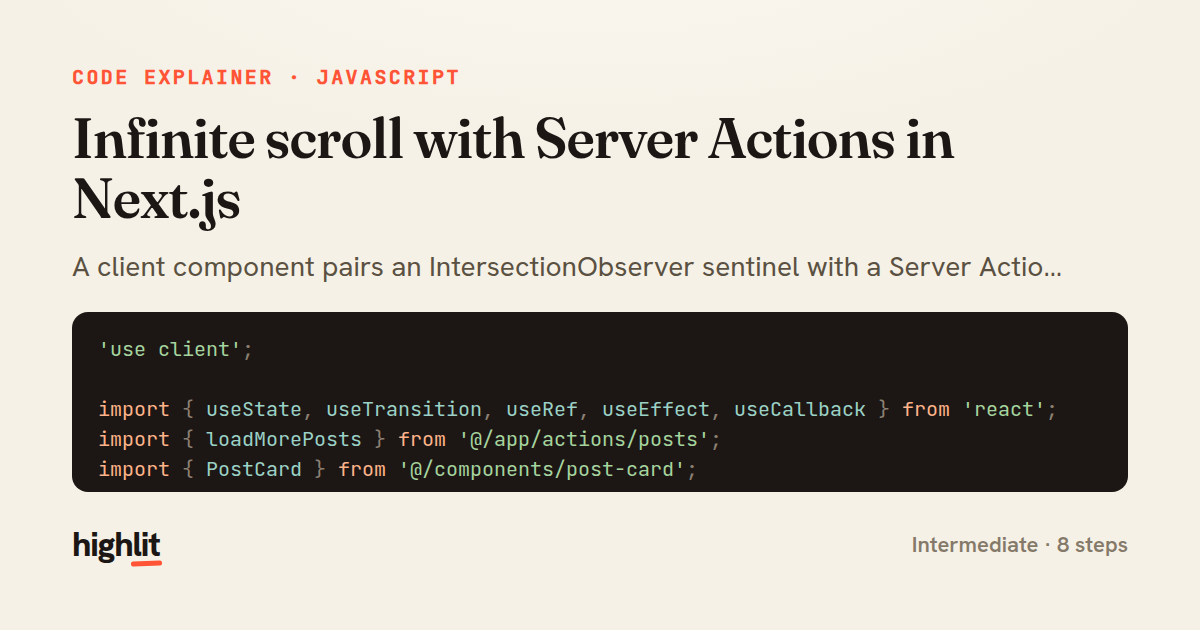
Made with highlit — turn any snippet into a walkthrough like this in about a minute.
Explain your code
Embed this explainer
Drop the interactive walkthrough into a blog or docs. Views never cost a credit.
<iframe src="https://highlit.co/explainers/infinite-scroll-with-server-actions-in-next-js-explained-javascript-2f28/embed?autoplay=1" width="100%" height="520" loading="lazy" style="border:0"></iframe>
Autoplay is on by default — add ?autoplay=0 to start paused.