java
45 lines · 8 steps
Instrumenting orders with Micrometer in Spring
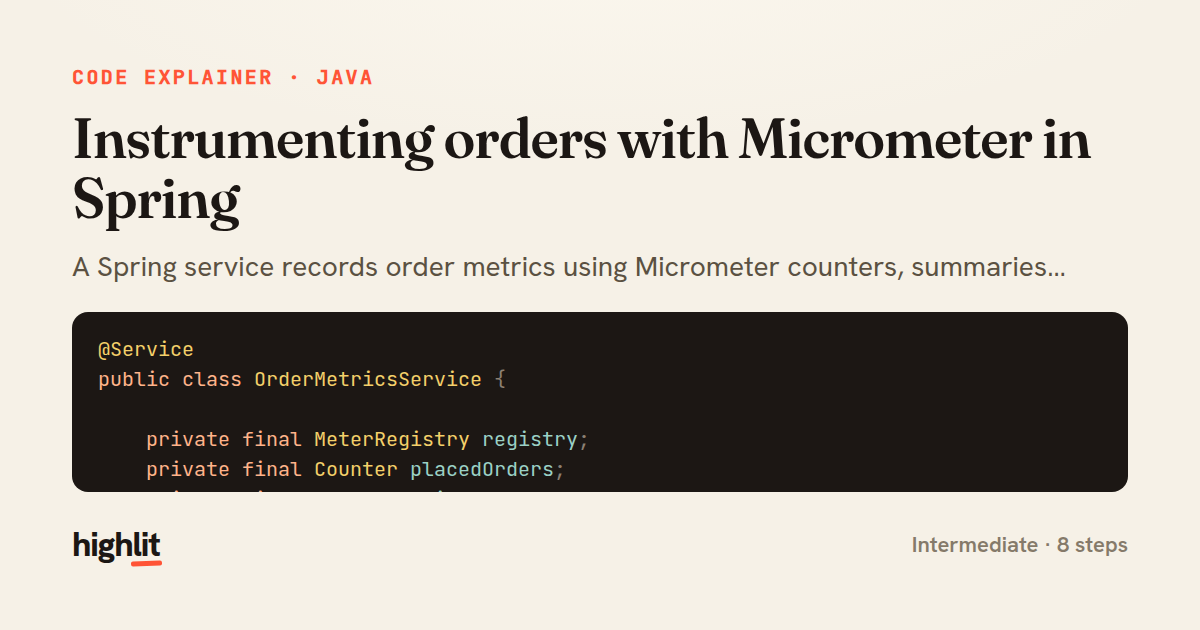
A Spring service records order metrics using Micrometer counters, summaries, timers, and gauges.
Explained by
highlit
1@Service
2public class OrderMetricsService {
3
4 private final MeterRegistry registry;
5 private final Counter placedOrders;
6 private final Counter failedOrders;
7
8 public OrderMetricsService(MeterRegistry registry) {
9 this.registry = registry;
10 this.placedOrders = Counter.builder("orders.placed")
11 .description("Number of successfully placed orders")
12 .baseUnit("orders")
13 .register(registry);
14 this.failedOrders = Counter.builder("orders.failed")
15 .description("Number of orders that failed to process")
16 .register(registry);
17 }
18
19 public void recordPlaced(Order order) {
20 placedOrders.increment();
21 registry.summary("orders.value", "currency", order.getCurrency())
22 .record(order.getTotal().doubleValue());
23 registry.counter("orders.items", "channel", order.getChannel())
24 .increment(order.getItemCount());
25 }
26
27 public void recordFailed(String reason) {
28 failedOrders.increment();
29 registry.counter("orders.failed.reasons", "reason", reason).increment();
30 }
31
32 public <T> T timeCheckout(String paymentProvider, Supplier<T> checkout) {
33 return Timer.builder("orders.checkout.duration")
34 .tag("provider", paymentProvider)
35 .publishPercentiles(0.5, 0.95, 0.99)
36 .register(registry)
37 .record(checkout);
38 }
39
40 public void trackPending(Supplier<Number> pendingCount) {
41 Gauge.builder("orders.pending", pendingCount)
42 .description("Orders awaiting fulfillment")
43 .register(registry);
44 }
45}
01 / 01
STEP 01
‹ swipe to step through ›
Walkthrough
Space play
←→ step
click any line
Three takeaways
- 1Register hot-path counters once at construction and reuse them, but build tagged metrics on demand to avoid cardinality explosions from unbounded tag values.
- 2Different metric types answer different questions: counters count events, summaries track value distributions, timers measure latency, and gauges sample live state.
- 3A gauge holds a reference to a supplier rather than a value, so it re-reads the current state each time metrics are scraped.
Related explainers
typescript
import { registerLocaleData } from '@angular/common';
import localeFr from '@angular/common/locales/fr';
import localeFrExtra from '@angular/common/locales/extra/fr';
import localeDe from '@angular/common/locales/de';
Locale-aware bootstrapping in Angular
i18n
localization
dependency-injection
Intermediate
8 steps
typescript
import { Module } from '@nestjs/common';
import { ConfigModule } from '@nestjs/config';
import * as Joi from 'joi';
Validating env config at boot in NestJS
configuration
schema-validation
environment-variables
Intermediate
8 steps
java
@Component
@Converter
public class EncryptedStringConverter implements AttributeConverter<String, String> {
Transparent column encryption in Spring & JPA
encryption
aes-gcm
jpa-converter
Advanced
10 steps
python
import time
import uuid

from django.utils.deprecation import MiddlewareMixin
Attaching per-request context in Django
middleware
request lifecycle
multi-tenancy
Intermediate
7 steps
typescript
import { Inject, Injectable, Logger } from '@nestjs/common';
import { CACHE_MANAGER } from '@nestjs/cache-manager';
import { Cache } from 'cache-manager';
import { InjectRepository } from '@nestjs/typeorm';
A cache-aside country lookup in NestJS
cache-aside
dependency-injection
batch-lookup
Intermediate
8 steps
java
package com.acme.billing.config;

import org.springframework.boot.autoconfigure.condition.ConditionalOnProperty;
import org.springframework.boot.context.properties.ConfigurationProperties;
Feature-flagged beans with Spring @ConditionalOnProperty
feature-flags
conditional-beans
strategy-pattern
Intermediate
5 steps
Share this explainer
Here's the card — post it anywhere.
Made with highlit — turn any snippet into a walkthrough like this in about a minute.
Explain your code
Embed this explainer
Drop the interactive walkthrough into a blog or docs. Views never cost a credit.
<iframe src="https://highlit.co/explainers/instrumenting-orders-with-micrometer-in-spring-explained-java-4afd/embed?autoplay=1" width="100%" height="520" loading="lazy" style="border:0"></iframe>
Autoplay is on by default — add ?autoplay=0 to start paused.