java
42 lines · 7 steps
Issuing JWT and refresh tokens on login in Spring
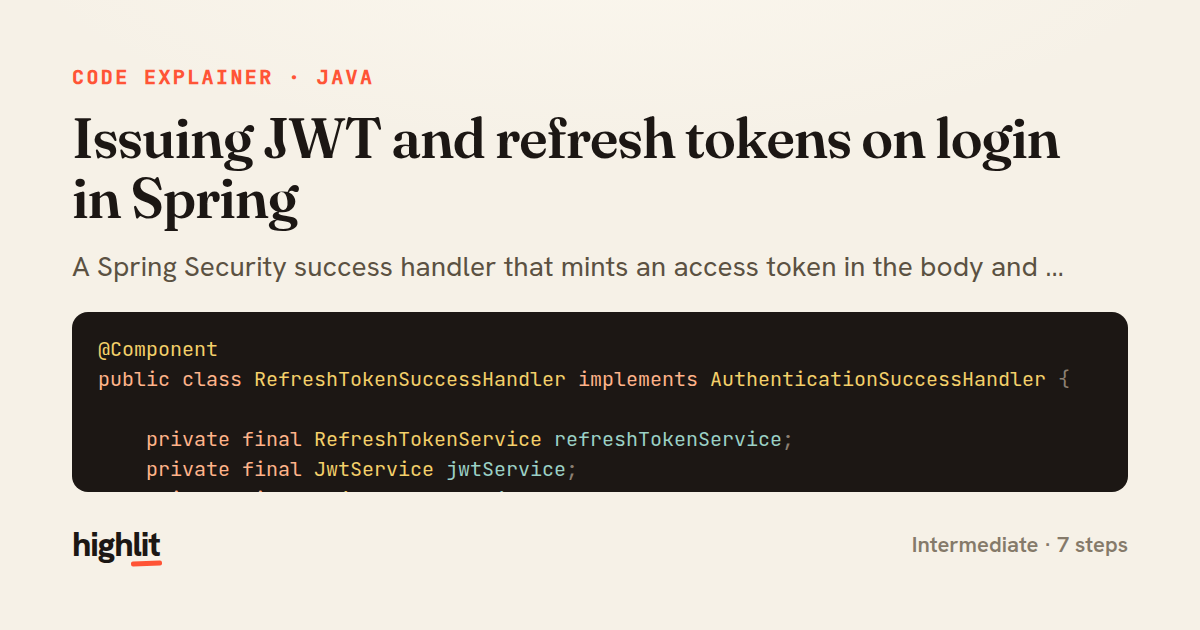
A Spring Security success handler that mints an access token in the body and a hardened refresh-token cookie after login.
Explained by
highlit
1@Component
2public class RefreshTokenSuccessHandler implements AuthenticationSuccessHandler {
3
4 private final RefreshTokenService refreshTokenService;
5 private final JwtService jwtService;
6 private final ObjectMapper objectMapper;
7
8 @Value("${security.jwt.refresh-token-ttl:604800}")
9 private long refreshTokenTtlSeconds;
10
11 public RefreshTokenSuccessHandler(RefreshTokenService refreshTokenService,
12 JwtService jwtService,
13 ObjectMapper objectMapper) {
14 this.refreshTokenService = refreshTokenService;
15 this.jwtService = jwtService;
16 this.objectMapper = objectMapper;
17 }
18
19 @Override
20 public void onAuthenticationSuccess(HttpServletRequest request,
21 HttpServletResponse response,
22 Authentication authentication) throws IOException {
23 UserDetails user = (UserDetails) authentication.getPrincipal();
24
25 String accessToken = jwtService.issueAccessToken(user);
26 RefreshToken refreshToken = refreshTokenService.createFor(user.getUsername());
27
28 ResponseCookie cookie = ResponseCookie.from("refresh_token", refreshToken.getValue())
29 .httpOnly(true)
30 .secure(true)
31 .sameSite("Strict")
32 .path("/api/auth/refresh")
33 .maxAge(Duration.ofSeconds(refreshTokenTtlSeconds))
34 .build();
35 response.addHeader(HttpHeaders.SET_COOKIE, cookie.toString());
36
37 response.setStatus(HttpStatus.OK.value());
38 response.setContentType(MediaType.APPLICATION_JSON_VALUE);
39 objectMapper.writeValue(response.getWriter(),
40 Map.of("accessToken", accessToken, "tokenType", "Bearer"));
41 }
42}
01 / 01
STEP 01
‹ swipe to step through ›
Walkthrough
Space play
←→ step
click any line
Three takeaways
- 1Splitting tokens — short-lived access token in the body, long-lived refresh token in an HttpOnly cookie — limits the blast radius if either leaks.
- 2Scoping a cookie with HttpOnly, Secure, SameSite, and a narrow path hardens it against XSS and CSRF theft.
- 3Spring Security's AuthenticationSuccessHandler is the seam for customizing exactly what a successful login returns to the client.
Related explainers
typescript
import { registerLocaleData } from '@angular/common';
import localeFr from '@angular/common/locales/fr';
import localeFrExtra from '@angular/common/locales/extra/fr';
import localeDe from '@angular/common/locales/de';
Locale-aware bootstrapping in Angular
i18n
localization
dependency-injection
Intermediate
8 steps
typescript
import { Module } from '@nestjs/common';
import { ConfigModule } from '@nestjs/config';
import * as Joi from 'joi';
Validating env config at boot in NestJS
configuration
schema-validation
environment-variables
Intermediate
8 steps
java
@Component
@Converter
public class EncryptedStringConverter implements AttributeConverter<String, String> {
Transparent column encryption in Spring & JPA
encryption
aes-gcm
jpa-converter
Advanced
10 steps
python
import time
import uuid

from django.utils.deprecation import MiddlewareMixin
Attaching per-request context in Django
middleware
request lifecycle
multi-tenancy
Intermediate
7 steps
typescript
import { Inject, Injectable, Logger } from '@nestjs/common';
import { CACHE_MANAGER } from '@nestjs/cache-manager';
import { Cache } from 'cache-manager';
import { InjectRepository } from '@nestjs/typeorm';
A cache-aside country lookup in NestJS
cache-aside
dependency-injection
batch-lookup
Intermediate
8 steps
java
package com.acme.billing.config;

import org.springframework.boot.autoconfigure.condition.ConditionalOnProperty;
import org.springframework.boot.context.properties.ConfigurationProperties;
Feature-flagged beans with Spring @ConditionalOnProperty
feature-flags
conditional-beans
strategy-pattern
Intermediate
5 steps
Share this explainer
Here's the card — post it anywhere.
Made with highlit — turn any snippet into a walkthrough like this in about a minute.
Explain your code
Embed this explainer
Drop the interactive walkthrough into a blog or docs. Views never cost a credit.
<iframe src="https://highlit.co/explainers/issuing-jwt-and-refresh-tokens-on-login-in-spring-explained-java-d757/embed?autoplay=1" width="100%" height="520" loading="lazy" style="border:0"></iframe>
Autoplay is on by default — add ?autoplay=0 to start paused.