go
74 lines · 8 steps
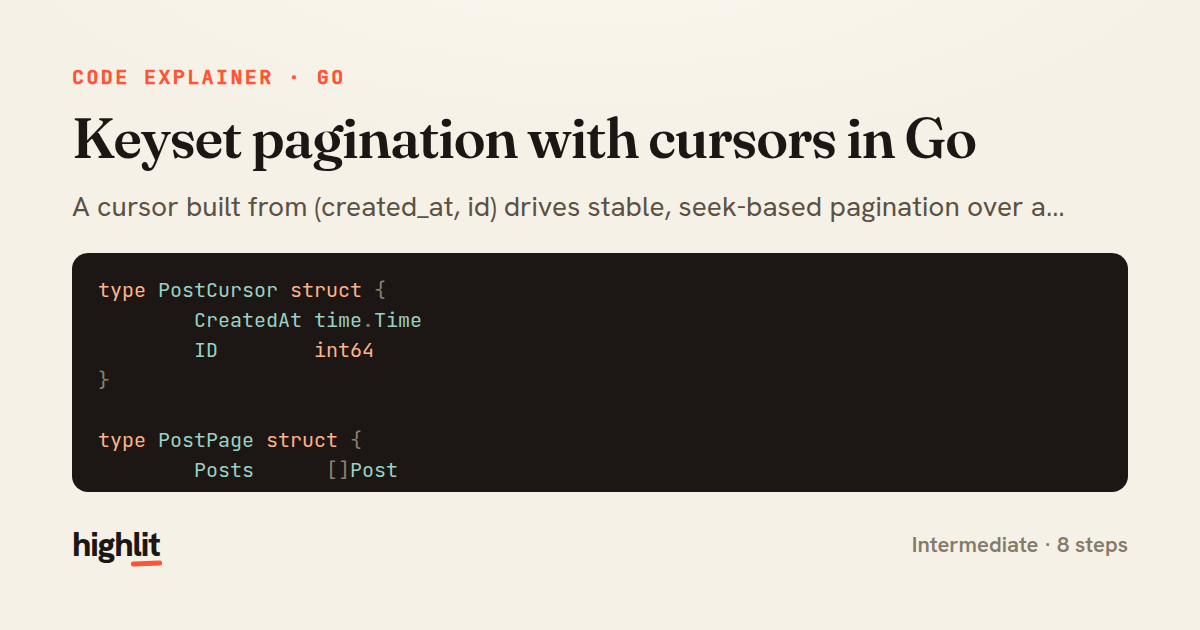
Keyset pagination with cursors in Go
A cursor built from (created_at, id) drives stable, seek-based pagination over a Postgres posts table.
Explained by
highlit
1type PostCursor struct {
2 CreatedAt time.Time
3 ID int64
4}
5
6type PostPage struct {
7 Posts []Post
8 NextCursor *PostCursor
9 HasMore bool
10}
11
12func encodeCursor(c PostCursor) string {
13 raw := fmt.Sprintf("%d|%d", c.CreatedAt.UnixNano(), c.ID)
14 return base64.URLEncoding.EncodeToString([]byte(raw))
15}
16
17func decodeCursor(token string) (PostCursor, error) {
18 data, err := base64.URLEncoding.DecodeString(token)
19 if err != nil {
20 return PostCursor{}, fmt.Errorf("decode cursor: %w", err)
21 }
22 var nanos, id int64
23 if _, err := fmt.Sscanf(string(data), "%d|%d", &nanos, &id); err != nil {
24 return PostCursor{}, fmt.Errorf("parse cursor: %w", err)
25 }
26 return PostCursor{CreatedAt: time.Unix(0, nanos).UTC(), ID: id}, nil
27}
28
29func (r *PostRepo) ListPosts(ctx context.Context, token string, limit int) (*PostPage, error) {
30 args := []any{limit + 1}
31 where := ""
32 if token != "" {
33 cur, err := decodeCursor(token)
34 if err != nil {
35 return nil, err
36 }
37 where = "WHERE (created_at, id) < ($2, $3)"
38 args = append(args, cur.CreatedAt, cur.ID)
39 }
40
41 query := fmt.Sprintf(`
42 SELECT id, title, created_at
43 FROM posts
44 %s
45 ORDER BY created_at DESC, id DESC
46 LIMIT $1`, where)
47
48 rows, err := r.db.QueryContext(ctx, query, args...)
49 if err != nil {
50 return nil, fmt.Errorf("query posts: %w", err)
51 }
52 defer rows.Close()
53
54 posts := make([]Post, 0, limit)
55 for rows.Next() {
56 var p Post
57 if err := rows.Scan(&p.ID, &p.Title, &p.CreatedAt); err != nil {
58 return nil, fmt.Errorf("scan post: %w", err)
59 }
60 posts = append(posts, p)
61 }
62 if err := rows.Err(); err != nil {
63 return nil, err
64 }
65
66 page := &PostPage{Posts: posts}
67 if len(posts) > limit {
68 page.Posts = posts[:limit]
69 last := page.Posts[limit-1]
70 page.NextCursor = &PostCursor{CreatedAt: last.CreatedAt, ID: last.ID}
71 page.HasMore = true
72 }
73 return page, nil
74}
01 / 01
STEP 01
‹ swipe to step through ›
Walkthrough
Space play
←→ step
click any line
Three takeaways
- 1Keyset pagination compares a composite key against the last row instead of using OFFSET, keeping queries fast and results stable under inserts.
- 2Encoding the cursor as opaque base64 lets clients pass it around without depending on your internal key layout.
- 3Fetching limit+1 rows is a clean trick to detect whether another page exists without a separate count query.
Related explainers
go
package streaming

import (
	"bufio"
Streaming NDJSON logs over HTTP in Go
http-streaming
channels
select
Advanced
10 steps
go
package api

import (
	"crypto/sha256"
ETag conditional requests in Gin
http-caching
etag
conditional-requests
Intermediate
6 steps
go
func (w *Watcher) resetDebounce(d time.Duration) {
	if !w.timer.Stop() {
		select {
		case <-w.timer.C:
Debouncing a stream of events in Go
debounce
timers
channels
Advanced
7 steps
go
package logging

import (
	"context"
Deduplicating log attributes in Go's slog
decorator-pattern
structured-logging
immutability
Intermediate
8 steps
go
package middleware

import (
	"net/http"
Per-plan export limits in Gin middleware
middleware
rate-limiting
authorization
Intermediate
7 steps
go
package httputil

import (
	"net"
Safely extracting the real client IP in Go
security
http
ip-spoofing
Intermediate
7 steps
Share this explainer
Here's the card — post it anywhere.
Made with highlit — turn any snippet into a walkthrough like this in about a minute.
Explain your code
Embed this explainer
Drop the interactive walkthrough into a blog or docs. Views never cost a credit.
<iframe src="https://highlit.co/explainers/keyset-pagination-with-cursors-in-go-explained-go-c942/embed?autoplay=1" width="100%" height="520" loading="lazy" style="border:0"></iframe>
Autoplay is on by default — add ?autoplay=0 to start paused.