javascript
54 lines · 8 steps
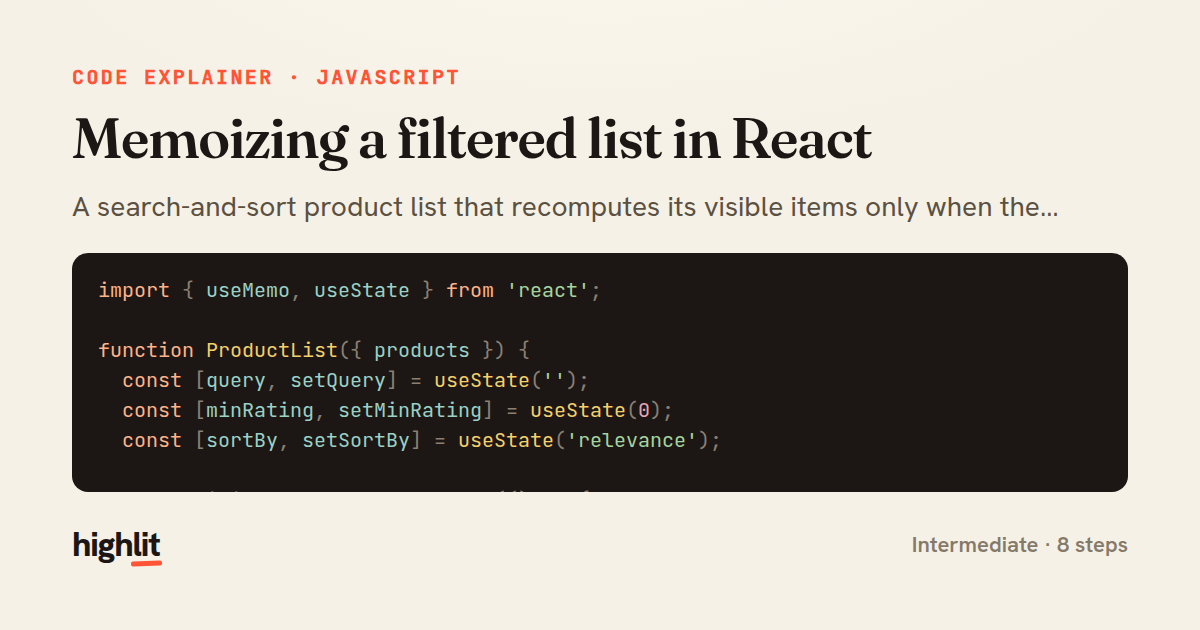
Memoizing a filtered list in React
A search-and-sort product list that recomputes its visible items only when the inputs that matter actually change.
Explained by
highlit
1import { useMemo, useState } from 'react';
2
3function ProductList({ products }) {
4 const [query, setQuery] = useState('');
5 const [minRating, setMinRating] = useState(0);
6 const [sortBy, setSortBy] = useState('relevance');
7
8 const visibleProducts = useMemo(() => {
9 const term = query.trim().toLowerCase();
10
11 const filtered = products.filter((product) => {
12 if (product.rating < minRating) return false;
13 if (!term) return true;
14 return (
15 product.name.toLowerCase().includes(term) ||
16 product.tags.some((tag) => tag.toLowerCase().includes(term))
17 );
18 });
19
20 if (sortBy === 'price') {
21 filtered.sort((a, b) => a.price - b.price);
22 } else if (sortBy === 'rating') {
23 filtered.sort((a, b) => b.rating - a.rating);
24 }
25
26 return filtered;
27 }, [products, query, minRating, sortBy]);
28
29 return (
30 <div className="product-list">
31 <input
32 type="search"
33 value={query}
34 placeholder="Search products"
35 onChange={(e) => setQuery(e.target.value)}
36 />
37 <select value={sortBy} onChange={(e) => setSortBy(e.target.value)}>
38 <option value="relevance">Relevance</option>
39 <option value="price">Price</option>
40 <option value="rating">Rating</option>
41 </select>
42 <p>{visibleProducts.length} results</p>
43 <ul>
44 {visibleProducts.map((product) => (
45 <li key={product.id}>
46 {product.name} — ${product.price.toFixed(2)}
47 </li>
48 ))}
49 </ul>
50 </div>
51 );
52}
53
54export default ProductList;
01 / 01
STEP 01
‹ swipe to step through ›
Walkthrough
Space play
←→ step
click any line
Three takeaways
- 1Derive displayed data from state inside render rather than storing a second copy you have to keep in sync.
- 2Wrap expensive list transforms in useMemo with an honest dependency array so they rerun only when an input changes.
- 3Controlled inputs feed state, state feeds the memo, and the memo feeds the UI in one predictable flow.
Related explainers
javascript
function evaluate(expression) {
  const tokens = tokenize(expression);
  let pos = 0;
Building a recursive descent calculator
parsing
recursion
operator-precedence
Intermediate
8 steps
javascript
import { useState, useEffect, useCallback, useRef } from 'react';

const cache = new Map();
const inflight = new Map();
Building a stale-while-revalidate hook in React
caching
request-deduplication
custom-hooks
Advanced
10 steps
javascript
import { useEffect, useRef, useState } from 'react';

export function useDelayedFlag(active, delay = 300) {
  const [visible, setVisible] = useState(false);
Delaying a loading spinner with a React hook
custom-hooks
debouncing
cleanup
Intermediate
8 steps
python
import re
from functools import total_ordering
from typing import Optional
Parsing and comparing semantic versions
regex
operator-overloading
sorting
Intermediate
7 steps
javascript
const SWIPE_THRESHOLD = 80;
const MAX_TRANSLATE = 120;

export function attachSwipeToDismiss(element, onDismiss) {
Building a swipe-to-dismiss gesture in JS
touch-events
gesture-detection
dom-manipulation
Intermediate
10 steps
java
public final class ImportOrganizer {

    private static final Pattern IMPORT_LINE =
            Pattern.compile("^import\\s+(static\\s+)?([\\w.]+(?:\\.\\*)?)\\s*;\\s*$");
Sorting Java imports with a regex pass
regex
sorting
text-processing
Intermediate
8 steps
Share this explainer
Here's the card — post it anywhere.
Made with highlit — turn any snippet into a walkthrough like this in about a minute.
Explain your code
Embed this explainer
Drop the interactive walkthrough into a blog or docs. Views never cost a credit.
<iframe src="https://highlit.co/explainers/memoizing-a-filtered-list-in-react-explained-javascript-f6cb/embed?autoplay=1" width="100%" height="520" loading="lazy" style="border:0"></iframe>
Autoplay is on by default — add ?autoplay=0 to start paused.