java
53 lines · 9 steps
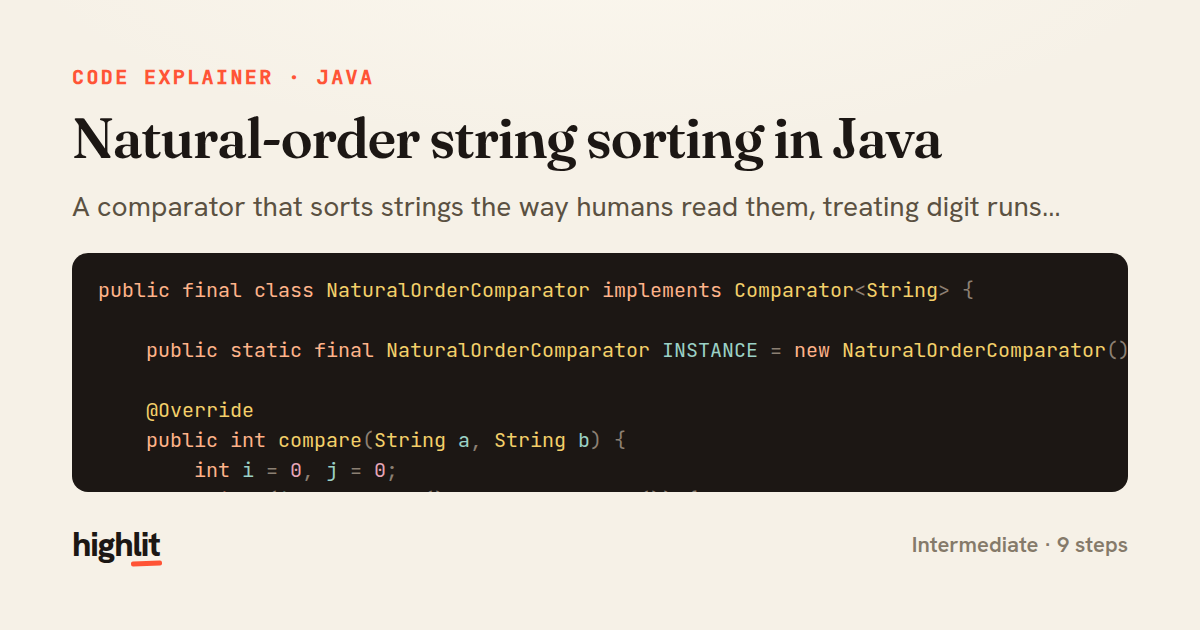
Natural-order string sorting in Java
A comparator that sorts strings the way humans read them, treating digit runs as whole numbers so "file2" comes before "file10".
Explained by
highlit
1public final class NaturalOrderComparator implements Comparator<String> {
2
3 public static final NaturalOrderComparator INSTANCE = new NaturalOrderComparator();
4
5 @Override
6 public int compare(String a, String b) {
7 int i = 0, j = 0;
8 while (i < a.length() && j < b.length()) {
9 char ca = a.charAt(i);
10 char cb = b.charAt(j);
11
12 if (Character.isDigit(ca) && Character.isDigit(cb)) {
13 int endA = skipDigits(a, i);
14 int endB = skipDigits(b, j);
15 int cmp = compareNumeric(a, i, endA, b, j, endB);
16 if (cmp != 0) return cmp;
17 i = endA;
18 j = endB;
19 } else {
20 int cmp = Character.compare(
21 Character.toLowerCase(ca), Character.toLowerCase(cb));
22 if (cmp != 0) return cmp;
23 i++;
24 j++;
25 }
26 }
27 return Integer.compare(a.length() - i, b.length() - j);
28 }
29
30 private static int skipDigits(String s, int start) {
31 int k = start;
32 while (k < s.length() && Character.isDigit(s.charAt(k))) k++;
33 return k;
34 }
35
36 private static int compareNumeric(String a, int as, int ae, String b, int bs, int be) {
37 while (as < ae && a.charAt(as) == '0') as++;
38 while (bs < be && b.charAt(bs) == '0') bs++;
39 int lenA = ae - as, lenB = be - bs;
40 if (lenA != lenB) return Integer.compare(lenA, lenB);
41 for (int k = 0; k < lenA; k++) {
42 int cmp = Character.compare(a.charAt(as + k), b.charAt(bs + k));
43 if (cmp != 0) return cmp;
44 }
45 return 0;
46 }
47
48 public static Comparator<Path> byFileName() {
49 return Comparator.comparing(
50 (Path p) -> p.getFileName().toString(), INSTANCE)
51 .thenComparing(p -> p.getParent() == null ? "" : p.getParent().toString(), INSTANCE);
52 }
53}
01 / 01
STEP 01
‹ swipe to step through ›
Walkthrough
Space play
←→ step
click any line
Three takeaways
- 1Comparing digit runs as whole numbers instead of character-by-character produces human-friendly ordering.
- 2A shared stateless comparator instance is safe to expose as a singleton constant.
- 3Comparator.comparing plus thenComparing lets you layer a custom key extractor into richer sort orders.
Related explainers
php
<?php

class NameParser
{
Parsing a full name into components in PHP
string-parsing
arrays
normalization
Intermediate
8 steps
java
@Component
@Converter
public class EncryptedStringConverter implements AttributeConverter<String, String> {
Transparent column encryption in Spring & JPA
encryption
aes-gcm
jpa-converter
Advanced
10 steps
java
package com.acme.billing.config;

import org.springframework.boot.autoconfigure.condition.ConditionalOnProperty;
import org.springframework.boot.context.properties.ConfigurationProperties;
Feature-flagged beans with Spring @ConditionalOnProperty
feature-flags
conditional-beans
strategy-pattern
Intermediate
5 steps
java
public static Map<String, String> parseCookieHeader(String header) {
    Map<String, String> cookies = new LinkedHashMap<>();
    if (header == null || header.isBlank()) {
        return cookies;
Parsing an HTTP Cookie header in Java
string-parsing
http
url-decoding
Intermediate
6 steps
java
public class TimedSocketReader {

    private static final int READ_TIMEOUT_MS = 5_000;
    private static final int CONNECT_TIMEOUT_MS = 3_000;
Reading a socket with connect and read timeouts
sockets
timeouts
io
Intermediate
8 steps
java
public final class EncodingDetector {

    public enum Encoding {
        UTF_8, UTF_16LE, UTF_16BE, UTF_32LE, UTF_32BE, ASCII, UNKNOWN
Detecting text encoding from raw bytes in Java
byte-manipulation
encoding-detection
bitwise-operations
Intermediate
8 steps
Share this explainer
Here's the card — post it anywhere.
Made with highlit — turn any snippet into a walkthrough like this in about a minute.
Explain your code
Embed this explainer
Drop the interactive walkthrough into a blog or docs. Views never cost a credit.
<iframe src="https://highlit.co/explainers/natural-order-string-sorting-in-java-explained-java-eac8/embed?autoplay=1" width="100%" height="520" loading="lazy" style="border:0"></iframe>
Autoplay is on by default — add ?autoplay=0 to start paused.