ruby
15 lines · 6 steps
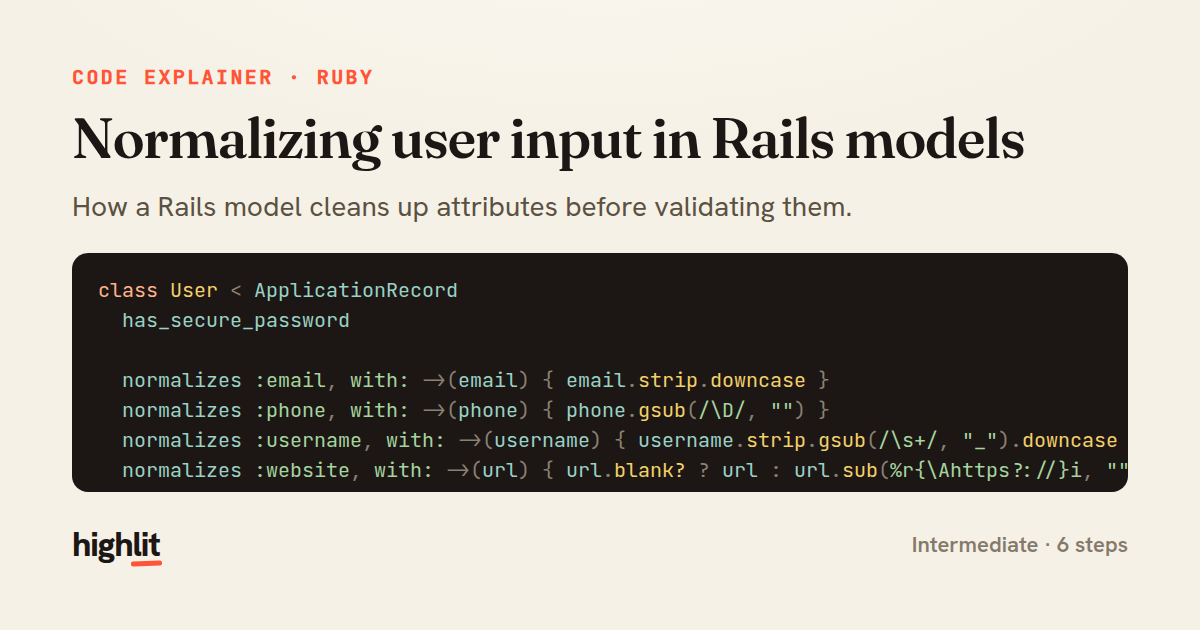
Normalizing user input in Rails models
How a Rails model cleans up attributes before validating them.
Explained by
highlit
1class User < ApplicationRecord
2 has_secure_password
3
4 normalizes :email, with: ->(email) { email.strip.downcase }
5 normalizes :phone, with: ->(phone) { phone.gsub(/\D/, "") }
6 normalizes :username, with: ->(username) { username.strip.gsub(/\s+/, "_").downcase }
7 normalizes :website, with: ->(url) { url.blank? ? url : url.sub(%r{\Ahttps?://}i, "") }
8
9 validates :email, presence: true, uniqueness: true,
10 format: { with: URI::MailTo::EMAIL_REGEXP }
11 validates :phone, length: { is: 10 }, allow_blank: true
12 validates :username, presence: true, uniqueness: true,
13 length: { in: 3..30 },
14 format: { with: /\A[a-z0-9_]+\z/ }
15end
01 / 01
STEP 01
‹ swipe to step through ›
Walkthrough
Space play
←→ step
click any line
Three takeaways
- 1Normalizing attributes before validation means your rules check clean data, not raw input.
- 2Pairing normalization with a matching validation prevents subtle mismatches like case-sensitive uniqueness bugs.
- 3Declarative model macros keep data-cleaning logic centralized instead of scattered across controllers.
Related explainers
php
<?php

class NameParser
{
Parsing a full name into components in PHP
string-parsing
arrays
normalization
Intermediate
8 steps
ruby
require "shellwords"
require "open3"

module Backup
Building safe shell commands in Ruby
shell-out
subprocess
command-injection
Intermediate
7 steps
php
<?php

namespace App\Services\Checkout;
Validating coupons with Laravel's Pipeline
pipeline
chain of responsibility
transactions
Intermediate
7 steps
ruby
class UserAgentParser
  BROWSERS = [
    [/Edg\/([\d.]+)/, "Edge"],
    [/OPR\/([\d.]+)/, "Opera"],
Parsing user-agent strings in Ruby
regex
pattern-matching
lookup-tables
Intermediate
8 steps
php
<?php

namespace App\Services;
How a password strength validator works in PHP
validation
regular-expressions
data-driven
Intermediate
8 steps
ruby
class LogAggregator
  BUCKET_FORMAT = "%Y-%m-%dT%H:%M"

  def initialize(entries)
Bucketing log entries by the minute in Ruby
aggregation
hashing
enumerable
Intermediate
5 steps
Share this explainer
Here's the card — post it anywhere.
Made with highlit — turn any snippet into a walkthrough like this in about a minute.
Explain your code
Embed this explainer
Drop the interactive walkthrough into a blog or docs. Views never cost a credit.
<iframe src="https://highlit.co/explainers/normalizing-user-input-in-rails-models-explained-ruby-13e8/embed?autoplay=1" width="100%" height="520" loading="lazy" style="border:0"></iframe>
Autoplay is on by default — add ?autoplay=0 to start paused.