javascript
55 lines · 7 steps
Optimistic like button with React
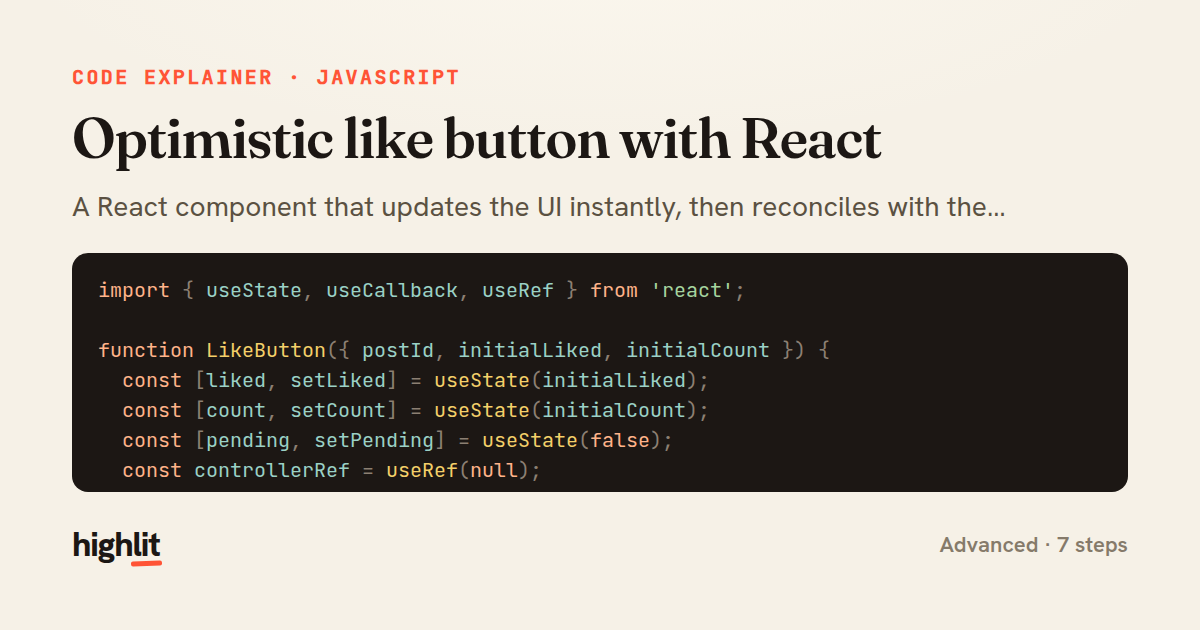
A React component that updates the UI instantly, then reconciles with the server and rolls back on failure.
Explained by
highlit
1import { useState, useCallback, useRef } from 'react';
2
3function LikeButton({ postId, initialLiked, initialCount }) {
4 const [liked, setLiked] = useState(initialLiked);
5 const [count, setCount] = useState(initialCount);
6 const [pending, setPending] = useState(false);
7 const controllerRef = useRef(null);
8
9 const toggleLike = useCallback(async () => {
10 controllerRef.current?.abort();
11 const controller = new AbortController();
12 controllerRef.current = controller;
13
14 const previous = { liked, count };
15 const nextLiked = !liked;
16
17 setLiked(nextLiked);
18 setCount((c) => c + (nextLiked ? 1 : -1));
19 setPending(true);
20
21 try {
22 const res = await fetch(`/api/posts/${postId}/like`, {
23 method: nextLiked ? 'POST' : 'DELETE',
24 headers: { 'Content-Type': 'application/json' },
25 signal: controller.signal,
26 });
27
28 if (!res.ok) throw new Error(`Request failed: ${res.status}`);
29
30 const data = await res.json();
31 setCount(data.likeCount);
32 } catch (err) {
33 if (err.name === 'AbortError') return;
34 setLiked(previous.liked);
35 setCount(previous.count);
36 } finally {
37 if (controllerRef.current === controller) setPending(false);
38 }
39 }, [liked, count, postId]);
40
41 return (
42 <button
43 type="button"
44 onClick={toggleLike}
45 aria-pressed={liked}
46 disabled={pending}
47 className={liked ? 'like-button liked' : 'like-button'}
48 >
49 <span aria-hidden="true">{liked ? '♥' : '♡'}</span>
50 <span>{count}</span>
51 </button>
52 );
53}
54
55export default LikeButton;
01 / 01
STEP 01
‹ swipe to step through ›
Walkthrough
Space play
←→ step
click any line
Three takeaways
- 1Optimistic UI updates state before the network responds, then confirms or reverts based on the result.
- 2Storing an AbortController in a ref lets a new action cancel the stale request it superseded.
- 3Capturing a snapshot of prior state gives you a clean rollback path when a request fails.
Related explainers
rust
use serde::Deserialize;

#[derive(Debug, Deserialize)]
#[serde(untagged)]
Parsing flexible JSON shapes with serde
deserialization
enums
json
Intermediate
6 steps
ruby
require "shellwords"
require "open3"

module Backup
Building safe shell commands in Ruby
shell-out
subprocess
command-injection
Intermediate
7 steps
javascript
function evaluate(expression) {
  const tokens = tokenize(expression);
  let pos = 0;
Building a recursive descent calculator
parsing
recursion
operator-precedence
Intermediate
8 steps
typescript
import { Injectable, effect, signal, computed } from '@angular/core';

interface Preferences {
  theme: 'light' | 'dark';
A signal-based preferences store in Angular
signals
state-management
persistence
Intermediate
7 steps
javascript
import { useState, useEffect, useCallback, useRef } from 'react';

const cache = new Map();
const inflight = new Map();
Building a stale-while-revalidate hook in React
caching
request-deduplication
custom-hooks
Advanced
10 steps
rust
use chrono::{Duration, NaiveDate};

#[derive(Debug)]
pub struct DateRange {
Parsing and iterating date ranges in Rust
error-handling
iterators
parsing
Intermediate
7 steps
Share this explainer
Here's the card — post it anywhere.
Made with highlit — turn any snippet into a walkthrough like this in about a minute.
Explain your code
Embed this explainer
Drop the interactive walkthrough into a blog or docs. Views never cost a credit.
<iframe src="https://highlit.co/explainers/optimistic-like-button-with-react-explained-javascript-7647/embed?autoplay=1" width="100%" height="520" loading="lazy" style="border:0"></iframe>
Autoplay is on by default — add ?autoplay=0 to start paused.