ruby
38 lines · 8 steps
Packing binary attachments into JSON
A module that Base64-encodes file bytes into a JSON envelope and safely decodes them back with a size check.
Explained by
highlit
1require "base64"
2require "json"
3
4module Attachment
5 module_function
6
7 def pack(io, filename:, content_type: "application/octet-stream")
8 bytes = io.respond_to?(:read) ? io.read : io.to_s
9 bytes = bytes.b
10
11 {
12 filename: filename,
13 content_type: content_type,
14 size: bytes.bytesize,
15 data: Base64.strict_encode64(bytes)
16 }.to_json
17 end
18
19 def unpack(payload)
20 envelope = payload.is_a?(String) ? JSON.parse(payload, symbolize_names: true) : payload
21 encoded = envelope.fetch(:data)
22
23 bytes = Base64.strict_decode64(encoded)
24
25 expected = envelope[:size]
26 if expected && bytes.bytesize != expected
27 raise ArgumentError, "corrupt blob: expected #{expected} bytes, got #{bytes.bytesize}"
28 end
29
30 {
31 filename: envelope[:filename],
32 content_type: envelope[:content_type],
33 bytes: bytes
34 }
35 rescue ArgumentError => e
36 raise ArgumentError, "invalid base64 attachment: #{e.message}"
37 end
38end
01 / 01
STEP 01
‹ swipe to step through ›
Walkthrough
Space play
←→ step
click any line
Three takeaways
- 1Base64 lets you carry raw binary safely inside a text-only format like JSON.
- 2Storing the original byte size alongside encoded data gives you a cheap integrity check on decode.
- 3Wrapping decode errors in a domain-specific message makes failures easier to diagnose upstream.
Related explainers
rust
use serde::Deserialize;

#[derive(Debug, Deserialize)]
#[serde(untagged)]
Parsing flexible JSON shapes with serde
deserialization
enums
json
Intermediate
6 steps
ruby
require "shellwords"
require "open3"

module Backup
Building safe shell commands in Ruby
shell-out
subprocess
command-injection
Intermediate
7 steps
php
<?php

namespace App\Services\Checkout;
Validating coupons with Laravel's Pipeline
pipeline
chain of responsibility
transactions
Intermediate
7 steps
ruby
class UserAgentParser
  BROWSERS = [
    [/Edg\/([\d.]+)/, "Edge"],
    [/OPR\/([\d.]+)/, "Opera"],
Parsing user-agent strings in Ruby
regex
pattern-matching
lookup-tables
Intermediate
8 steps
php
<?php

namespace App\Services;
How a password strength validator works in PHP
validation
regular-expressions
data-driven
Intermediate
8 steps
rust
use axum::{
    extract::{Path, State},
    response::sse::{Event, KeepAlive, Sse},
};
Streaming import progress with SSE in Axum
server-sent-events
streams
watch-channel
Advanced
7 steps
Share this explainer
Here's the card — post it anywhere.
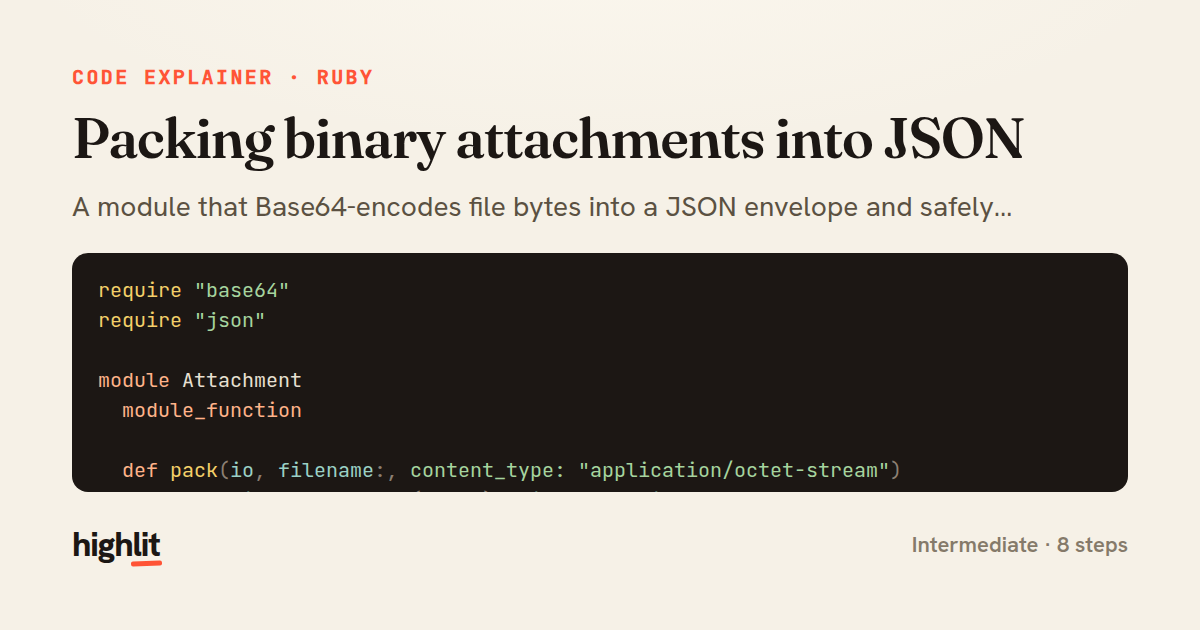
Made with highlit — turn any snippet into a walkthrough like this in about a minute.
Explain your code
Embed this explainer
Drop the interactive walkthrough into a blog or docs. Views never cost a credit.
<iframe src="https://highlit.co/explainers/packing-binary-attachments-into-json-explained-ruby-bee8/embed?autoplay=1" width="100%" height="520" loading="lazy" style="border:0"></iframe>
Autoplay is on by default — add ?autoplay=0 to start paused.