go
42 lines · 5 steps
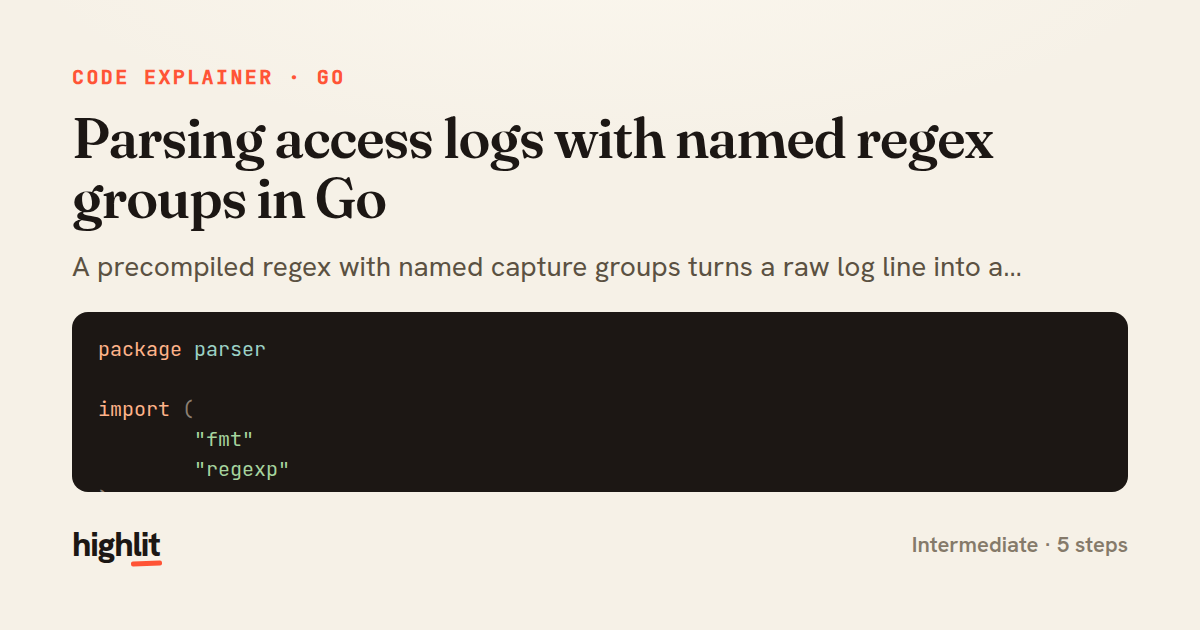
Parsing access logs with named regex groups in Go
A precompiled regex with named capture groups turns a raw log line into a structured struct.
Explained by
highlit
1package parser
2
3import (
4 "fmt"
5 "regexp"
6)
7
8var logPattern = regexp.MustCompile(
9 `^(?P<ip>\d{1,3}(?:\.\d{1,3}){3}) - - \[(?P<time>[^\]]+)\] "(?P<method>[A-Z]+) (?P<path>\S+) [^"]+" (?P<status>\d{3}) (?P<size>\d+)$`,
10)
11
12type AccessEntry struct {
13 IP string
14 Time string
15 Method string
16 Path string
17 Status string
18 Size string
19}
20
21func ParseAccessLine(line string) (*AccessEntry, error) {
22 match := logPattern.FindStringSubmatch(line)
23 if match == nil {
24 return nil, fmt.Errorf("line does not match access log format: %q", line)
25 }
26
27 fields := make(map[string]string)
28 for i, name := range logPattern.SubexpNames() {
29 if name != "" {
30 fields[name] = match[i]
31 }
32 }
33
34 return &AccessEntry{
35 IP: fields["ip"],
36 Time: fields["time"],
37 Method: fields["method"],
38 Path: fields["path"],
39 Status: fields["status"],
40 Size: fields["size"],
41 }, nil
42}
01 / 01
STEP 01
‹ swipe to step through ›
Walkthrough
Space play
←→ step
click any line
Three takeaways
- 1Compiling a regex once at package load with MustCompile avoids repeated compilation cost on every call.
- 2Named capture groups paired with SubexpNames let you map matches to fields without brittle positional indexing.
- 3Returning a nil pointer plus a descriptive error is idiomatic Go for signalling a parse that didn't match.
Related explainers
rust
use serde::Deserialize;

#[derive(Debug, Deserialize)]
#[serde(untagged)]
Parsing flexible JSON shapes with serde
deserialization
enums
json
Intermediate
6 steps
ruby
require "shellwords"
require "open3"

module Backup
Building safe shell commands in Ruby
shell-out
subprocess
command-injection
Intermediate
7 steps
go
package streaming

import (
	"bufio"
Streaming NDJSON logs over HTTP in Go
http-streaming
channels
select
Advanced
10 steps
ruby
class UserAgentParser
  BROWSERS = [
    [/Edg\/([\d.]+)/, "Edge"],
    [/OPR\/([\d.]+)/, "Opera"],
Parsing user-agent strings in Ruby
regex
pattern-matching
lookup-tables
Intermediate
8 steps
javascript
function evaluate(expression) {
  const tokens = tokenize(expression);
  let pos = 0;
Building a recursive descent calculator
parsing
recursion
operator-precedence
Intermediate
8 steps
go
package api

import (
	"crypto/sha256"
ETag conditional requests in Gin
http-caching
etag
conditional-requests
Intermediate
6 steps
Share this explainer
Here's the card — post it anywhere.
Made with highlit — turn any snippet into a walkthrough like this in about a minute.
Explain your code
Embed this explainer
Drop the interactive walkthrough into a blog or docs. Views never cost a credit.
<iframe src="https://highlit.co/explainers/parsing-access-logs-with-named-regex-groups-in-go-explained-go-cb1b/embed?autoplay=1" width="100%" height="520" loading="lazy" style="border:0"></iframe>
Autoplay is on by default — add ?autoplay=0 to start paused.