python
40 lines · 10 steps
Parsing and applying a robots.txt file
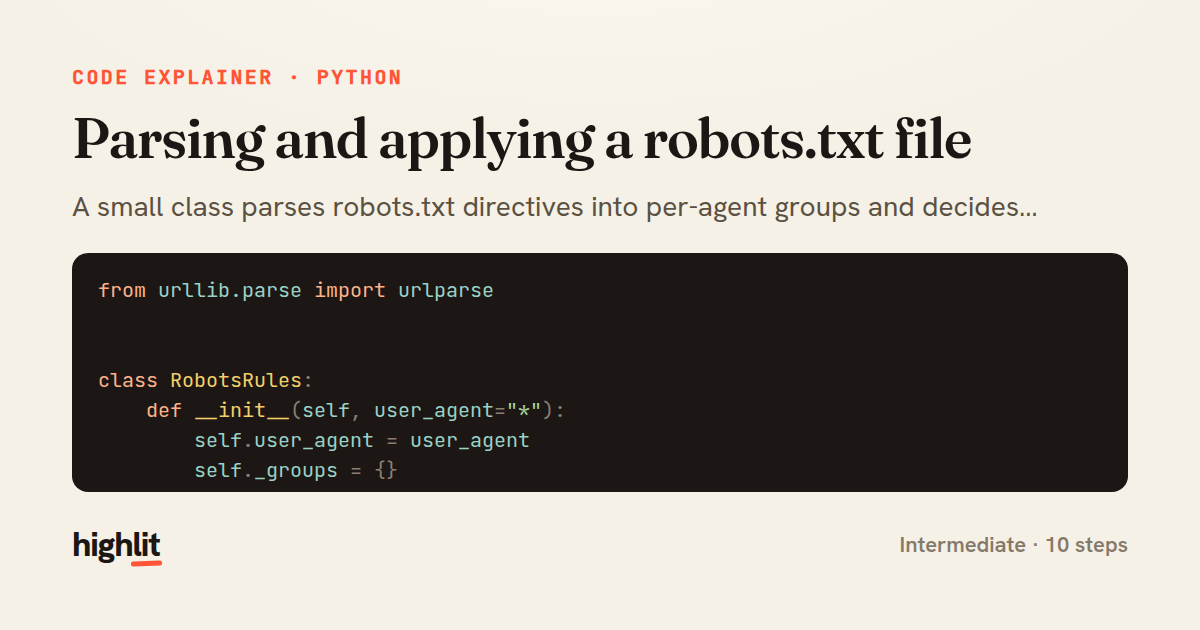
A small class parses robots.txt directives into per-agent groups and decides whether a URL may be crawled by longest-match.
Explained by
highlit
1from urllib.parse import urlparse
2
3
4class RobotsRules:
5 def __init__(self, user_agent="*"):
6 self.user_agent = user_agent
7 self._groups = {}
8
9 @classmethod
10 def parse(cls, text, user_agent="*"):
11 rules = cls(user_agent)
12 current_agents = []
13 for raw in text.splitlines():
14 line = raw.split("#", 1)[0].strip()
15 if not line or ":" not in line:
16 continue
17 field, value = (part.strip() for part in line.split(":", 1))
18 field = field.lower()
19 if field == "user-agent":
20 current_agents = [value.lower()]
21 elif field in ("allow", "disallow") and current_agents:
22 for agent in current_agents:
23 rules._groups.setdefault(agent, []).append((field, value))
24 return rules
25
26 def _directives(self):
27 agent = self.user_agent.lower()
28 if agent in self._groups:
29 return self._groups[agent]
30 return self._groups.get("*", [])
31
32 def is_allowed(self, url):
33 path = urlparse(url).path or "/"
34 best_match = (-1, True)
35 for field, pattern in self._directives():
36 if not pattern:
37 continue
38 if path.startswith(pattern) and len(pattern) > best_match[0]:
39 best_match = (len(pattern), field == "allow")
40 return best_match[1]
01 / 01
STEP 01
‹ swipe to step through ›
Walkthrough
Space play
←→ step
click any line
Three takeaways
- 1Grouping directives by user-agent keeps the parse output ready for fast per-agent lookup.
- 2The robots.txt spec resolves conflicts by longest matching path, so track the winner as you scan.
- 3Stripping comments and skipping malformed lines makes a parser robust against messy real-world input.
Related explainers
python
from fastapi import FastAPI, WebSocket, WebSocketDisconnect

app = FastAPI()
Building a WebSocket chat with FastAPI
websockets
broadcast
connection-management
Intermediate
9 steps
ruby
class UserAgentParser
  BROWSERS = [
    [/Edg\/([\d.]+)/, "Edge"],
    [/OPR\/([\d.]+)/, "Opera"],
Parsing user-agent strings in Ruby
regex
pattern-matching
lookup-tables
Intermediate
8 steps
python
import time
import uuid

from django.utils.deprecation import MiddlewareMixin
Attaching per-request context in Django
middleware
request lifecycle
multi-tenancy
Intermediate
7 steps
javascript
function evaluate(expression) {
  const tokens = tokenize(expression);
  let pos = 0;
Building a recursive descent calculator
parsing
recursion
operator-precedence
Intermediate
8 steps
python
import random
from typing import Iterator, List
How reservoir sampling picks k items
reservoir-sampling
streaming
randomness
Intermediate
5 steps
rust
use chrono::{Duration, NaiveDate};

#[derive(Debug)]
pub struct DateRange {
Parsing and iterating date ranges in Rust
error-handling
iterators
parsing
Intermediate
7 steps
Share this explainer
Here's the card — post it anywhere.
Made with highlit — turn any snippet into a walkthrough like this in about a minute.
Explain your code
Embed this explainer
Drop the interactive walkthrough into a blog or docs. Views never cost a credit.
<iframe src="https://highlit.co/explainers/parsing-and-applying-a-robots-txt-file-explained-python-8c6e/embed?autoplay=1" width="100%" height="520" loading="lazy" style="border:0"></iframe>
Autoplay is on by default — add ?autoplay=0 to start paused.