ruby
46 lines · 8 steps
Parsing CLI options with OptionParser
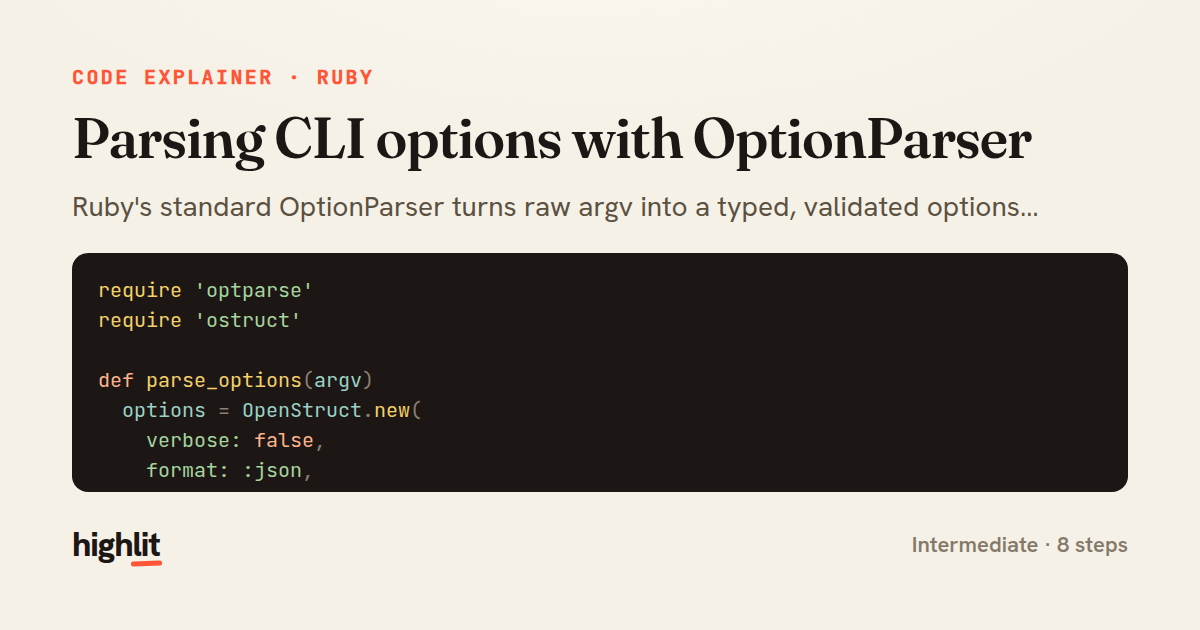
Ruby's standard OptionParser turns raw argv into a typed, validated options struct for a command-line tool.
Explained by
highlit
1require 'optparse'
2require 'ostruct'
3
4def parse_options(argv)
5 options = OpenStruct.new(
6 verbose: false,
7 format: :json,
8 workers: 1,
9 tags: []
10 )
11
12 parser = OptionParser.new do |opts|
13 opts.banner = 'Usage: deploy [options] TARGET'
14
15 opts.on('-v', '--[no-]verbose', 'Run with verbose output') do |v|
16 options.verbose = v
17 end
18
19 opts.on('-f', '--format FORMAT', %i[json yaml text],
20 'Output format (json, yaml, text)') do |fmt|
21 options.format = fmt
22 end
23
24 opts.on('-w', '--workers N', Integer, 'Number of parallel workers') do |n|
25 raise OptionParser::InvalidArgument, n.to_s unless n.positive?
26 options.workers = n
27 end
28
29 opts.on('-t', '--tag TAG', 'Filter by tag (repeatable)') do |tag|
30 options.tags << tag
31 end
32
33 opts.on('-c', '--config FILE', 'Path to config file') do |path|
34 options.config = File.expand_path(path)
35 end
36
37 opts.on('-h', '--help', 'Show this message') do
38 puts opts
39 exit
40 end
41 end
42
43 parser.parse!(argv)
44 options.target = argv.shift
45 options
46end
01 / 01
STEP 01
‹ swipe to step through ›
Walkthrough
Space play
←→ step
click any line
Three takeaways
- 1Seeding a defaults object up front means every flag is optional and unset values still behave sensibly.
- 2OptionParser can coerce and validate arguments inline, rejecting bad input before your program logic runs.
- 3parse! mutates argv in place, leaving non-option arguments behind for you to consume as positionals.
Related explainers
ruby
require "shellwords"
require "open3"

module Backup
Building safe shell commands in Ruby
shell-out
subprocess
command-injection
Intermediate
7 steps
php
<?php

namespace App\Services\Checkout;
Validating coupons with Laravel's Pipeline
pipeline
chain of responsibility
transactions
Intermediate
7 steps
ruby
class UserAgentParser
  BROWSERS = [
    [/Edg\/([\d.]+)/, "Edge"],
    [/OPR\/([\d.]+)/, "Opera"],
Parsing user-agent strings in Ruby
regex
pattern-matching
lookup-tables
Intermediate
8 steps
php
<?php

namespace App\Services;
How a password strength validator works in PHP
validation
regular-expressions
data-driven
Intermediate
8 steps
ruby
class LogAggregator
  BUCKET_FORMAT = "%Y-%m-%dT%H:%M"

  def initialize(entries)
Bucketing log entries by the minute in Ruby
aggregation
hashing
enumerable
Intermediate
5 steps
ruby
class WeeklySignupsReport
  DEFAULT_WEEKS = 12

  def initialize(weeks: DEFAULT_WEEKS, source: User.all)
Building a weekly signups report in Rails
service object
aggregation
group by
Intermediate
7 steps
Share this explainer
Here's the card — post it anywhere.
Made with highlit — turn any snippet into a walkthrough like this in about a minute.
Explain your code
Embed this explainer
Drop the interactive walkthrough into a blog or docs. Views never cost a credit.
<iframe src="https://highlit.co/explainers/parsing-cli-options-with-optionparser-explained-ruby-3b8b/embed?autoplay=1" width="100%" height="520" loading="lazy" style="border:0"></iframe>
Autoplay is on by default — add ?autoplay=0 to start paused.