javascript
53 lines · 10 steps
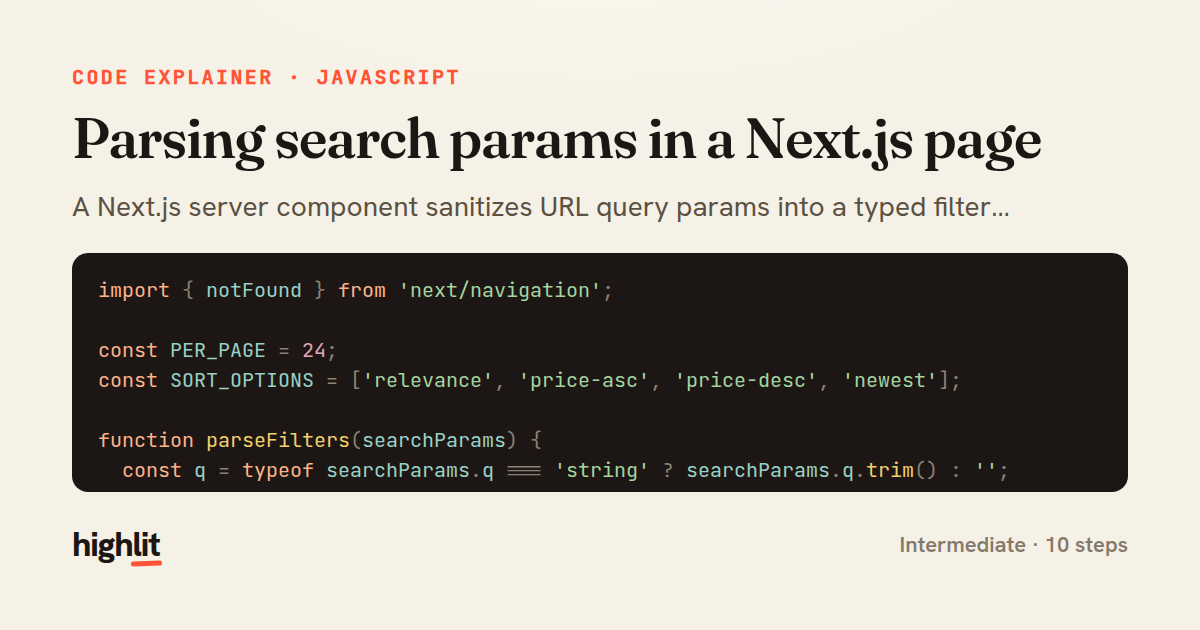
Parsing search params in a Next.js page
A Next.js server component sanitizes URL query params into a typed filter object before querying products.
Explained by
highlit
1import { notFound } from 'next/navigation';
2
3const PER_PAGE = 24;
4const SORT_OPTIONS = ['relevance', 'price-asc', 'price-desc', 'newest'];
5
6function parseFilters(searchParams) {
7 const q = typeof searchParams.q === 'string' ? searchParams.q.trim() : '';
8
9 const sort = SORT_OPTIONS.includes(searchParams.sort)
10 ? searchParams.sort
11 : 'relevance';
12
13 const page = Math.max(1, Number.parseInt(searchParams.page, 10) || 1);
14
15 const min = Number.parseFloat(searchParams.min);
16 const max = Number.parseFloat(searchParams.max);
17 const minPrice = Number.isFinite(min) && min >= 0 ? min : null;
18 const maxPrice = Number.isFinite(max) && max >= 0 ? max : null;
19
20 const categories = []
21 .concat(searchParams.category ?? [])
22 .filter((c) => typeof c === 'string' && c.length > 0);
23
24 const inStock = searchParams.inStock === 'true';
25
26 return { q, sort, page, minPrice, maxPrice, categories, inStock };
27}
28
29export default async function ProductsPage({ searchParams }) {
30 const filters = parseFilters(await searchParams);
31
32 if (filters.minPrice !== null && filters.maxPrice !== null && filters.minPrice > filters.maxPrice) {
33 notFound();
34 }
35
36 const { products, total } = await searchProducts({
37 ...filters,
38 limit: PER_PAGE,
39 offset: (filters.page - 1) * PER_PAGE,
40 });
41
42 if (filters.page > 1 && products.length === 0) {
43 notFound();
44 }
45
46 return (
47 <ProductGrid
48 products={products}
49 filters={filters}
50 totalPages={Math.ceil(total / PER_PAGE)}
51 />
52 );
53}
01 / 01
STEP 01
‹ swipe to step through ›
Walkthrough
Space play
←→ step
click any line
Three takeaways
- 1User-supplied query params are untrusted strings, so coerce and bound each one before using it.
- 2Centralizing parsing in one function gives every downstream consumer a clean, predictable filter shape.
- 3Returning notFound() for impossible or empty states keeps invalid URLs from rendering broken pages.
Related explainers
javascript
function evaluate(expression) {
  const tokens = tokenize(expression);
  let pos = 0;
Building a recursive descent calculator
parsing
recursion
operator-precedence
Intermediate
8 steps
javascript
import { useState, useEffect, useCallback, useRef } from 'react';

const cache = new Map();
const inflight = new Map();
Building a stale-while-revalidate hook in React
caching
request-deduplication
custom-hooks
Advanced
10 steps
java
public static Map<String, String> parseCookieHeader(String header) {
    Map<String, String> cookies = new LinkedHashMap<>();
    if (header == null || header.isBlank()) {
        return cookies;
Parsing an HTTP Cookie header in Java
string-parsing
http
url-decoding
Intermediate
6 steps
javascript
import { useEffect, useRef, useState } from 'react';

export function useDelayedFlag(active, delay = 300) {
  const [visible, setVisible] = useState(false);
Delaying a loading spinner with a React hook
custom-hooks
debouncing
cleanup
Intermediate
8 steps
go
package middleware

import (
	"net/http"
Per-plan export limits in Gin middleware
middleware
rate-limiting
authorization
Intermediate
7 steps
javascript
const SWIPE_THRESHOLD = 80;
const MAX_TRANSLATE = 120;

export function attachSwipeToDismiss(element, onDismiss) {
Building a swipe-to-dismiss gesture in JS
touch-events
gesture-detection
dom-manipulation
Intermediate
10 steps
Share this explainer
Here's the card — post it anywhere.
Made with highlit — turn any snippet into a walkthrough like this in about a minute.
Explain your code
Embed this explainer
Drop the interactive walkthrough into a blog or docs. Views never cost a credit.
<iframe src="https://highlit.co/explainers/parsing-search-params-in-a-next-js-page-explained-javascript-20a1/embed?autoplay=1" width="100%" height="520" loading="lazy" style="border:0"></iframe>
Autoplay is on by default — add ?autoplay=0 to start paused.