python
54 lines · 9 steps
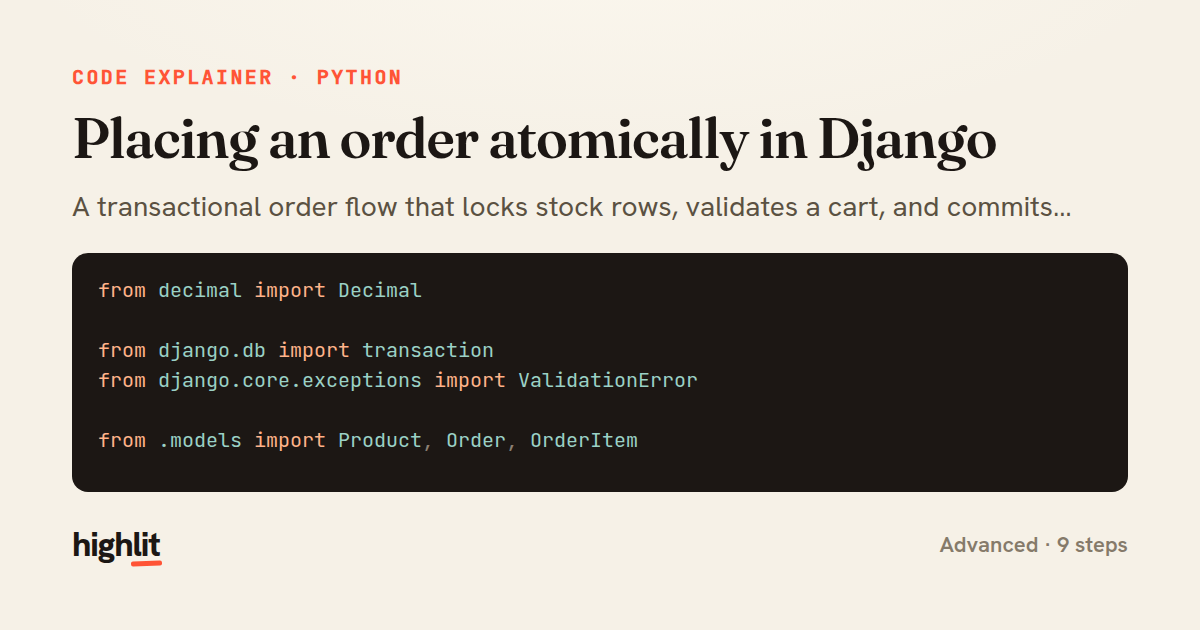
Placing an order atomically in Django
A transactional order flow that locks stock rows, validates a cart, and commits inventory and line items together.
Explained by
highlit
1from decimal import Decimal
2
3from django.db import transaction
4from django.core.exceptions import ValidationError
5
6from .models import Product, Order, OrderItem
7
8
9@transaction.atomic
10def place_order(customer, cart_items):
11 product_ids = [item["product_id"] for item in cart_items]
12
13 products = (
14 Product.objects
15 .select_for_update()
16 .filter(id__in=product_ids, is_active=True)
17 .in_bulk()
18 )
19
20 order = Order.objects.create(customer=customer, status=Order.Status.PENDING)
21 line_items = []
22 total = Decimal("0.00")
23
24 for item in cart_items:
25 quantity = item["quantity"]
26 product = products.get(item["product_id"])
27
28 if product is None:
29 raise ValidationError(f"Product {item['product_id']} is unavailable.")
30 if product.stock < quantity:
31 raise ValidationError(
32 f"Only {product.stock} left of {product.name}."
33 )
34
35 product.stock -= quantity
36 line_items.append(
37 OrderItem(
38 order=order,
39 product=product,
40 quantity=quantity,
41 unit_price=product.price,
42 )
43 )
44 total += product.price * quantity
45
46 Product.objects.bulk_update(products.values(), ["stock"])
47 OrderItem.objects.bulk_create(line_items)
48
49 order.total = total
50 order.status = Order.Status.CONFIRMED
51 order.save(update_fields=["total", "status"])
52
53 transaction.on_commit(lambda: order.send_confirmation_email())
54 return order
01 / 01
STEP 01
‹ swipe to step through ›
Walkthrough
Space play
←→ step
click any line
Three takeaways
- 1Wrapping the whole flow in a transaction means any validation failure rolls back every write, so orders never partially commit.
- 2select_for_update locks the product rows for the transaction's duration, preventing two concurrent checkouts from overselling the same stock.
- 3Side effects like emails belong in on_commit so they only fire once the data is durably saved.
Related explainers
python
from fastapi import FastAPI, WebSocket, WebSocketDisconnect

app = FastAPI()
Building a WebSocket chat with FastAPI
websockets
broadcast
connection-management
Intermediate
9 steps
php
<?php

namespace App\Services\Checkout;
Validating coupons with Laravel's Pipeline
pipeline
chain of responsibility
transactions
Intermediate
7 steps
python
import time
import uuid

from django.utils.deprecation import MiddlewareMixin
Attaching per-request context in Django
middleware
request lifecycle
multi-tenancy
Intermediate
7 steps
php
<?php

namespace App\Services;
How a password strength validator works in PHP
validation
regular-expressions
data-driven
Intermediate
8 steps
go
func (w *Watcher) resetDebounce(d time.Duration) {
	if !w.timer.Stop() {
		select {
		case <-w.timer.C:
Debouncing a stream of events in Go
debounce
timers
channels
Advanced
7 steps
python
import random
from typing import Iterator, List
How reservoir sampling picks k items
reservoir-sampling
streaming
randomness
Intermediate
5 steps
Share this explainer
Here's the card — post it anywhere.
Made with highlit — turn any snippet into a walkthrough like this in about a minute.
Explain your code
Embed this explainer
Drop the interactive walkthrough into a blog or docs. Views never cost a credit.
<iframe src="https://highlit.co/explainers/placing-an-order-atomically-in-django-explained-python-74dc/embed?autoplay=1" width="100%" height="520" loading="lazy" style="border:0"></iframe>
Autoplay is on by default — add ?autoplay=0 to start paused.