java
24 lines · 6 steps
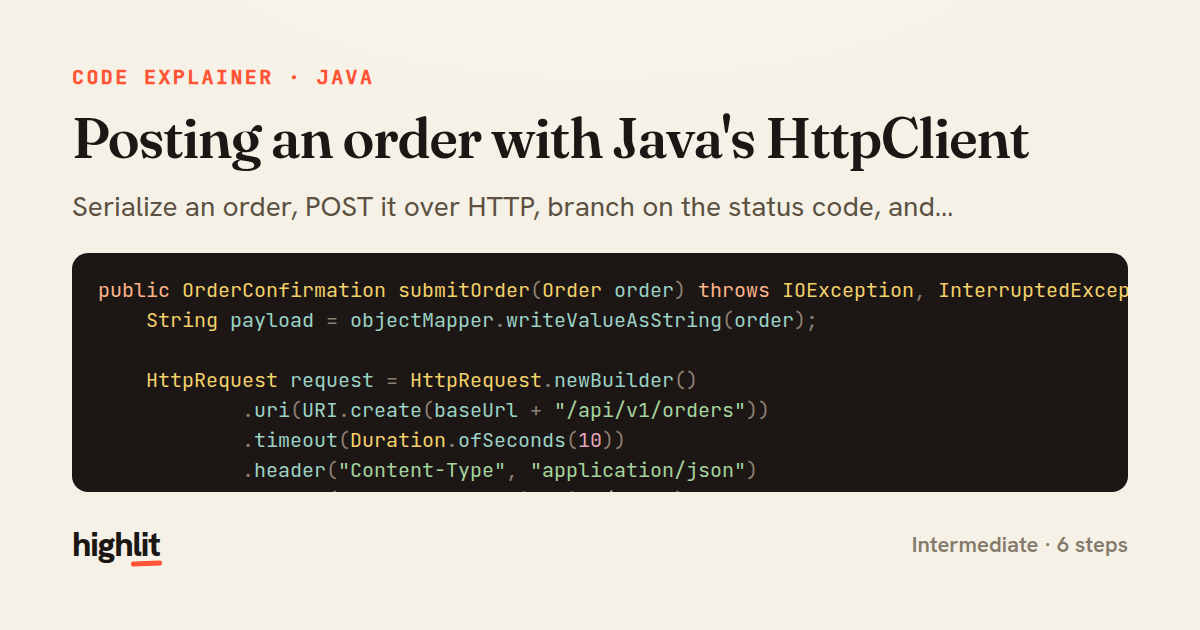
Posting an order with Java's HttpClient
Serialize an order, POST it over HTTP, branch on the status code, and deserialize the reply.
Explained by
highlit
1public OrderConfirmation submitOrder(Order order) throws IOException, InterruptedException {
2 String payload = objectMapper.writeValueAsString(order);
3
4 HttpRequest request = HttpRequest.newBuilder()
5 .uri(URI.create(baseUrl + "/api/v1/orders"))
6 .timeout(Duration.ofSeconds(10))
7 .header("Content-Type", "application/json")
8 .header("Accept", "application/json")
9 .header("Authorization", "Bearer " + apiToken)
10 .POST(HttpRequest.BodyPublishers.ofString(payload, StandardCharsets.UTF_8))
11 .build();
12
13 HttpResponse<String> response = httpClient.send(request, HttpResponse.BodyHandlers.ofString());
14
15 int status = response.statusCode();
16 if (status == 429) {
17 throw new RateLimitedException(response.headers().firstValue("Retry-After").orElse("5"));
18 }
19 if (status >= 400) {
20 throw new OrderApiException("Order submission failed with status " + status + ": " + response.body());
21 }
22
23 return objectMapper.readValue(response.body(), OrderConfirmation.class);
24}
01 / 01
STEP 01
‹ swipe to step through ›
Walkthrough
Space play
←→ step
click any line
Three takeaways
- 1Jackson's ObjectMapper bookends the request: one call to serialize outbound, one to deserialize the response.
- 2Inspecting the status code before parsing lets you fail fast with meaningful exceptions instead of a broken body.
- 3The builder pattern on HttpRequest makes headers, timeout, and body read as a single declarative description of the call.
Related explainers
rust
use serde::Deserialize;

#[derive(Debug, Deserialize)]
#[serde(untagged)]
Parsing flexible JSON shapes with serde
deserialization
enums
json
Intermediate
6 steps
ruby
require "shellwords"
require "open3"

module Backup
Building safe shell commands in Ruby
shell-out
subprocess
command-injection
Intermediate
7 steps
java
@Component
@Converter
public class EncryptedStringConverter implements AttributeConverter<String, String> {
Transparent column encryption in Spring & JPA
encryption
aes-gcm
jpa-converter
Advanced
10 steps
java
package com.acme.billing.config;

import org.springframework.boot.autoconfigure.condition.ConditionalOnProperty;
import org.springframework.boot.context.properties.ConfigurationProperties;
Feature-flagged beans with Spring @ConditionalOnProperty
feature-flags
conditional-beans
strategy-pattern
Intermediate
5 steps
rust
use chrono::{Duration, NaiveDate};

#[derive(Debug)]
pub struct DateRange {
Parsing and iterating date ranges in Rust
error-handling
iterators
parsing
Intermediate
7 steps
java
public static Map<String, String> parseCookieHeader(String header) {
    Map<String, String> cookies = new LinkedHashMap<>();
    if (header == null || header.isBlank()) {
        return cookies;
Parsing an HTTP Cookie header in Java
string-parsing
http
url-decoding
Intermediate
6 steps
Share this explainer
Here's the card — post it anywhere.
Made with highlit — turn any snippet into a walkthrough like this in about a minute.
Explain your code
Embed this explainer
Drop the interactive walkthrough into a blog or docs. Views never cost a credit.
<iframe src="https://highlit.co/explainers/posting-an-order-with-java-s-httpclient-explained-java-8504/embed?autoplay=1" width="100%" height="520" loading="lazy" style="border:0"></iframe>
Autoplay is on by default — add ?autoplay=0 to start paused.