typescript
40 lines · 6 steps
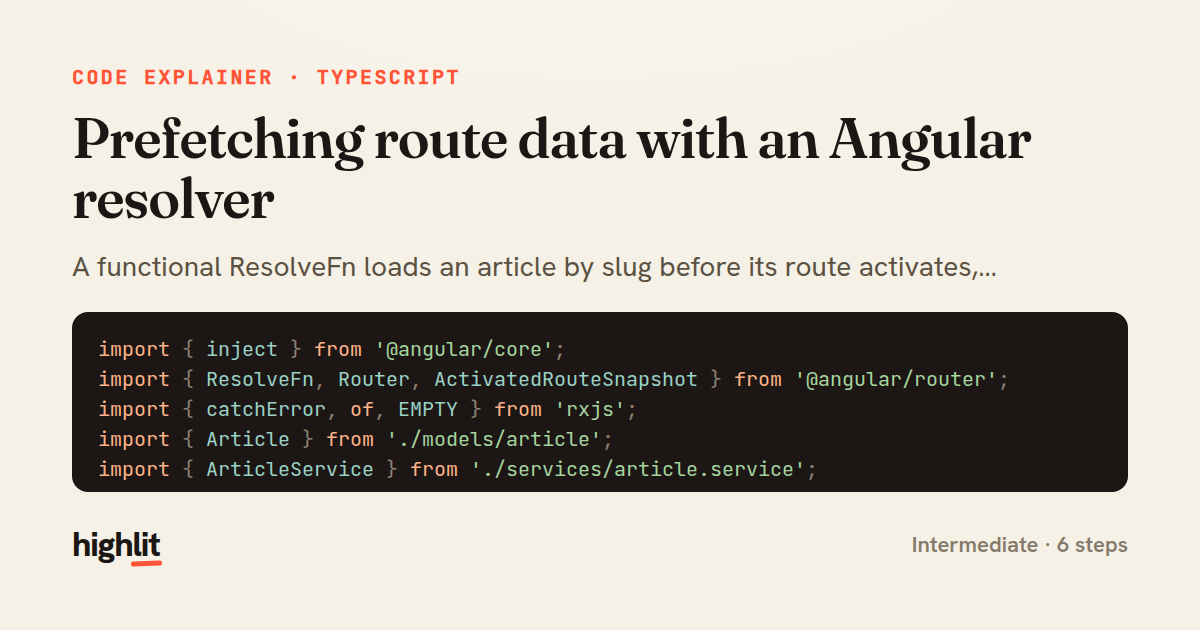
Prefetching route data with an Angular resolver
A functional ResolveFn loads an article by slug before its route activates, redirecting cleanly when the data is missing.
Explained by
highlit
1import { inject } from '@angular/core';
2import { ResolveFn, Router, ActivatedRouteSnapshot } from '@angular/router';
3import { catchError, of, EMPTY } from 'rxjs';
4import { Article } from './models/article';
5import { ArticleService } from './services/article.service';
6
7export const articleResolver: ResolveFn<Article> = (
8 route: ActivatedRouteSnapshot,
9) => {
10 const articleService = inject(ArticleService);
11 const router = inject(Router);
12
13 const slug = route.paramMap.get('slug');
14
15 if (!slug) {
16 router.navigate(['/articles']);
17 return EMPTY;
18 }
19
20 return articleService.getBySlug(slug).pipe(
21 catchError((err) => {
22 if (err.status === 404) {
23 router.navigate(['/not-found'], { skipLocationChange: true });
24 } else {
25 router.navigate(['/articles']);
26 }
27 return EMPTY;
28 }),
29 );
30};
31
32export const articleRoutes = [
33 {
34 path: 'articles/:slug',
35 loadComponent: () =>
36 import('./article-detail.component').then((m) => m.ArticleDetailComponent),
37 resolve: { article: articleResolver },
38 runGuardsAndResolvers: 'paramsChange',
39 },
40];
01 / 01
STEP 01
‹ swipe to step through ›
Walkthrough
Space play
←→ step
click any line
Three takeaways
- 1Resolvers fetch and validate data before a component renders, so the view never has to handle a missing or loading state.
- 2Returning EMPTY from a resolver cancels navigation, making it the natural escape hatch when you redirect instead.
- 3inject() lets functional resolvers grab services without a class, keeping route logic small and tree-shakeable.
Related explainers
typescript
import { registerLocaleData } from '@angular/common';
import localeFr from '@angular/common/locales/fr';
import localeFrExtra from '@angular/common/locales/extra/fr';
import localeDe from '@angular/common/locales/de';
Locale-aware bootstrapping in Angular
i18n
localization
dependency-injection
Intermediate
8 steps
rust
use serde::Deserialize;

#[derive(Debug, Deserialize)]
#[serde(untagged)]
Parsing flexible JSON shapes with serde
deserialization
enums
json
Intermediate
6 steps
ruby
require "shellwords"
require "open3"

module Backup
Building safe shell commands in Ruby
shell-out
subprocess
command-injection
Intermediate
7 steps
typescript
import { Module } from '@nestjs/common';
import { ConfigModule } from '@nestjs/config';
import * as Joi from 'joi';
Validating env config at boot in NestJS
configuration
schema-validation
environment-variables
Intermediate
8 steps
java
@Component
@Converter
public class EncryptedStringConverter implements AttributeConverter<String, String> {
Transparent column encryption in Spring & JPA
encryption
aes-gcm
jpa-converter
Advanced
10 steps
typescript
import { Inject, Injectable, Logger } from '@nestjs/common';
import { CACHE_MANAGER } from '@nestjs/cache-manager';
import { Cache } from 'cache-manager';
import { InjectRepository } from '@nestjs/typeorm';
A cache-aside country lookup in NestJS
cache-aside
dependency-injection
batch-lookup
Intermediate
8 steps
Share this explainer
Here's the card — post it anywhere.
Made with highlit — turn any snippet into a walkthrough like this in about a minute.
Explain your code
Embed this explainer
Drop the interactive walkthrough into a blog or docs. Views never cost a credit.
<iframe src="https://highlit.co/explainers/prefetching-route-data-with-an-angular-resolver-explained-typescript-1a74/embed?autoplay=1" width="100%" height="520" loading="lazy" style="border:0"></iframe>
Autoplay is on by default — add ?autoplay=0 to start paused.