python
43 lines · 8 steps
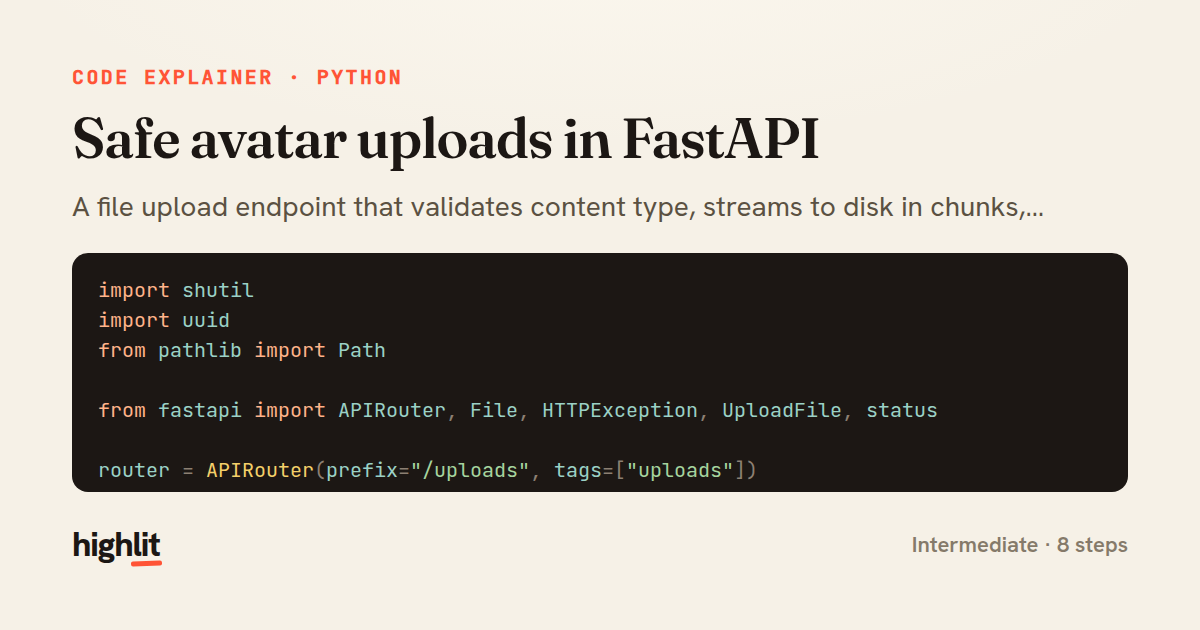
Safe avatar uploads in FastAPI
A file upload endpoint that validates content type, streams to disk in chunks, and enforces a size cap while cleaning up on failure.
Explained by
highlit
1import shutil
2import uuid
3from pathlib import Path
4
5from fastapi import APIRouter, File, HTTPException, UploadFile, status
6
7router = APIRouter(prefix="/uploads", tags=["uploads"])
8
9UPLOAD_DIR = Path("media/avatars")
10ALLOWED_TYPES = {"image/jpeg": ".jpg", "image/png": ".png", "image/webp": ".webp"}
11MAX_BYTES = 5 * 1024 * 1024
12
13
14@router.post("/avatar", status_code=status.HTTP_201_CREATED)
15async def upload_avatar(file: UploadFile = File(...)):
16 extension = ALLOWED_TYPES.get(file.content_type)
17 if extension is None:
18 raise HTTPException(
19 status_code=status.HTTP_415_UNSUPPORTED_MEDIA_TYPE,
20 detail=f"Unsupported content type: {file.content_type}",
21 )
22
23 UPLOAD_DIR.mkdir(parents=True, exist_ok=True)
24 destination = UPLOAD_DIR / f"{uuid.uuid4().hex}{extension}"
25
26 size = 0
27 try:
28 with destination.open("wb") as buffer:
29 while chunk := await file.read(1024 * 1024):
30 size += len(chunk)
31 if size > MAX_BYTES:
32 raise HTTPException(
33 status_code=status.HTTP_413_REQUEST_ENTITY_TOO_LARGE,
34 detail="File exceeds the 5 MB limit",
35 )
36 buffer.write(chunk)
37 except HTTPException:
38 destination.unlink(missing_ok=True)
39 raise
40 finally:
41 await file.close()
42
43 return {"filename": destination.name, "content_type": file.content_type, "size": size}
01 / 01
STEP 01
‹ swipe to step through ›
Walkthrough
Space play
←→ step
click any line
Three takeaways
- 1Streaming uploads chunk-by-chunk keeps memory bounded no matter how large the file is.
- 2Enforce size limits during the write, not before, since a client's declared length can't be trusted.
- 3Clean up partially written files on failure so a rejected upload never leaves junk on disk.
Related explainers
rust
use serde::Deserialize;

#[derive(Debug, Deserialize)]
#[serde(untagged)]
Parsing flexible JSON shapes with serde
deserialization
enums
json
Intermediate
6 steps
ruby
require "shellwords"
require "open3"

module Backup
Building safe shell commands in Ruby
shell-out
subprocess
command-injection
Intermediate
7 steps
python
from fastapi import FastAPI, WebSocket, WebSocketDisconnect

app = FastAPI()
Building a WebSocket chat with FastAPI
websockets
broadcast
connection-management
Intermediate
9 steps
php
<?php

namespace App\Services\Checkout;
Validating coupons with Laravel's Pipeline
pipeline
chain of responsibility
transactions
Intermediate
7 steps
python
import time
import uuid

from django.utils.deprecation import MiddlewareMixin
Attaching per-request context in Django
middleware
request lifecycle
multi-tenancy
Intermediate
7 steps
php
<?php

namespace App\Services;
How a password strength validator works in PHP
validation
regular-expressions
data-driven
Intermediate
8 steps
Share this explainer
Here's the card — post it anywhere.
Made with highlit — turn any snippet into a walkthrough like this in about a minute.
Explain your code
Embed this explainer
Drop the interactive walkthrough into a blog or docs. Views never cost a credit.
<iframe src="https://highlit.co/explainers/safe-avatar-uploads-in-fastapi-explained-python-bc8f/embed?autoplay=1" width="100%" height="520" loading="lazy" style="border:0"></iframe>
Autoplay is on by default — add ?autoplay=0 to start paused.