ruby
34 lines · 6 steps
Scheduling a drip email sequence in Rails
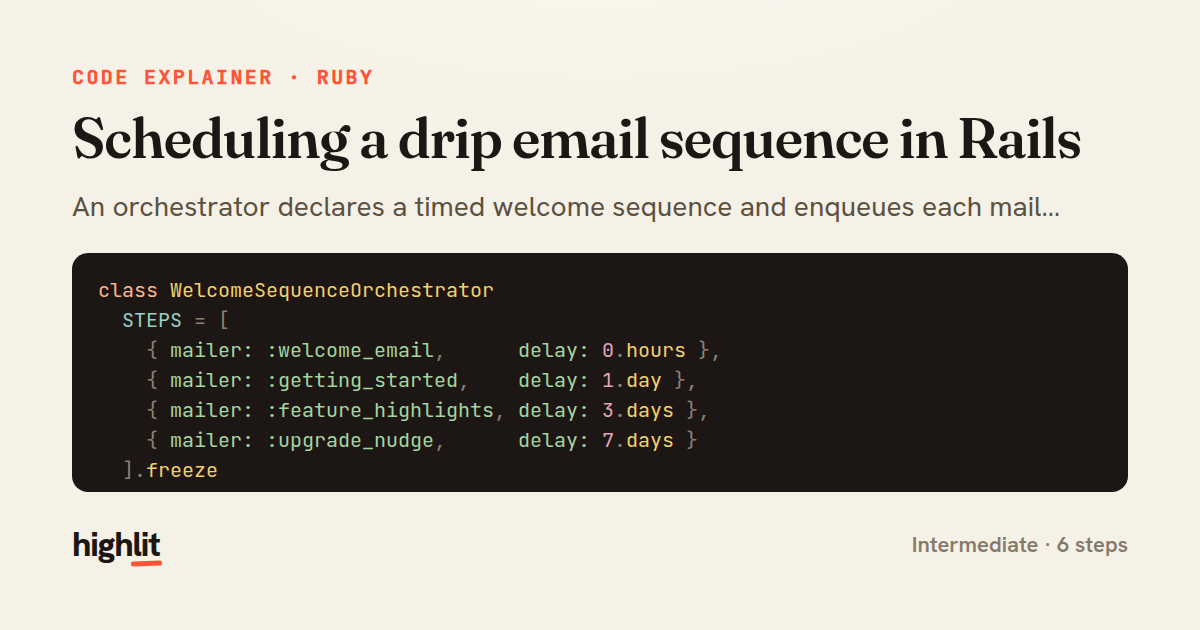
An orchestrator declares a timed welcome sequence and enqueues each mailer with the right delay.
Explained by
highlit
1class WelcomeSequenceOrchestrator
2 STEPS = [
3 { mailer: :welcome_email, delay: 0.hours },
4 { mailer: :getting_started, delay: 1.day },
5 { mailer: :feature_highlights, delay: 3.days },
6 { mailer: :upgrade_nudge, delay: 7.days }
7 ].freeze
8
9 def initialize(user)
10 @user = user
11 end
12
13 def call
14 return if @user.unsubscribed_from_onboarding?
15
16 STEPS.each do |step|
17 enqueue(step[:mailer], step[:delay])
18 end
19 end
20
21 private
22
23 def enqueue(mailer_method, delay)
24 job = UserMailer
25 .with(user: @user, sequence: :welcome)
26 .public_send(mailer_method)
27
28 if delay.zero?
29 job.deliver_later(queue: :mailers)
30 else
31 job.deliver_later(queue: :mailers, wait_until: delay.from_now)
32 end
33 end
34end
01 / 01
STEP 01
‹ swipe to step through ›
Walkthrough
Space play
←→ step
click any line
Three takeaways
- 1Encoding a workflow as a frozen data table keeps the schedule readable and easy to reorder.
- 2A single guard clause up front lets you skip an entire multi-step sequence for opted-out users.
- 3ActiveJob's wait_until turns a relative delay into scheduled delivery without any cron or scheduler.
Related explainers
ruby
require "shellwords"
require "open3"

module Backup
Building safe shell commands in Ruby
shell-out
subprocess
command-injection
Intermediate
7 steps
ruby
class UserAgentParser
  BROWSERS = [
    [/Edg\/([\d.]+)/, "Edge"],
    [/OPR\/([\d.]+)/, "Opera"],
Parsing user-agent strings in Ruby
regex
pattern-matching
lookup-tables
Intermediate
8 steps
ruby
class LogAggregator
  BUCKET_FORMAT = "%Y-%m-%dT%H:%M"

  def initialize(entries)
Bucketing log entries by the minute in Ruby
aggregation
hashing
enumerable
Intermediate
5 steps
ruby
class WeeklySignupsReport
  DEFAULT_WEEKS = 12

  def initialize(weeks: DEFAULT_WEEKS, source: User.all)
Building a weekly signups report in Rails
service object
aggregation
group by
Intermediate
7 steps
ruby
class ApplicationController < ActionController::Base
  EXPERIMENTS = {
    checkout_button_color: %w[control blue green],
    onboarding_flow: %w[control streamlined]
How A/B test cohorts are assigned in Rails
a-b-testing
cookies
hashing
Intermediate
8 steps
ruby
class SnippetHighlighter
  CONTEXT_RADIUS = 60
  MAX_TERMS = 8
Building search-result snippets in Ruby
regular-expressions
text-processing
search
Intermediate
9 steps
Share this explainer
Here's the card — post it anywhere.
Made with highlit — turn any snippet into a walkthrough like this in about a minute.
Explain your code
Embed this explainer
Drop the interactive walkthrough into a blog or docs. Views never cost a credit.
<iframe src="https://highlit.co/explainers/scheduling-a-drip-email-sequence-in-rails-explained-ruby-2739/embed?autoplay=1" width="100%" height="520" loading="lazy" style="border:0"></iframe>
Autoplay is on by default — add ?autoplay=0 to start paused.