java
35 lines · 6 steps
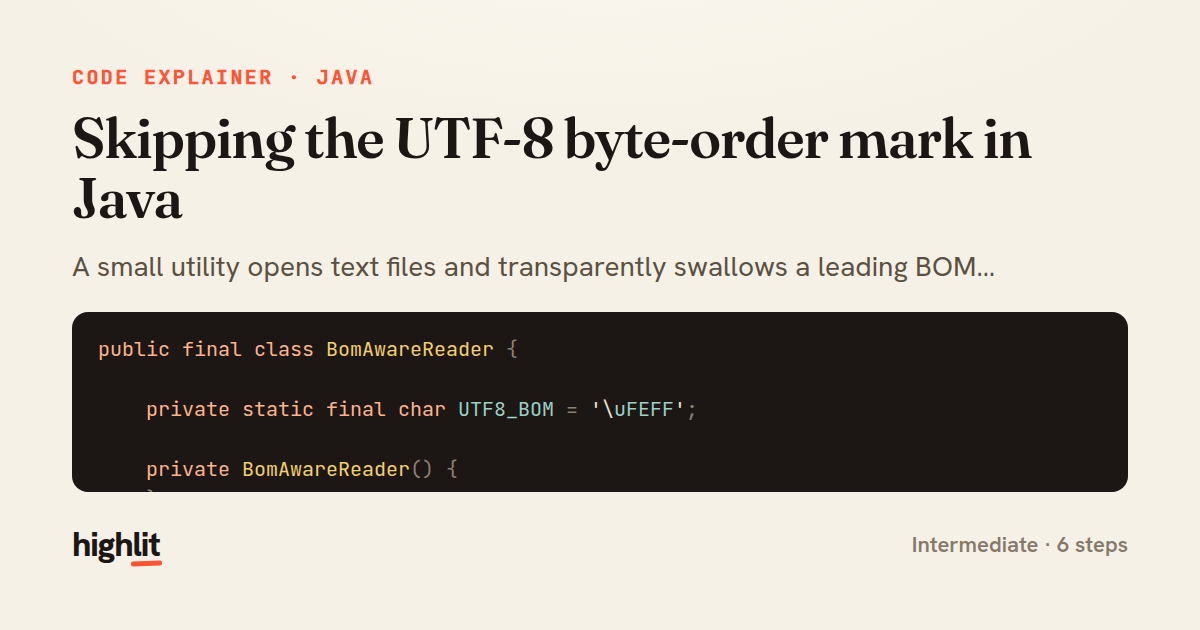
Skipping the UTF-8 byte-order mark in Java
A small utility opens text files and transparently swallows a leading BOM character so readers never see it.
Explained by
highlit
1public final class BomAwareReader {
2
3 private static final char UTF8_BOM = '\uFEFF';
4
5 private BomAwareReader() {
6 }
7
8 public static BufferedReader open(Path path, Charset charset) throws IOException {
9 BufferedReader reader = Files.newBufferedReader(path, charset);
10 reader.mark(1);
11 int first = reader.read();
12 if (first != UTF8_BOM) {
13 reader.reset();
14 }
15 return reader;
16 }
17
18 public static String stripBom(String text) {
19 if (!text.isEmpty() && text.charAt(0) == UTF8_BOM) {
20 return text.substring(1);
21 }
22 return text;
23 }
24
25 public static List<String> readAllLines(Path path) throws IOException {
26 try (BufferedReader reader = open(path, StandardCharsets.UTF_8)) {
27 List<String> lines = new ArrayList<>();
28 String line;
29 while ((line = reader.readLine()) != null) {
30 lines.add(line);
31 }
32 return lines;
33 }
34 }
35}
01 / 01
STEP 01
‹ swipe to step through ›
Walkthrough
Space play
←→ step
click any line
Three takeaways
- 1A BOM is a real character in the stream, so you must actively read past it to keep it out of your data.
- 2Marking a reader before a peek read lets you rewind cleanly when the peeked character turns out to be wanted.
- 3Wrapping the utility in a private constructor and static methods signals it is a stateless helper, never instantiated.
Related explainers
java
@Component
@Converter
public class EncryptedStringConverter implements AttributeConverter<String, String> {
Transparent column encryption in Spring & JPA
encryption
aes-gcm
jpa-converter
Advanced
10 steps
java
package com.acme.billing.config;

import org.springframework.boot.autoconfigure.condition.ConditionalOnProperty;
import org.springframework.boot.context.properties.ConfigurationProperties;
Feature-flagged beans with Spring @ConditionalOnProperty
feature-flags
conditional-beans
strategy-pattern
Intermediate
5 steps
java
public static Map<String, String> parseCookieHeader(String header) {
    Map<String, String> cookies = new LinkedHashMap<>();
    if (header == null || header.isBlank()) {
        return cookies;
Parsing an HTTP Cookie header in Java
string-parsing
http
url-decoding
Intermediate
6 steps
java
public class TimedSocketReader {

    private static final int READ_TIMEOUT_MS = 5_000;
    private static final int CONNECT_TIMEOUT_MS = 3_000;
Reading a socket with connect and read timeouts
sockets
timeouts
io
Intermediate
8 steps
java
public final class EncodingDetector {

    public enum Encoding {
        UTF_8, UTF_16LE, UTF_16BE, UTF_32LE, UTF_32BE, ASCII, UNKNOWN
Detecting text encoding from raw bytes in Java
byte-manipulation
encoding-detection
bitwise-operations
Intermediate
8 steps
java
public final class ImportOrganizer {

    private static final Pattern IMPORT_LINE =
            Pattern.compile("^import\\s+(static\\s+)?([\\w.]+(?:\\.\\*)?)\\s*;\\s*$");
Sorting Java imports with a regex pass
regex
sorting
text-processing
Intermediate
8 steps
Share this explainer
Here's the card — post it anywhere.
Made with highlit — turn any snippet into a walkthrough like this in about a minute.
Explain your code
Embed this explainer
Drop the interactive walkthrough into a blog or docs. Views never cost a credit.
<iframe src="https://highlit.co/explainers/skipping-the-utf-8-byte-order-mark-in-java-explained-java-7a23/embed?autoplay=1" width="100%" height="520" loading="lazy" style="border:0"></iframe>
Autoplay is on by default — add ?autoplay=0 to start paused.