typescript
42 lines · 8 steps
Splitting text into highlighted match segments
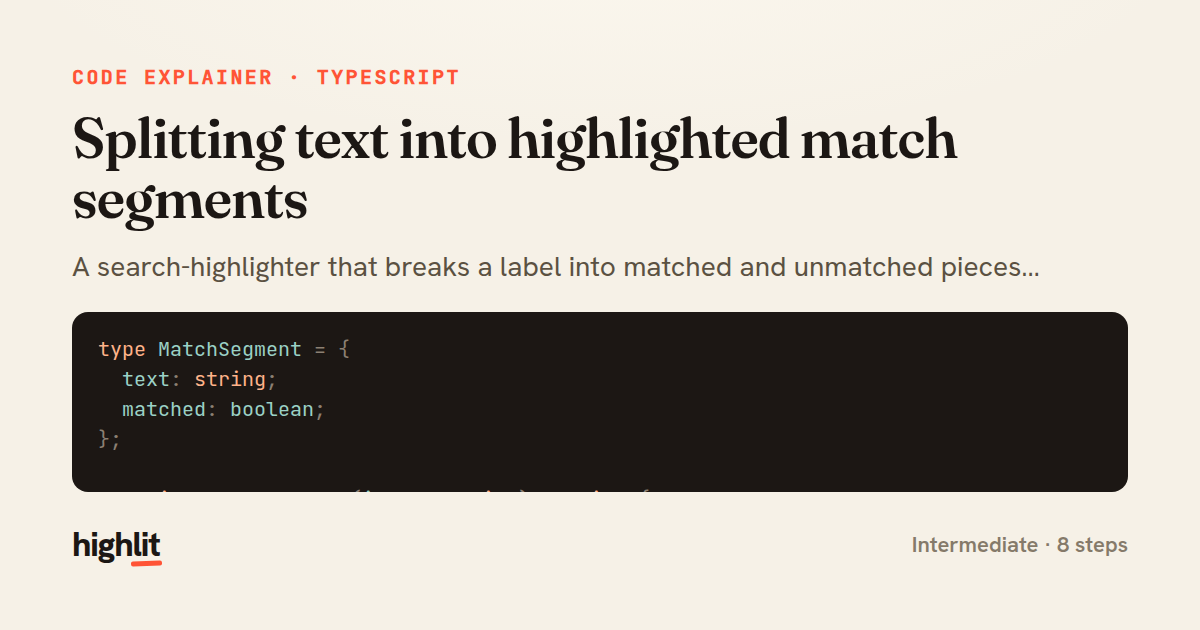
A search-highlighter that breaks a label into matched and unmatched pieces without breaking on special characters.
Explained by
highlit
1type MatchSegment = {
2 text: string;
3 matched: boolean;
4};
5
6function escapeRegExp(input: string): string {
7 return input.replace(/[.*+?^${}()|[\]\\]/g, "\\$&");
8}
9
10export function highlightMatches(label: string, query: string): MatchSegment[] {
11 const trimmed = query.trim();
12 if (trimmed.length === 0) {
13 return [{ text: label, matched: false }];
14 }
15
16 const pattern = new RegExp(`(${escapeRegExp(trimmed)})`, "gi");
17 const segments: MatchSegment[] = [];
18 let lastIndex = 0;
19
20 for (const match of label.matchAll(pattern)) {
21 const start = match.index ?? 0;
22 if (start > lastIndex) {
23 segments.push({ text: label.slice(lastIndex, start), matched: false });
24 }
25 segments.push({ text: match[0], matched: true });
26 lastIndex = start + match[0].length;
27 }
28
29 if (lastIndex < label.length) {
30 segments.push({ text: label.slice(lastIndex), matched: false });
31 }
32
33 return segments;
34}
35
36export function renderHighlighted(label: string, query: string): string {
37 return highlightMatches(label, query)
38 .map((segment) =>
39 segment.matched ? `<mark>${segment.text}</mark>` : segment.text,
40 )
41 .join("");
42}
01 / 01
STEP 01
‹ swipe to step through ›
Walkthrough
Space play
←→ step
click any line
Three takeaways
- 1Escaping user input before building a RegExp prevents query characters from being interpreted as regex syntax.
- 2Tracking a running lastIndex lets you emit the gaps between matches as their own unmatched segments.
- 3Returning structured segments instead of HTML keeps matching logic reusable across render targets.
Related explainers
typescript
import { registerLocaleData } from '@angular/common';
import localeFr from '@angular/common/locales/fr';
import localeFrExtra from '@angular/common/locales/extra/fr';
import localeDe from '@angular/common/locales/de';
Locale-aware bootstrapping in Angular
i18n
localization
dependency-injection
Intermediate
8 steps
typescript
import { Module } from '@nestjs/common';
import { ConfigModule } from '@nestjs/config';
import * as Joi from 'joi';
Validating env config at boot in NestJS
configuration
schema-validation
environment-variables
Intermediate
8 steps
ruby
class UserAgentParser
  BROWSERS = [
    [/Edg\/([\d.]+)/, "Edge"],
    [/OPR\/([\d.]+)/, "Opera"],
Parsing user-agent strings in Ruby
regex
pattern-matching
lookup-tables
Intermediate
8 steps
typescript
import { Inject, Injectable, Logger } from '@nestjs/common';
import { CACHE_MANAGER } from '@nestjs/cache-manager';
import { Cache } from 'cache-manager';
import { InjectRepository } from '@nestjs/typeorm';
A cache-aside country lookup in NestJS
cache-aside
dependency-injection
batch-lookup
Intermediate
8 steps
typescript
import { Injectable, effect, signal, computed } from '@angular/core';

interface Preferences {
  theme: 'light' | 'dark';
A signal-based preferences store in Angular
signals
state-management
persistence
Intermediate
7 steps
typescript
import { useEffect, useState } from "react";

interface Section {
  id: string;
Building a scroll-spy hook in React
custom-hooks
intersectionobserver
dom-observation
Intermediate
8 steps
Share this explainer
Here's the card — post it anywhere.
Made with highlit — turn any snippet into a walkthrough like this in about a minute.
Explain your code
Embed this explainer
Drop the interactive walkthrough into a blog or docs. Views never cost a credit.
<iframe src="https://highlit.co/explainers/splitting-text-into-highlighted-match-segments-explained-typescript-a89c/embed?autoplay=1" width="100%" height="520" loading="lazy" style="border:0"></iframe>
Autoplay is on by default — add ?autoplay=0 to start paused.