go
57 lines · 8 steps
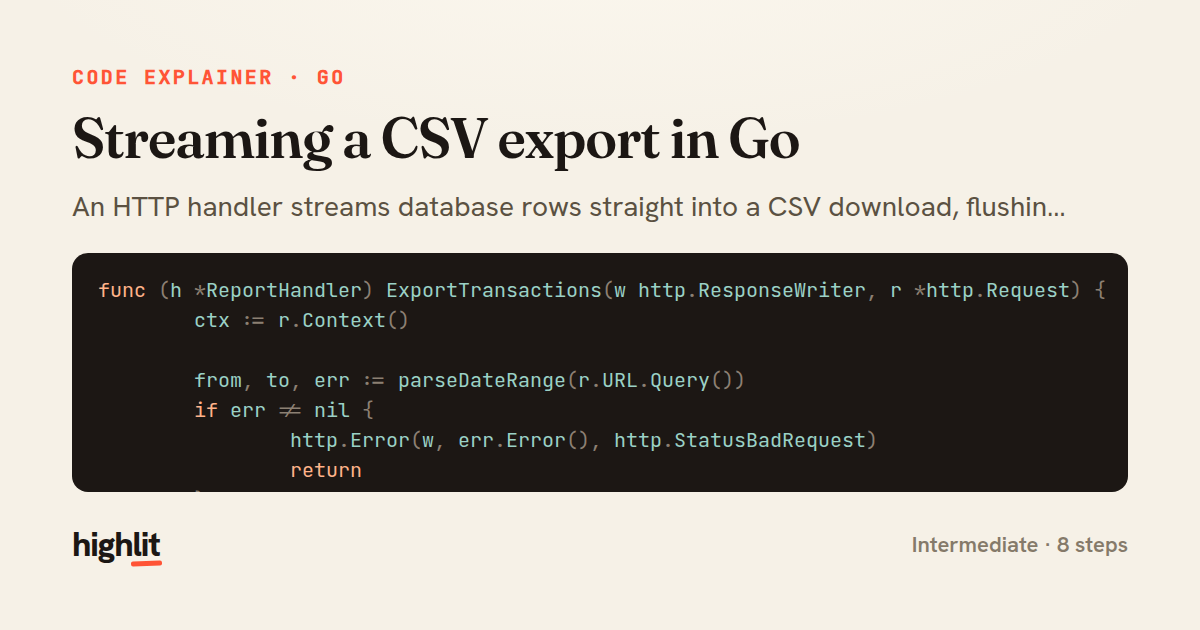
Streaming a CSV export in Go
An HTTP handler streams database rows straight into a CSV download, flushing periodically to keep memory flat.
Explained by
highlit
1func (h *ReportHandler) ExportTransactions(w http.ResponseWriter, r *http.Request) {
2 ctx := r.Context()
3
4 from, to, err := parseDateRange(r.URL.Query())
5 if err != nil {
6 http.Error(w, err.Error(), http.StatusBadRequest)
7 return
8 }
9
10 filename := fmt.Sprintf("transactions_%s_%s.csv", from.Format("20060102"), to.Format("20060102"))
11 w.Header().Set("Content-Type", "text/csv; charset=utf-8")
12 w.Header().Set("Content-Disposition", fmt.Sprintf(`attachment; filename=%q`, filename))
13 w.Header().Set("X-Content-Type-Options", "nosniff")
14
15 rows, err := h.store.StreamTransactions(ctx, from, to)
16 if err != nil {
17 http.Error(w, "failed to load transactions", http.StatusInternalServerError)
18 return
19 }
20 defer rows.Close()
21
22 cw := csv.NewWriter(w)
23 if err := cw.Write([]string{"id", "date", "account", "description", "amount"}); err != nil {
24 return
25 }
26
27 flusher, _ := w.(http.Flusher)
28 for i := 0; rows.Next(); i++ {
29 var t Transaction
30 if err := rows.Scan(&t.ID, &t.Date, &t.Account, &t.Description, &t.Amount); err != nil {
31 log.Printf("export scan error: %v", err)
32 return
33 }
34 record := []string{
35 t.ID,
36 t.Date.Format(time.RFC3339),
37 t.Account,
38 t.Description,
39 strconv.FormatInt(t.Amount, 10),
40 }
41 if err := cw.Write(record); err != nil {
42 return
43 }
44 if i%500 == 0 {
45 cw.Flush()
46 if flusher != nil {
47 flusher.Flush()
48 }
49 }
50 }
51
52 if err := rows.Err(); err != nil {
53 log.Printf("export iteration error: %v", err)
54 return
55 }
56 cw.Flush()
57}
01 / 01
STEP 01
‹ swipe to step through ›
Walkthrough
Space play
←→ step
click any line
Three takeaways
- 1Setting response headers before writing any body is what turns a plain response into a browser download.
- 2Iterating rows and flushing in batches keeps memory bounded no matter how large the result set grows.
- 3Once the body has started streaming you can't change the status code, so validation and header setup must happen first.
Related explainers
go
package streaming

import (
	"bufio"
Streaming NDJSON logs over HTTP in Go
http-streaming
channels
select
Advanced
10 steps
go
package api

import (
	"crypto/sha256"
ETag conditional requests in Gin
http-caching
etag
conditional-requests
Intermediate
6 steps
go
func (w *Watcher) resetDebounce(d time.Duration) {
	if !w.timer.Stop() {
		select {
		case <-w.timer.C:
Debouncing a stream of events in Go
debounce
timers
channels
Advanced
7 steps
python
import random
from typing import Iterator, List
How reservoir sampling picks k items
reservoir-sampling
streaming
randomness
Intermediate
5 steps
java
public static Map<String, String> parseCookieHeader(String header) {
    Map<String, String> cookies = new LinkedHashMap<>();
    if (header == null || header.isBlank()) {
        return cookies;
Parsing an HTTP Cookie header in Java
string-parsing
http
url-decoding
Intermediate
6 steps
go
package logging

import (
	"context"
Deduplicating log attributes in Go's slog
decorator-pattern
structured-logging
immutability
Intermediate
8 steps
Share this explainer
Here's the card — post it anywhere.
Made with highlit — turn any snippet into a walkthrough like this in about a minute.
Explain your code
Embed this explainer
Drop the interactive walkthrough into a blog or docs. Views never cost a credit.
<iframe src="https://highlit.co/explainers/streaming-a-csv-export-in-go-explained-go-b323/embed?autoplay=1" width="100%" height="520" loading="lazy" style="border:0"></iframe>
Autoplay is on by default — add ?autoplay=0 to start paused.