php
47 lines · 9 steps
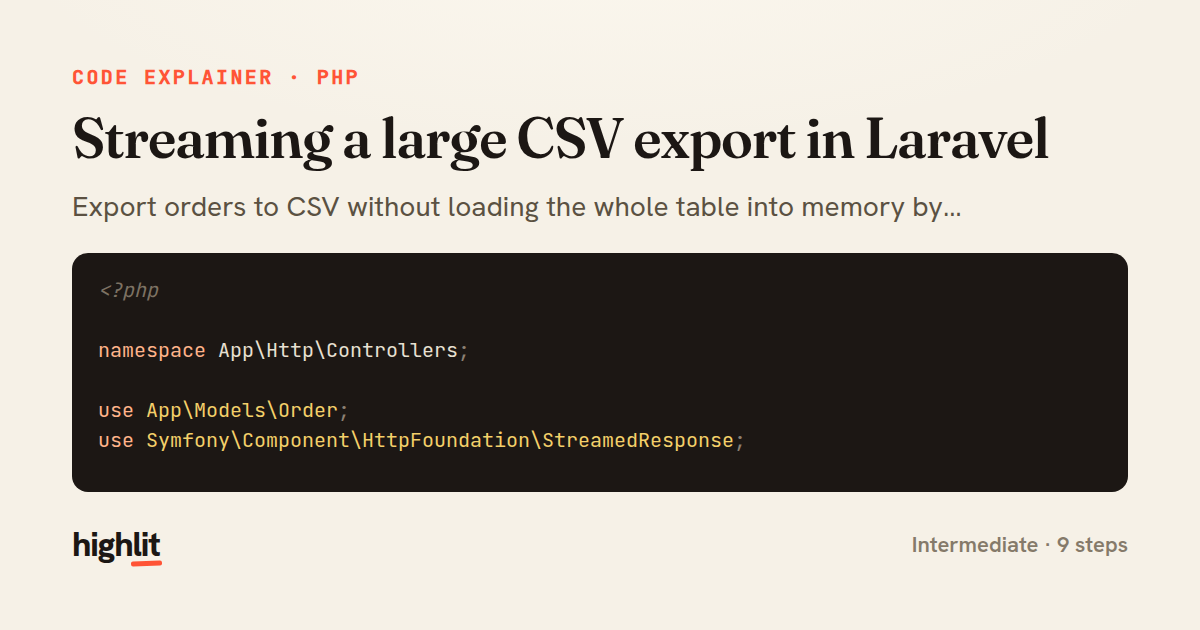
Streaming a large CSV export in Laravel
Export orders to CSV without loading the whole table into memory by streaming rows in chunks.
Explained by
highlit
1<?php
2
3namespace App\Http\Controllers;
4
5use App\Models\Order;
6use Symfony\Component\HttpFoundation\StreamedResponse;
7
8class OrderExportController extends Controller
9{
10 public function export(): StreamedResponse
11 {
12 $headers = [
13 'Content-Type' => 'text/csv; charset=UTF-8',
14 'Content-Disposition' => 'attachment; filename="orders.csv"',
15 'X-Accel-Buffering' => 'no',
16 'Cache-Control' => 'no-store, no-cache',
17 ];
18
19 $columns = ['id', 'reference', 'customer_email', 'total_cents', 'status', 'placed_at'];
20
21 return response()->stream(function () use ($columns) {
22 $out = fopen('php://output', 'w');
23 fputcsv($out, $columns);
24
25 Order::query()
26 ->select($columns)
27 ->where('status', '!=', 'draft')
28 ->orderBy('id')
29 ->chunkById(2000, function ($orders) use ($out, $columns) {
30 foreach ($orders as $order) {
31 fputcsv($out, [
32 $order->id,
33 $order->reference,
34 $order->customer_email,
35 number_format($order->total_cents / 100, 2, '.', ''),
36 $order->status,
37 $order->placed_at?->toIso8601String(),
38 ]);
39 }
40
41 flush();
42 });
43
44 fclose($out);
45 }, 200, $headers);
46 }
47}
01 / 01
STEP 01
‹ swipe to step through ›
Walkthrough
Space play
←→ step
click any line
Three takeaways
- 1Streaming responses let you send data to the client as it's generated instead of buffering the entire payload in memory.
- 2chunkById paginates by primary key so a huge result set is processed in bounded batches rather than all at once.
- 3Disabling proxy and browser buffering plus calling flush ensures rows actually reach the client during generation.
Related explainers
php
<?php

class NameParser
{
Parsing a full name into components in PHP
string-parsing
arrays
normalization
Intermediate
8 steps
php
<?php

namespace App\Services\Checkout;
Validating coupons with Laravel's Pipeline
pipeline
chain of responsibility
transactions
Intermediate
7 steps
php
<?php

namespace App\Services;
How a password strength validator works in PHP
validation
regular-expressions
data-driven
Intermediate
8 steps
python
import random
from typing import Iterator, List
How reservoir sampling picks k items
reservoir-sampling
streaming
randomness
Intermediate
5 steps
php
<?php

namespace App\Services;
Building a cached daily leaderboard in Laravel
caching
aggregation
eager-loading
Intermediate
9 steps
php
<?php

final class RotatingFileLogger
{
How a rotating file logger works in PHP
logging
file-rotation
io
Intermediate
9 steps
Share this explainer
Here's the card — post it anywhere.
Made with highlit — turn any snippet into a walkthrough like this in about a minute.
Explain your code
Embed this explainer
Drop the interactive walkthrough into a blog or docs. Views never cost a credit.
<iframe src="https://highlit.co/explainers/streaming-a-large-csv-export-in-laravel-explained-php-4e2d/embed?autoplay=1" width="100%" height="520" loading="lazy" style="border:0"></iframe>
Autoplay is on by default — add ?autoplay=0 to start paused.