javascript
44 lines · 9 steps
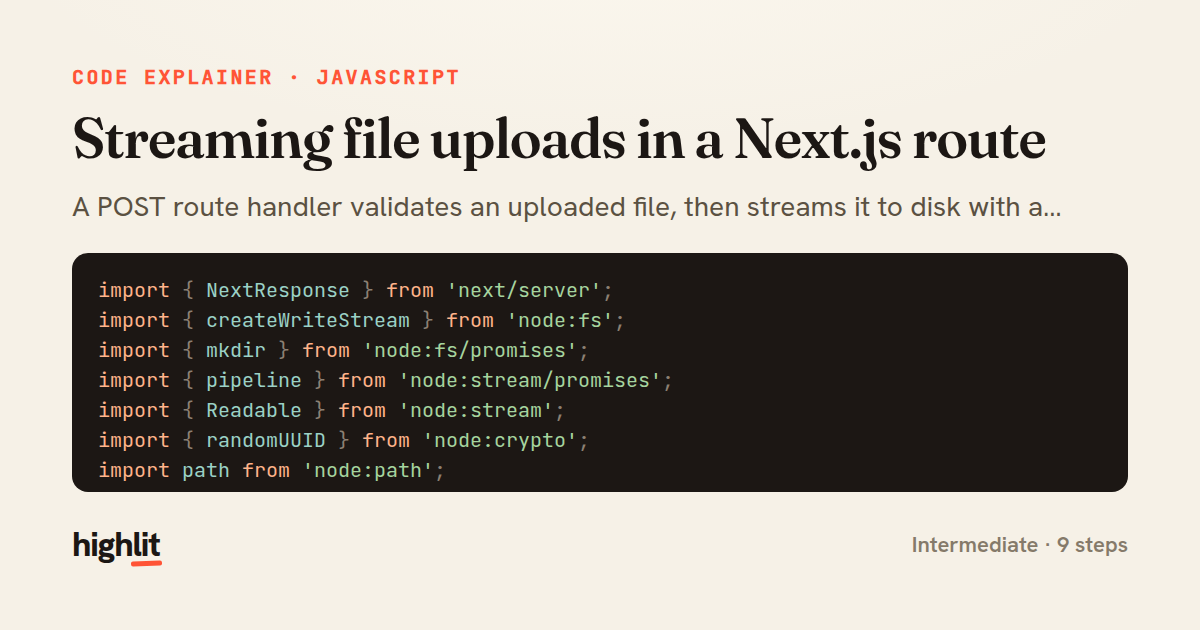
Streaming file uploads in a Next.js route
A POST route handler validates an uploaded file, then streams it to disk with a randomized name instead of buffering it in memory.
Explained by
highlit
1import { NextResponse } from 'next/server';
2import { createWriteStream } from 'node:fs';
3import { mkdir } from 'node:fs/promises';
4import { pipeline } from 'node:stream/promises';
5import { Readable } from 'node:stream';
6import { randomUUID } from 'node:crypto';
7import path from 'node:path';
8
9const UPLOAD_DIR = path.join(process.cwd(), 'uploads');
10const MAX_BYTES = 10 * 1024 * 1024;
11const ALLOWED = new Set(['image/png', 'image/jpeg', 'application/pdf']);
12
13export async function POST(request) {
14 const formData = await request.formData();
15 const file = formData.get('file');
16
17 if (!(file instanceof File)) {
18 return NextResponse.json({ error: 'No file provided' }, { status: 400 });
19 }
20 if (!ALLOWED.has(file.type)) {
21 return NextResponse.json({ error: `Unsupported type: ${file.type}` }, { status: 415 });
22 }
23 if (file.size > MAX_BYTES) {
24 return NextResponse.json({ error: 'File exceeds 10MB limit' }, { status: 413 });
25 }
26
27 await mkdir(UPLOAD_DIR, { recursive: true });
28
29 const ext = path.extname(file.name).slice(0, 10) || '';
30 const storedName = `${randomUUID()}${ext}`;
31 const destPath = path.join(UPLOAD_DIR, storedName);
32
33 try {
34 const source = Readable.fromWeb(file.stream());
35 await pipeline(source, createWriteStream(destPath));
36 } catch {
37 return NextResponse.json({ error: 'Failed to store file' }, { status: 500 });
38 }
39
40 return NextResponse.json(
41 { name: storedName, size: file.size, type: file.type },
42 { status: 201 },
43 );
44}
01 / 01
STEP 01
‹ swipe to step through ›
Walkthrough
Space play
←→ step
click any line
Three takeaways
- 1Streaming with pipeline moves bytes to disk without holding the whole file in memory.
- 2Validate type and size before touching the filesystem so bad requests fail cheaply.
- 3Generating a random stored name avoids collisions and neutralizes attacker-controlled filenames.
Related explainers
php
<?php

namespace App\Services\Checkout;
Validating coupons with Laravel's Pipeline
pipeline
chain of responsibility
transactions
Intermediate
7 steps
javascript
function evaluate(expression) {
  const tokens = tokenize(expression);
  let pos = 0;
Building a recursive descent calculator
parsing
recursion
operator-precedence
Intermediate
8 steps
php
<?php

namespace App\Services;
How a password strength validator works in PHP
validation
regular-expressions
data-driven
Intermediate
8 steps
rust
use axum::{
    extract::{Path, State},
    response::sse::{Event, KeepAlive, Sse},
};
Streaming import progress with SSE in Axum
server-sent-events
streams
watch-channel
Advanced
7 steps
javascript
import { useState, useEffect, useCallback, useRef } from 'react';

const cache = new Map();
const inflight = new Map();
Building a stale-while-revalidate hook in React
caching
request-deduplication
custom-hooks
Advanced
10 steps
rust
use chrono::{Duration, NaiveDate};

#[derive(Debug)]
pub struct DateRange {
Parsing and iterating date ranges in Rust
error-handling
iterators
parsing
Intermediate
7 steps
Share this explainer
Here's the card — post it anywhere.
Made with highlit — turn any snippet into a walkthrough like this in about a minute.
Explain your code
Embed this explainer
Drop the interactive walkthrough into a blog or docs. Views never cost a credit.
<iframe src="https://highlit.co/explainers/streaming-file-uploads-in-a-next-js-route-explained-javascript-fff3/embed?autoplay=1" width="100%" height="520" loading="lazy" style="border:0"></iframe>
Autoplay is on by default — add ?autoplay=0 to start paused.