python
33 lines · 7 steps
Summarizing log files by date in Python
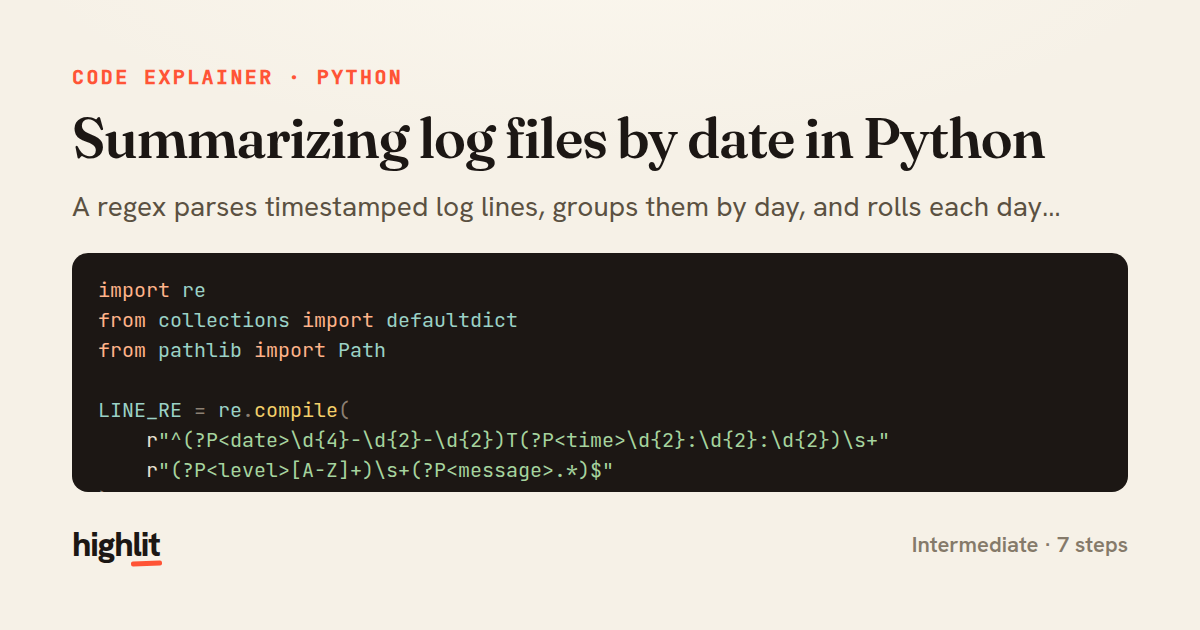
A regex parses timestamped log lines, groups them by day, and rolls each day into a small error report.
Explained by
highlit
1import re
2from collections import defaultdict
3from pathlib import Path
4
5LINE_RE = re.compile(
6 r"^(?P<date>\d{4}-\d{2}-\d{2})T(?P<time>\d{2}:\d{2}:\d{2})\s+"
7 r"(?P<level>[A-Z]+)\s+(?P<message>.*)$"
8)
9
10
11def group_by_date(log_path):
12 grouped = defaultdict(list)
13 for raw in Path(log_path).read_text(encoding="utf-8").splitlines():
14 match = LINE_RE.match(raw)
15 if not match:
16 continue
17 entry = match.groupdict()
18 grouped[entry["date"]].append(entry)
19 return grouped
20
21
22def daily_error_summary(log_path):
23 grouped = group_by_date(log_path)
24 summary = {}
25 for date in sorted(grouped):
26 entries = grouped[date]
27 errors = [e for e in entries if e["level"] in ("ERROR", "CRITICAL")]
28 summary[date] = {
29 "total": len(entries),
30 "errors": len(errors),
31 "first_error": errors[0]["message"] if errors else None,
32 }
33 return summary
01 / 01
STEP 01
‹ swipe to step through ›
Walkthrough
Space play
←→ step
click any line
Three takeaways
- 1Named regex groups turn a raw line into a labeled dict with match.groupdict() for free.
- 2defaultdict(list) lets you append into buckets without checking whether the key exists yet.
- 3Splitting parsing from summarizing keeps each function focused and independently testable.
Related explainers
python
from fastapi import FastAPI, WebSocket, WebSocketDisconnect

app = FastAPI()
Building a WebSocket chat with FastAPI
websockets
broadcast
connection-management
Intermediate
9 steps
ruby
class UserAgentParser
  BROWSERS = [
    [/Edg\/([\d.]+)/, "Edge"],
    [/OPR\/([\d.]+)/, "Opera"],
Parsing user-agent strings in Ruby
regex
pattern-matching
lookup-tables
Intermediate
8 steps
python
import time
import uuid

from django.utils.deprecation import MiddlewareMixin
Attaching per-request context in Django
middleware
request lifecycle
multi-tenancy
Intermediate
7 steps
javascript
function evaluate(expression) {
  const tokens = tokenize(expression);
  let pos = 0;
Building a recursive descent calculator
parsing
recursion
operator-precedence
Intermediate
8 steps
ruby
class LogAggregator
  BUCKET_FORMAT = "%Y-%m-%dT%H:%M"

  def initialize(entries)
Bucketing log entries by the minute in Ruby
aggregation
hashing
enumerable
Intermediate
5 steps
ruby
class WeeklySignupsReport
  DEFAULT_WEEKS = 12

  def initialize(weeks: DEFAULT_WEEKS, source: User.all)
Building a weekly signups report in Rails
service object
aggregation
group by
Intermediate
7 steps
Share this explainer
Here's the card — post it anywhere.
Made with highlit — turn any snippet into a walkthrough like this in about a minute.
Explain your code
Embed this explainer
Drop the interactive walkthrough into a blog or docs. Views never cost a credit.
<iframe src="https://highlit.co/explainers/summarizing-log-files-by-date-in-python-explained-python-abb4/embed?autoplay=1" width="100%" height="520" loading="lazy" style="border:0"></iframe>
Autoplay is on by default — add ?autoplay=0 to start paused.