ruby
40 lines · 7 steps
Throttling failed logins in Rails
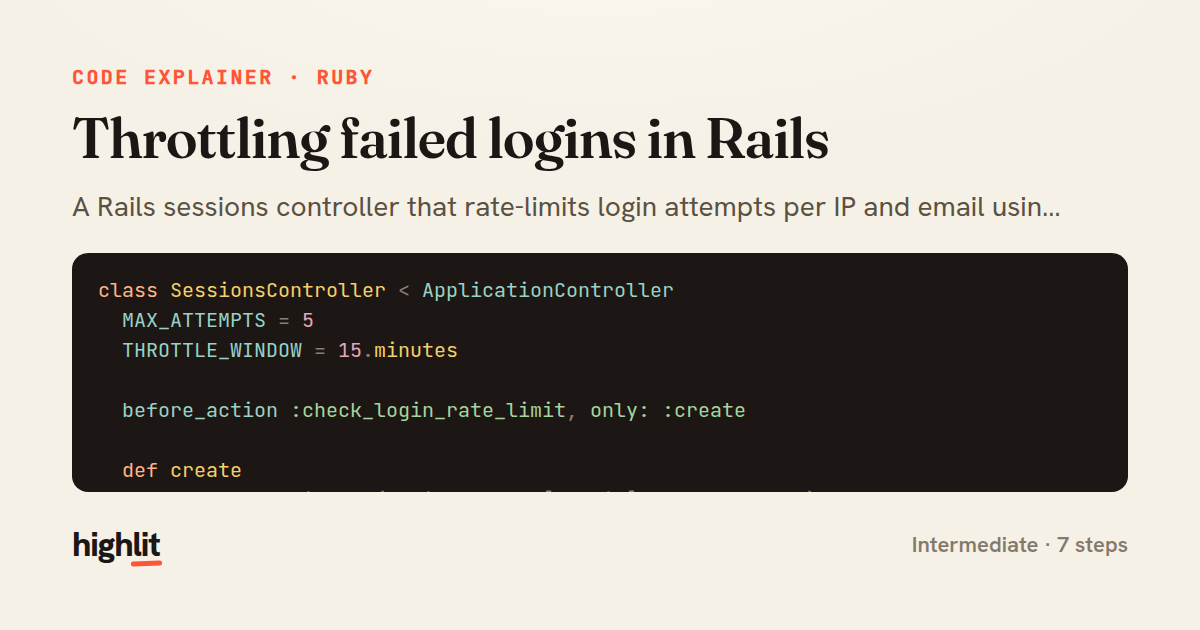
A Rails sessions controller that rate-limits login attempts per IP and email using the cache store.
Explained by
highlit
1class SessionsController < ApplicationController
2 MAX_ATTEMPTS = 5
3 THROTTLE_WINDOW = 15.minutes
4
5 before_action :check_login_rate_limit, only: :create
6
7 def create
8 user = User.find_by(email: params[:email].to_s.downcase)
9
10 if user&.authenticate(params[:password])
11 Rails.cache.delete(throttle_key)
12 reset_session
13 session[:user_id] = user.id
14 redirect_to dashboard_path, notice: "Signed in successfully."
15 else
16 register_failed_attempt
17 flash.now[:alert] = "Invalid email or password."
18 render :new, status: :unprocessable_entity
19 end
20 end
21
22 private
23
24 def throttle_key
25 "login_attempts:#{request.remote_ip}:#{params[:email].to_s.downcase}"
26 end
27
28 def check_login_rate_limit
29 attempts = Rails.cache.read(throttle_key).to_i
30 return if attempts < MAX_ATTEMPTS
31
32 flash.now[:alert] = "Too many failed attempts. Try again in #{THROTTLE_WINDOW.inspect}."
33 render :new, status: :too_many_requests
34 end
35
36 def register_failed_attempt
37 Rails.cache.increment(throttle_key, 1, expires_in: THROTTLE_WINDOW) ||
38 Rails.cache.write(throttle_key, 1, expires_in: THROTTLE_WINDOW)
39 end
40end
01 / 01
STEP 01
‹ swipe to step through ›
Walkthrough
Space play
←→ step
click any line
Three takeaways
- 1A cache counter keyed by IP and email is a cheap, expiry-driven way to throttle abusive login attempts.
- 2Resetting the session and regenerating its id on successful login defends against session fixation.
- 3before_action lets you reject throttled requests before the expensive authentication logic ever runs.
Related explainers
ruby
require "shellwords"
require "open3"

module Backup
Building safe shell commands in Ruby
shell-out
subprocess
command-injection
Intermediate
7 steps
ruby
class UserAgentParser
  BROWSERS = [
    [/Edg\/([\d.]+)/, "Edge"],
    [/OPR\/([\d.]+)/, "Opera"],
Parsing user-agent strings in Ruby
regex
pattern-matching
lookup-tables
Intermediate
8 steps
python
import time
import uuid

from django.utils.deprecation import MiddlewareMixin
Attaching per-request context in Django
middleware
request lifecycle
multi-tenancy
Intermediate
7 steps
ruby
class LogAggregator
  BUCKET_FORMAT = "%Y-%m-%dT%H:%M"

  def initialize(entries)
Bucketing log entries by the minute in Ruby
aggregation
hashing
enumerable
Intermediate
5 steps
javascript
import { useState, useEffect, useCallback, useRef } from 'react';

const cache = new Map();
const inflight = new Map();
Building a stale-while-revalidate hook in React
caching
request-deduplication
custom-hooks
Advanced
10 steps
ruby
class WeeklySignupsReport
  DEFAULT_WEEKS = 12

  def initialize(weeks: DEFAULT_WEEKS, source: User.all)
Building a weekly signups report in Rails
service object
aggregation
group by
Intermediate
7 steps
Share this explainer
Here's the card — post it anywhere.
Made with highlit — turn any snippet into a walkthrough like this in about a minute.
Explain your code
Embed this explainer
Drop the interactive walkthrough into a blog or docs. Views never cost a credit.
<iframe src="https://highlit.co/explainers/throttling-failed-logins-in-rails-explained-ruby-0d20/embed?autoplay=1" width="100%" height="520" loading="lazy" style="border:0"></iframe>
Autoplay is on by default — add ?autoplay=0 to start paused.