python
70 lines · 9 steps
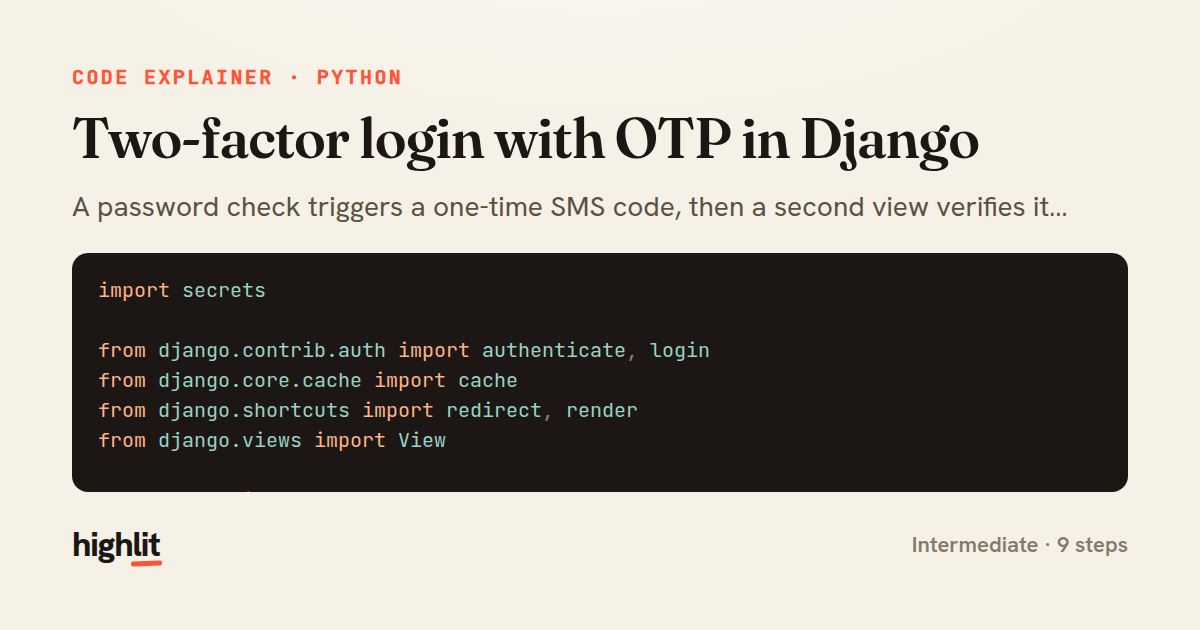
Two-factor login with OTP in Django
A password check triggers a one-time SMS code, then a second view verifies it before the session is authenticated.
Explained by
highlit
1import secrets
2
3from django.contrib.auth import authenticate, login
4from django.core.cache import cache
5from django.shortcuts import redirect, render
6from django.views import View
7
8from .tasks import send_otp_sms
9
10OTP_TTL = 300
11OTP_MAX_ATTEMPTS = 5
12
13
14class LoginStartView(View):
15 template_name = "accounts/login.html"
16
17 def get(self, request):
18 return render(request, self.template_name)
19
20 def post(self, request):
21 user = authenticate(
22 request,
23 username=request.POST.get("username"),
24 password=request.POST.get("password"),
25 )
26 if user is None:
27 return render(request, self.template_name, {"error": "Invalid credentials"})
28
29 code = f"{secrets.randbelow(1_000_000):06d}"
30 cache.set(f"otp:{user.pk}", {"code": code, "attempts": 0}, OTP_TTL)
31 send_otp_sms.delay(user.pk, code)
32
33 request.session["pending_user"] = user.pk
34 return redirect("accounts:login-verify")
35
36
37class LoginVerifyView(View):
38 template_name = "accounts/verify.html"
39
40 def dispatch(self, request, *args, **kwargs):
41 if "pending_user" not in request.session:
42 return redirect("accounts:login")
43 return super().dispatch(request, *args, **kwargs)
44
45 def get(self, request):
46 return render(request, self.template_name)
47
48 def post(self, request):
49 user_id = request.session["pending_user"]
50 key = f"otp:{user_id}"
51 entry = cache.get(key)
52 if entry is None:
53 del request.session["pending_user"]
54 return render(request, self.template_name, {"error": "Code expired, start over"})
55
56 entry["attempts"] += 1
57 if entry["attempts"] >= OTP_MAX_ATTEMPTS:
58 cache.delete(key)
59 del request.session["pending_user"]
60 return render(request, self.template_name, {"error": "Too many attempts"})
61
62 if not secrets.compare_digest(entry["code"], request.POST.get("code", "")):
63 cache.set(key, entry, OTP_TTL)
64 return render(request, self.template_name, {"error": "Incorrect code"})
65
66 cache.delete(key)
67 del request.session["pending_user"]
68 user = authenticate(request, user_id=user_id)
69 login(request, user)
70 return redirect("dashboard")
01 / 01
STEP 01
‹ swipe to step through ›
Walkthrough
Space play
←→ step
click any line
Three takeaways
- 1Splitting a multi-step flow across views keeps each request focused and lets session state carry the user between them.
- 2A short-TTL cache entry with an attempt counter gives you both automatic expiry and brute-force protection for free.
- 3Using secrets for code generation and comparison avoids predictable codes and timing side channels.
Related explainers
python
from fastapi import FastAPI, WebSocket, WebSocketDisconnect

app = FastAPI()
Building a WebSocket chat with FastAPI
websockets
broadcast
connection-management
Intermediate
9 steps
python
import time
import uuid

from django.utils.deprecation import MiddlewareMixin
Attaching per-request context in Django
middleware
request lifecycle
multi-tenancy
Intermediate
7 steps
javascript
import { useState, useEffect, useCallback, useRef } from 'react';

const cache = new Map();
const inflight = new Map();
Building a stale-while-revalidate hook in React
caching
request-deduplication
custom-hooks
Advanced
10 steps
python
import random
from typing import Iterator, List
How reservoir sampling picks k items
reservoir-sampling
streaming
randomness
Intermediate
5 steps
php
<?php

namespace App\Services;
Building a cached daily leaderboard in Laravel
caching
aggregation
eager-loading
Intermediate
9 steps
go
package middleware

import (
	"net/http"
Per-plan export limits in Gin middleware
middleware
rate-limiting
authorization
Intermediate
7 steps
Share this explainer
Here's the card — post it anywhere.
Made with highlit — turn any snippet into a walkthrough like this in about a minute.
Explain your code
Embed this explainer
Drop the interactive walkthrough into a blog or docs. Views never cost a credit.
<iframe src="https://highlit.co/explainers/two-factor-login-with-otp-in-django-explained-python-4f1f/embed?autoplay=1" width="100%" height="520" loading="lazy" style="border:0"></iframe>
Autoplay is on by default — add ?autoplay=0 to start paused.