php
47 lines · 8 steps
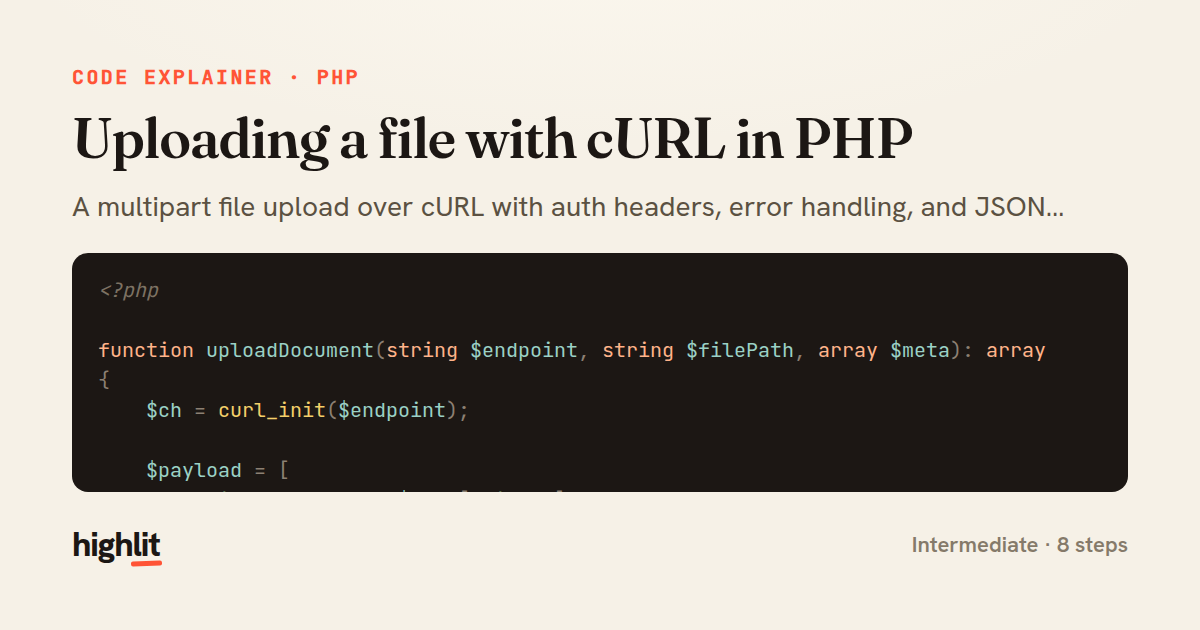
Uploading a file with cURL in PHP
A multipart file upload over cURL with auth headers, error handling, and JSON decoding.
Explained by
highlit
1<?php
2
3function uploadDocument(string $endpoint, string $filePath, array $meta): array
4{
5 $ch = curl_init($endpoint);
6
7 $payload = [
8 'title' => $meta['title'],
9 'category_id' => $meta['category_id'],
10 'file' => new CURLFile($filePath, mime_content_type($filePath), basename($filePath)),
11 ];
12
13 curl_setopt_array($ch, [
14 CURLOPT_POST => true,
15 CURLOPT_POSTFIELDS => $payload,
16 CURLOPT_RETURNTRANSFER => true,
17 CURLOPT_TIMEOUT => 30,
18 CURLOPT_HTTPHEADER => [
19 'Authorization: Bearer ' . getenv('API_TOKEN'),
20 'Accept: application/json',
21 ],
22 ]);
23
24 $body = curl_exec($ch);
25 $status = curl_getinfo($ch, CURLINFO_RESPONSE_CODE);
26
27 if ($body === false) {
28 $error = curl_error($ch);
29 curl_close($ch);
30 throw new RuntimeException("Upload request failed: {$error}");
31 }
32
33 curl_close($ch);
34
35 $decoded = json_decode($body, true);
36
37 if (json_last_error() !== JSON_ERROR_NONE) {
38 throw new RuntimeException('Malformed JSON response from upload endpoint');
39 }
40
41 if ($status >= 400) {
42 $message = $decoded['message'] ?? 'Unknown API error';
43 throw new RuntimeException("Upload rejected ({$status}): {$message}");
44 }
45
46 return $decoded;
47}
01 / 01
STEP 01
‹ swipe to step through ›
Walkthrough
Space play
←→ step
click any line
Three takeaways
- 1CURLFile lets cURL build a proper multipart/form-data request without hand-encoding boundaries.
- 2Always distinguish transport failures from HTTP-level errors — they need separate checks.
- 3Validate a decoded response before trusting it, since a 200 body can still be malformed JSON.
Related explainers
php
<?php

class NameParser
{
Parsing a full name into components in PHP
string-parsing
arrays
normalization
Intermediate
8 steps
rust
use serde::Deserialize;

#[derive(Debug, Deserialize)]
#[serde(untagged)]
Parsing flexible JSON shapes with serde
deserialization
enums
json
Intermediate
6 steps
ruby
require "shellwords"
require "open3"

module Backup
Building safe shell commands in Ruby
shell-out
subprocess
command-injection
Intermediate
7 steps
php
<?php

namespace App\Services\Checkout;
Validating coupons with Laravel's Pipeline
pipeline
chain of responsibility
transactions
Intermediate
7 steps
php
<?php

namespace App\Services;
How a password strength validator works in PHP
validation
regular-expressions
data-driven
Intermediate
8 steps
php
<?php

namespace App\Services;
Building a cached daily leaderboard in Laravel
caching
aggregation
eager-loading
Intermediate
9 steps
Share this explainer
Here's the card — post it anywhere.
Made with highlit — turn any snippet into a walkthrough like this in about a minute.
Explain your code
Embed this explainer
Drop the interactive walkthrough into a blog or docs. Views never cost a credit.
<iframe src="https://highlit.co/explainers/uploading-a-file-with-curl-in-php-explained-php-d54b/embed?autoplay=1" width="100%" height="520" loading="lazy" style="border:0"></iframe>
Autoplay is on by default — add ?autoplay=0 to start paused.