typescript
50 lines · 6 steps
Validated, typed config in NestJS
A NestJS module validates environment variables at startup with Joi and exposes them through a typed, injectable service.
Explained by
highlit
1import { Module, Injectable } from '@nestjs/common';
2import { ConfigModule, ConfigService } from '@nestjs/config';
3import * as Joi from 'joi';
4
5const validationSchema = Joi.object({
6 NODE_ENV: Joi.string().valid('development', 'production', 'test').default('development'),
7 PORT: Joi.number().default(3000),
8 DATABASE_URL: Joi.string().uri().required(),
9 JWT_SECRET: Joi.string().min(32).required(),
10 JWT_EXPIRES_IN: Joi.string().default('3600s'),
11});
12
13@Module({
14 imports: [
15 ConfigModule.forRoot({
16 isGlobal: true,
17 cache: true,
18 envFilePath: [`.env.${process.env.NODE_ENV ?? 'development'}`, '.env'],
19 validationSchema,
20 validationOptions: { abortEarly: false },
21 }),
22 ],
23 providers: [AppConfigService],
24 exports: [AppConfigService],
25})
26export class AppConfigModule {}
27
28@Injectable()
29export class AppConfigService {
30 constructor(private readonly config: ConfigService) {}
31
32 get isProduction(): boolean {
33 return this.config.getOrThrow<string>('NODE_ENV') === 'production';
34 }
35
36 get port(): number {
37 return this.config.getOrThrow<number>('PORT');
38 }
39
40 get databaseUrl(): string {
41 return this.config.getOrThrow<string>('DATABASE_URL');
42 }
43
44 get jwt(): { secret: string; expiresIn: string } {
45 return {
46 secret: this.config.getOrThrow<string>('JWT_SECRET'),
47 expiresIn: this.config.getOrThrow<string>('JWT_EXPIRES_IN'),
48 };
49 }
50}
01 / 01
STEP 01
‹ swipe to step through ›
Walkthrough
Space play
←→ step
click any line
Three takeaways
- 1Validating env vars at boot turns silent misconfiguration into a loud, immediate failure.
- 2Wrapping ConfigService in a typed service gives the rest of the app safe, autocompleted access to settings.
- 3Marking the config module global lets every feature read configuration without re-importing it.
Related explainers
typescript
import { registerLocaleData } from '@angular/common';
import localeFr from '@angular/common/locales/fr';
import localeFrExtra from '@angular/common/locales/extra/fr';
import localeDe from '@angular/common/locales/de';
Locale-aware bootstrapping in Angular
i18n
localization
dependency-injection
Intermediate
8 steps
typescript
import { Module } from '@nestjs/common';
import { ConfigModule } from '@nestjs/config';
import * as Joi from 'joi';
Validating env config at boot in NestJS
configuration
schema-validation
environment-variables
Intermediate
8 steps
php
<?php

namespace App\Services\Checkout;
Validating coupons with Laravel's Pipeline
pipeline
chain of responsibility
transactions
Intermediate
7 steps
java
@Component
@Converter
public class EncryptedStringConverter implements AttributeConverter<String, String> {
Transparent column encryption in Spring & JPA
encryption
aes-gcm
jpa-converter
Advanced
10 steps
typescript
import { Inject, Injectable, Logger } from '@nestjs/common';
import { CACHE_MANAGER } from '@nestjs/cache-manager';
import { Cache } from 'cache-manager';
import { InjectRepository } from '@nestjs/typeorm';
A cache-aside country lookup in NestJS
cache-aside
dependency-injection
batch-lookup
Intermediate
8 steps
php
<?php

namespace App\Services;
How a password strength validator works in PHP
validation
regular-expressions
data-driven
Intermediate
8 steps
Share this explainer
Here's the card — post it anywhere.
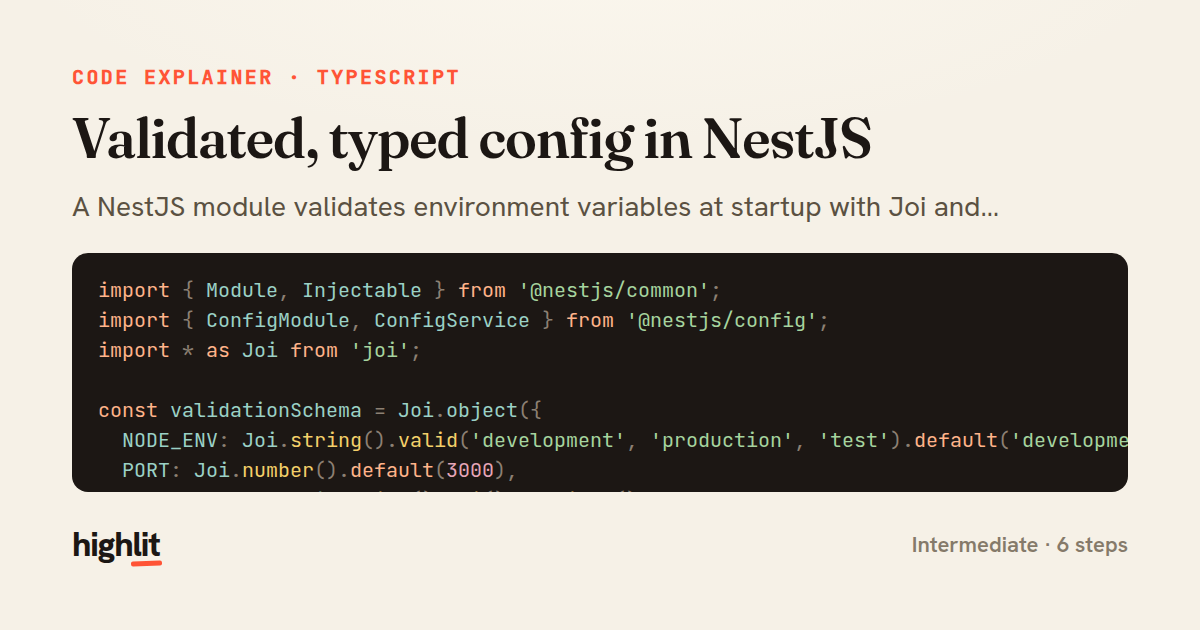
Made with highlit — turn any snippet into a walkthrough like this in about a minute.
Explain your code
Embed this explainer
Drop the interactive walkthrough into a blog or docs. Views never cost a credit.
<iframe src="https://highlit.co/explainers/validated-typed-config-in-nestjs-explained-typescript-2db5/embed?autoplay=1" width="100%" height="520" loading="lazy" style="border:0"></iframe>
Autoplay is on by default — add ?autoplay=0 to start paused.