php
57 lines · 8 steps
Validating a CSV import in Laravel
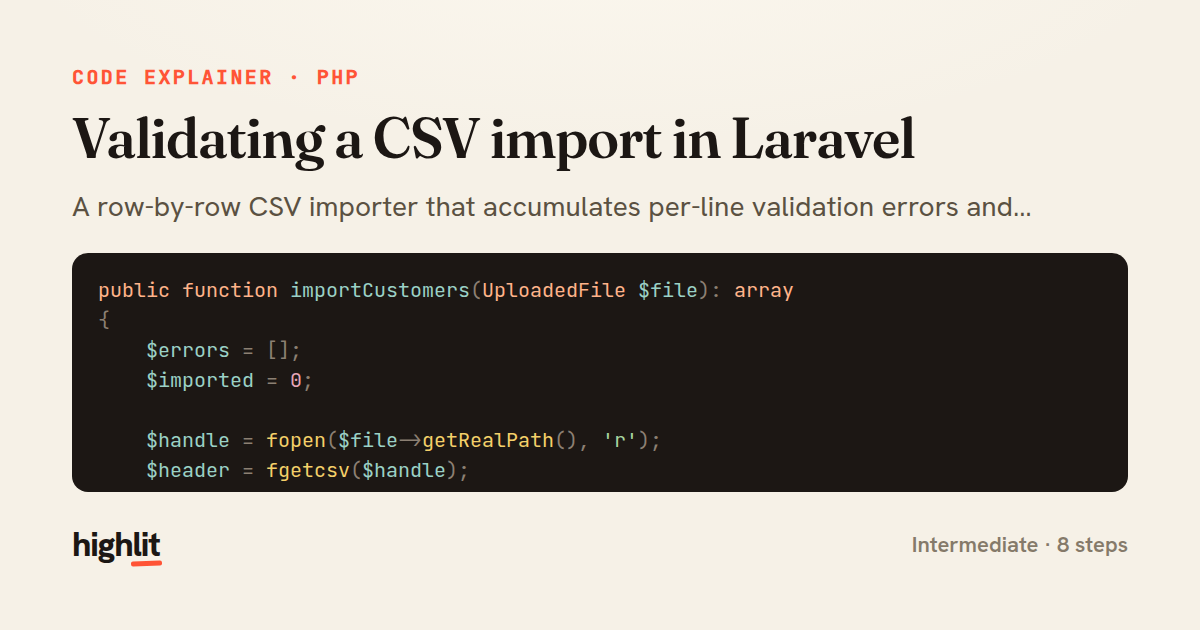
A row-by-row CSV importer that accumulates per-line validation errors and only persists clean records.
Explained by
highlit
1public function importCustomers(UploadedFile $file): array
2{
3 $errors = [];
4 $imported = 0;
5
6 $handle = fopen($file->getRealPath(), 'r');
7 $header = fgetcsv($handle);
8
9 if ($header !== ['name', 'email', 'age', 'country']) {
10 fclose($handle);
11 return ['errors' => ['Invalid CSV header. Expected: name, email, age, country'], 'imported' => 0];
12 }
13
14 $line = 1;
15 while (($row = fgetcsv($handle)) !== false) {
16 $line++;
17
18 if (count($row) !== 4) {
19 $errors[] = "Line {$line}: expected 4 columns, got " . count($row) . '.';
20 continue;
21 }
22
23 [$name, $email, $age, $country] = array_map('trim', $row);
24
25 if ($name === '') {
26 $errors[] = "Line {$line}: name is required.";
27 }
28
29 if (!filter_var($email, FILTER_VALIDATE_EMAIL)) {
30 $errors[] = "Line {$line}: '{$email}' is not a valid email.";
31 } elseif (Customer::where('email', $email)->exists()) {
32 $errors[] = "Line {$line}: email '{$email}' already exists.";
33 }
34
35 if (!ctype_digit($age) || (int) $age < 18) {
36 $errors[] = "Line {$line}: age must be a whole number of at least 18.";
37 }
38
39 if (!in_array(strtoupper($country), self::ALLOWED_COUNTRIES, true)) {
40 $errors[] = "Line {$line}: unsupported country code '{$country}'.";
41 }
42
43 if (empty(array_filter($errors, fn ($e) => str_starts_with($e, "Line {$line}:")))) {
44 Customer::create([
45 'name' => $name,
46 'email' => $email,
47 'age' => (int) $age,
48 'country' => strtoupper($country),
49 ]);
50 $imported++;
51 }
52 }
53
54 fclose($handle);
55
56 return ['errors' => $errors, 'imported' => $imported];
57}
01 / 01
STEP 01
‹ swipe to step through ›
Walkthrough
Space play
←→ step
click any line
Three takeaways
- 1Accumulating errors instead of failing fast lets you report every problem in one pass.
- 2Validating the header up front avoids wasting work on a fundamentally malformed file.
- 3Tagging errors by line number lets you decide per-row whether a record is safe to persist.
Related explainers
php
<?php

class NameParser
{
Parsing a full name into components in PHP
string-parsing
arrays
normalization
Intermediate
8 steps
php
<?php

namespace App\Services\Checkout;
Validating coupons with Laravel's Pipeline
pipeline
chain of responsibility
transactions
Intermediate
7 steps
php
<?php

namespace App\Services;
How a password strength validator works in PHP
validation
regular-expressions
data-driven
Intermediate
8 steps
php
<?php

namespace App\Services;
Building a cached daily leaderboard in Laravel
caching
aggregation
eager-loading
Intermediate
9 steps
rust
use chrono::{Duration, NaiveDate};

#[derive(Debug)]
pub struct DateRange {
Parsing and iterating date ranges in Rust
error-handling
iterators
parsing
Intermediate
7 steps
php
<?php

final class RotatingFileLogger
{
How a rotating file logger works in PHP
logging
file-rotation
io
Intermediate
9 steps
Share this explainer
Here's the card — post it anywhere.
Made with highlit — turn any snippet into a walkthrough like this in about a minute.
Explain your code
Embed this explainer
Drop the interactive walkthrough into a blog or docs. Views never cost a credit.
<iframe src="https://highlit.co/explainers/validating-a-csv-import-in-laravel-explained-php-5d77/embed?autoplay=1" width="100%" height="520" loading="lazy" style="border:0"></iframe>
Autoplay is on by default — add ?autoplay=0 to start paused.