javascript
50 lines · 8 steps
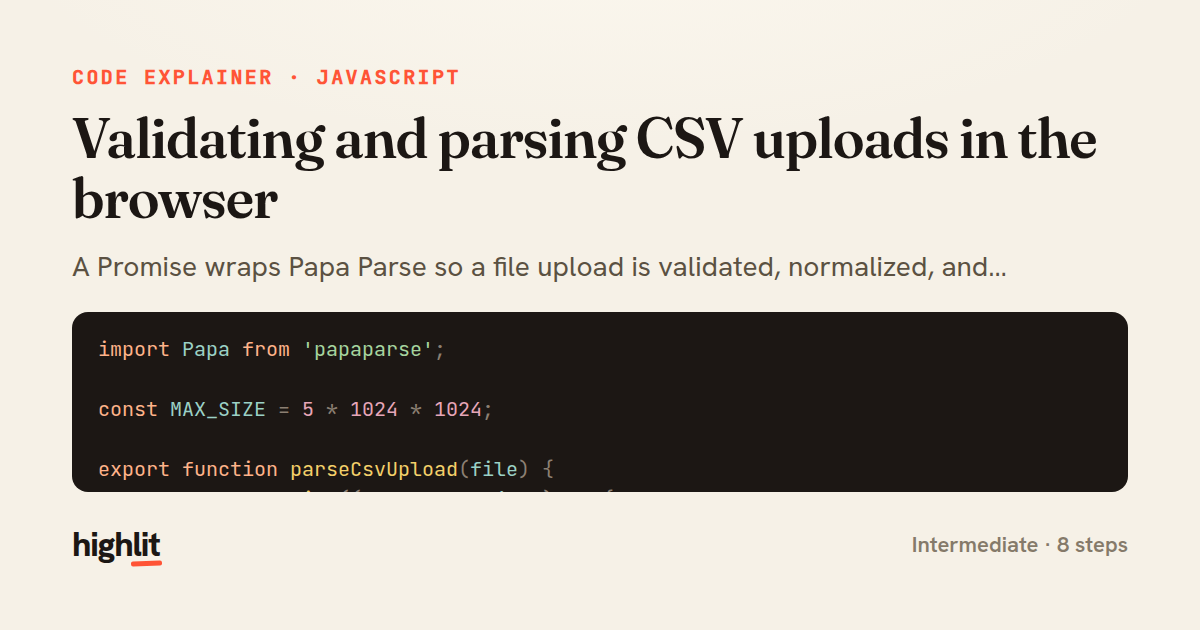
Validating and parsing CSV uploads in the browser
A Promise wraps Papa Parse so a file upload is validated, normalized, and resolved into clean rows.
Explained by
highlit
1import Papa from 'papaparse';
2
3const MAX_SIZE = 5 * 1024 * 1024;
4
5export function parseCsvUpload(file) {
6 return new Promise((resolve, reject) => {
7 if (!file) {
8 reject(new Error('No file provided'));
9 return;
10 }
11 if (!/\.csv$/i.test(file.name) && file.type !== 'text/csv') {
12 reject(new Error('File must be a CSV'));
13 return;
14 }
15 if (file.size > MAX_SIZE) {
16 reject(new Error('File exceeds 5MB limit'));
17 return;
18 }
19
20 Papa.parse(file, {
21 header: true,
22 skipEmptyLines: 'greedy',
23 dynamicTyping: true,
24 transformHeader: (h) => h.trim().toLowerCase().replace(/\s+/g, '_'),
25 complete: ({ data, errors, meta }) => {
26 const fatal = errors.filter((e) => e.type !== 'FieldMismatch');
27 if (fatal.length) {
28 reject(new Error(`Row ${fatal[0].row}: ${fatal[0].message}`));
29 return;
30 }
31 resolve({ rows: data, columns: meta.fields, count: data.length });
32 },
33 error: (err) => reject(err),
34 });
35 });
36}
37
38const input = document.querySelector('#csv-input');
39input.addEventListener('change', async (event) => {
40 const [file] = event.target.files;
41 try {
42 const { rows, columns, count } = await parseCsvUpload(file);
43 console.log(`Parsed ${count} rows across ${columns.length} columns`);
44 document.dispatchEvent(new CustomEvent('csv:loaded', { detail: rows }));
45 } catch (err) {
46 document.dispatchEvent(new CustomEvent('csv:error', { detail: err.message }));
47 } finally {
48 event.target.value = '';
49 }
50});
01 / 01
STEP 01
‹ swipe to step through ›
Walkthrough
Space play
←→ step
click any line
Three takeaways
- 1Wrapping a callback-based library in a Promise lets you consume it with clean async/await.
- 2Validate cheap things — presence, type, size — before paying the cost of parsing.
- 3Decoupling the parser from the UI via custom events keeps the data layer reusable.
Related explainers
php
<?php

namespace App\Services\Checkout;
Validating coupons with Laravel's Pipeline
pipeline
chain of responsibility
transactions
Intermediate
7 steps
javascript
function evaluate(expression) {
  const tokens = tokenize(expression);
  let pos = 0;
Building a recursive descent calculator
parsing
recursion
operator-precedence
Intermediate
8 steps
php
<?php

namespace App\Services;
How a password strength validator works in PHP
validation
regular-expressions
data-driven
Intermediate
8 steps
javascript
import { useState, useEffect, useCallback, useRef } from 'react';

const cache = new Map();
const inflight = new Map();
Building a stale-while-revalidate hook in React
caching
request-deduplication
custom-hooks
Advanced
10 steps
rust
use chrono::{Duration, NaiveDate};

#[derive(Debug)]
pub struct DateRange {
Parsing and iterating date ranges in Rust
error-handling
iterators
parsing
Intermediate
7 steps
javascript
import { useEffect, useRef, useState } from 'react';

export function useDelayedFlag(active, delay = 300) {
  const [visible, setVisible] = useState(false);
Delaying a loading spinner with a React hook
custom-hooks
debouncing
cleanup
Intermediate
8 steps
Share this explainer
Here's the card — post it anywhere.
Made with highlit — turn any snippet into a walkthrough like this in about a minute.
Explain your code
Embed this explainer
Drop the interactive walkthrough into a blog or docs. Views never cost a credit.
<iframe src="https://highlit.co/explainers/validating-and-parsing-csv-uploads-in-the-browser-explained-javascript-8b70/embed?autoplay=1" width="100%" height="520" loading="lazy" style="border:0"></iframe>
Autoplay is on by default — add ?autoplay=0 to start paused.