javascript
26 lines · 7 steps
Validating card numbers with Luhn
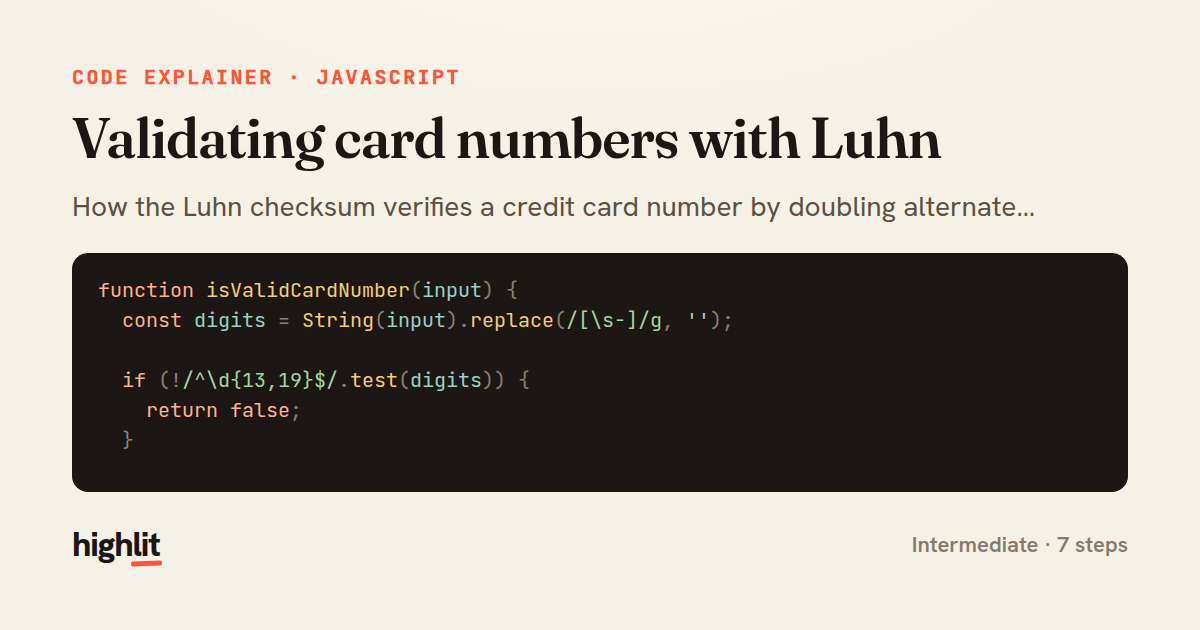
How the Luhn checksum verifies a credit card number by doubling alternate digits and testing divisibility by ten.
Explained by
highlit
1function isValidCardNumber(input) {
2 const digits = String(input).replace(/[\s-]/g, '');
3
4 if (!/^\d{13,19}$/.test(digits)) {
5 return false;
6 }
7
8 let sum = 0;
9 let double = false;
10
11 for (let i = digits.length - 1; i >= 0; i--) {
12 let digit = digits.charCodeAt(i) - 48;
13
14 if (double) {
15 digit *= 2;
16 if (digit > 9) {
17 digit -= 9;
18 }
19 }
20
21 sum += digit;
22 double = !double;
23 }
24
25 return sum % 10 === 0;
26}
01 / 01
STEP 01
‹ swipe to step through ›
Walkthrough
Space play
←→ step
click any line
Three takeaways
- 1The Luhn algorithm catches most single-digit typos and adjacent transpositions cheaply, which is why cards use it.
- 2Doubling a digit and subtracting 9 when it exceeds 9 is a shortcut for summing the digits of the doubled value.
- 3Structural validation like length and format should run before the expensive checksum math.
Related explainers
php
<?php

class NameParser
{
Parsing a full name into components in PHP
string-parsing
arrays
normalization
Intermediate
8 steps
php
<?php

namespace App\Services\Checkout;
Validating coupons with Laravel's Pipeline
pipeline
chain of responsibility
transactions
Intermediate
7 steps
javascript
function evaluate(expression) {
  const tokens = tokenize(expression);
  let pos = 0;
Building a recursive descent calculator
parsing
recursion
operator-precedence
Intermediate
8 steps
php
<?php

namespace App\Services;
How a password strength validator works in PHP
validation
regular-expressions
data-driven
Intermediate
8 steps
javascript
import { useState, useEffect, useCallback, useRef } from 'react';

const cache = new Map();
const inflight = new Map();
Building a stale-while-revalidate hook in React
caching
request-deduplication
custom-hooks
Advanced
10 steps
rust
use chrono::{Duration, NaiveDate};

#[derive(Debug)]
pub struct DateRange {
Parsing and iterating date ranges in Rust
error-handling
iterators
parsing
Intermediate
7 steps
Share this explainer
Here's the card — post it anywhere.
Made with highlit — turn any snippet into a walkthrough like this in about a minute.
Explain your code
Embed this explainer
Drop the interactive walkthrough into a blog or docs. Views never cost a credit.
<iframe src="https://highlit.co/explainers/validating-card-numbers-with-luhn-explained-javascript-87df/embed?autoplay=1" width="100%" height="520" loading="lazy" style="border:0"></iframe>
Autoplay is on by default — add ?autoplay=0 to start paused.