typescript
43 lines · 7 steps
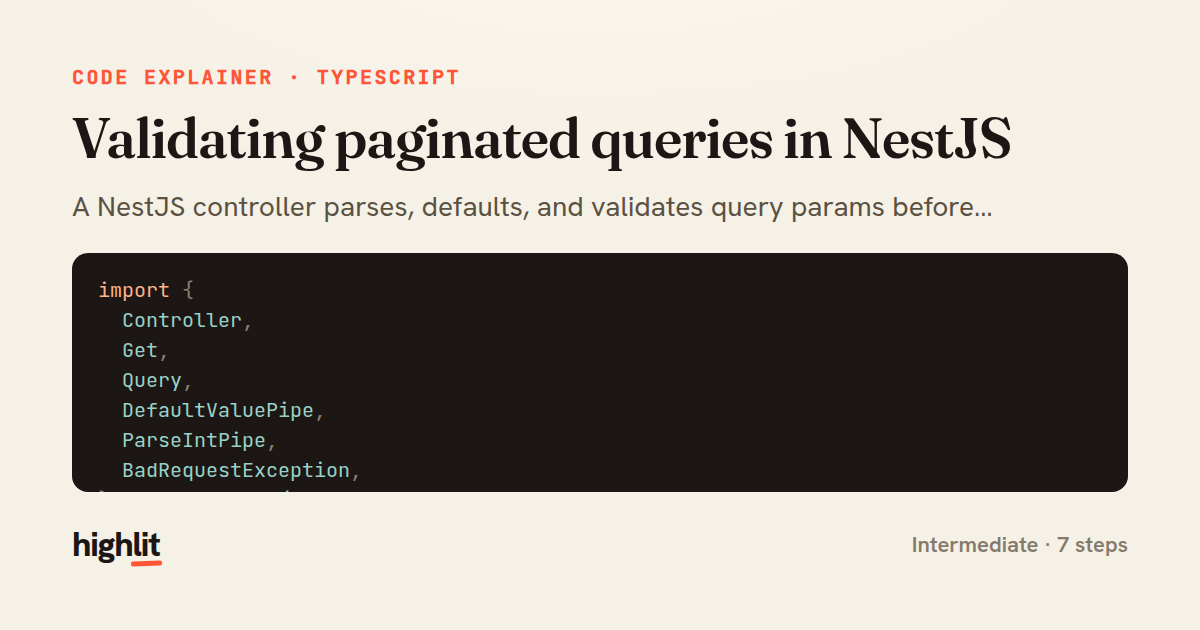
Validating paginated queries in NestJS
A NestJS controller parses, defaults, and validates query params before delegating a paginated product lookup.
Explained by
highlit
1import {
2 Controller,
3 Get,
4 Query,
5 DefaultValuePipe,
6 ParseIntPipe,
7 BadRequestException,
8} from '@nestjs/common';
9import { ProductsService } from './products.service';
10
11@Controller('products')
12export class ProductsController {
13 constructor(private readonly productsService: ProductsService) {}
14
15 @Get()
16 async findAll(
17 @Query('page', new DefaultValuePipe(1), ParseIntPipe) page: number,
18 @Query('limit', new DefaultValuePipe(20), ParseIntPipe) limit: number,
19 @Query('minPrice', new DefaultValuePipe(0), ParseIntPipe) minPrice: number,
20 @Query('maxPrice', new DefaultValuePipe(Number.MAX_SAFE_INTEGER), ParseIntPipe)
21 maxPrice: number,
22 ) {
23 if (page < 1) {
24 throw new BadRequestException('page must be greater than or equal to 1');
25 }
26
27 const boundedLimit = Math.min(Math.max(limit, 1), 100);
28
29 if (minPrice < 0) {
30 throw new BadRequestException('minPrice cannot be negative');
31 }
32
33 if (maxPrice < minPrice) {
34 throw new BadRequestException('maxPrice must be greater than or equal to minPrice');
35 }
36
37 return this.productsService.findAll({
38 skip: (page - 1) * boundedLimit,
39 take: boundedLimit,
40 priceRange: { min: minPrice, max: maxPrice },
41 });
42 }
43}
01 / 01
STEP 01
‹ swipe to step through ›
Walkthrough
Space play
←→ step
click any line
Three takeaways
- 1Pipes give you type-safe query params with sensible defaults before your handler body ever runs.
- 2Clamp untrusted numeric inputs to safe bounds instead of trusting client-supplied values directly.
- 3Convert page/limit into skip/take at the boundary so the service layer stays framework-agnostic.
Related explainers
typescript
import { registerLocaleData } from '@angular/common';
import localeFr from '@angular/common/locales/fr';
import localeFrExtra from '@angular/common/locales/extra/fr';
import localeDe from '@angular/common/locales/de';
Locale-aware bootstrapping in Angular
i18n
localization
dependency-injection
Intermediate
8 steps
typescript
import { Module } from '@nestjs/common';
import { ConfigModule } from '@nestjs/config';
import * as Joi from 'joi';
Validating env config at boot in NestJS
configuration
schema-validation
environment-variables
Intermediate
8 steps
php
<?php

namespace App\Services\Checkout;
Validating coupons with Laravel's Pipeline
pipeline
chain of responsibility
transactions
Intermediate
7 steps
java
@Component
@Converter
public class EncryptedStringConverter implements AttributeConverter<String, String> {
Transparent column encryption in Spring & JPA
encryption
aes-gcm
jpa-converter
Advanced
10 steps
typescript
import { Inject, Injectable, Logger } from '@nestjs/common';
import { CACHE_MANAGER } from '@nestjs/cache-manager';
import { Cache } from 'cache-manager';
import { InjectRepository } from '@nestjs/typeorm';
A cache-aside country lookup in NestJS
cache-aside
dependency-injection
batch-lookup
Intermediate
8 steps
php
<?php

namespace App\Services;
How a password strength validator works in PHP
validation
regular-expressions
data-driven
Intermediate
8 steps
Share this explainer
Here's the card — post it anywhere.
Made with highlit — turn any snippet into a walkthrough like this in about a minute.
Explain your code
Embed this explainer
Drop the interactive walkthrough into a blog or docs. Views never cost a credit.
<iframe src="https://highlit.co/explainers/validating-paginated-queries-in-nestjs-explained-typescript-84a4/embed?autoplay=1" width="100%" height="520" loading="lazy" style="border:0"></iframe>
Autoplay is on by default — add ?autoplay=0 to start paused.