go
51 lines · 7 steps
Walking a directory tree to find large files in Go
A single WalkDir traversal filters by extension and size while skipping noisy directories.
Explained by
highlit
1package fsutil
2
3import (
4 "io/fs"
5 "os"
6 "path/filepath"
7 "strings"
8)
9
10type Match struct {
11 Path string
12 Size int64
13}
14
15func FindLargeFiles(root, ext string, minSize int64) ([]Match, error) {
16 var matches []Match
17 ext = strings.ToLower(ext)
18
19 err := filepath.WalkDir(root, func(path string, d fs.DirEntry, err error) error {
20 if err != nil {
21 if os.IsPermission(err) {
22 return nil
23 }
24 return err
25 }
26
27 if d.IsDir() {
28 name := d.Name()
29 if name == ".git" || name == "node_modules" || name == "vendor" {
30 return filepath.SkipDir
31 }
32 return nil
33 }
34
35 if ext != "" && !strings.EqualFold(filepath.Ext(path), ext) {
36 return nil
37 }
38
39 info, err := d.Info()
40 if err != nil {
41 return err
42 }
43
44 if info.Size() >= minSize {
45 matches = append(matches, Match{Path: path, Size: info.Size()})
46 }
47 return nil
48 })
49
50 return matches, err
51}
01 / 01
STEP 01
‹ swipe to step through ›
Walkthrough
Space play
←→ step
click any line
Three takeaways
- 1filepath.WalkDir drives a recursive traversal through one callback you supply per entry.
- 2Returning sentinel values like filepath.SkipDir or nil steers the walk without unwinding the whole traversal.
- 3Closing over an accumulator slice lets the callback collect results across the entire tree.
Related explainers
rust
use serde::Deserialize;

#[derive(Debug, Deserialize)]
#[serde(untagged)]
Parsing flexible JSON shapes with serde
deserialization
enums
json
Intermediate
6 steps
ruby
require "shellwords"
require "open3"

module Backup
Building safe shell commands in Ruby
shell-out
subprocess
command-injection
Intermediate
7 steps
go
package streaming

import (
	"bufio"
Streaming NDJSON logs over HTTP in Go
http-streaming
channels
select
Advanced
10 steps
javascript
function evaluate(expression) {
  const tokens = tokenize(expression);
  let pos = 0;
Building a recursive descent calculator
parsing
recursion
operator-precedence
Intermediate
8 steps
go
package api

import (
	"crypto/sha256"
ETag conditional requests in Gin
http-caching
etag
conditional-requests
Intermediate
6 steps
go
func (w *Watcher) resetDebounce(d time.Duration) {
	if !w.timer.Stop() {
		select {
		case <-w.timer.C:
Debouncing a stream of events in Go
debounce
timers
channels
Advanced
7 steps
Share this explainer
Here's the card — post it anywhere.
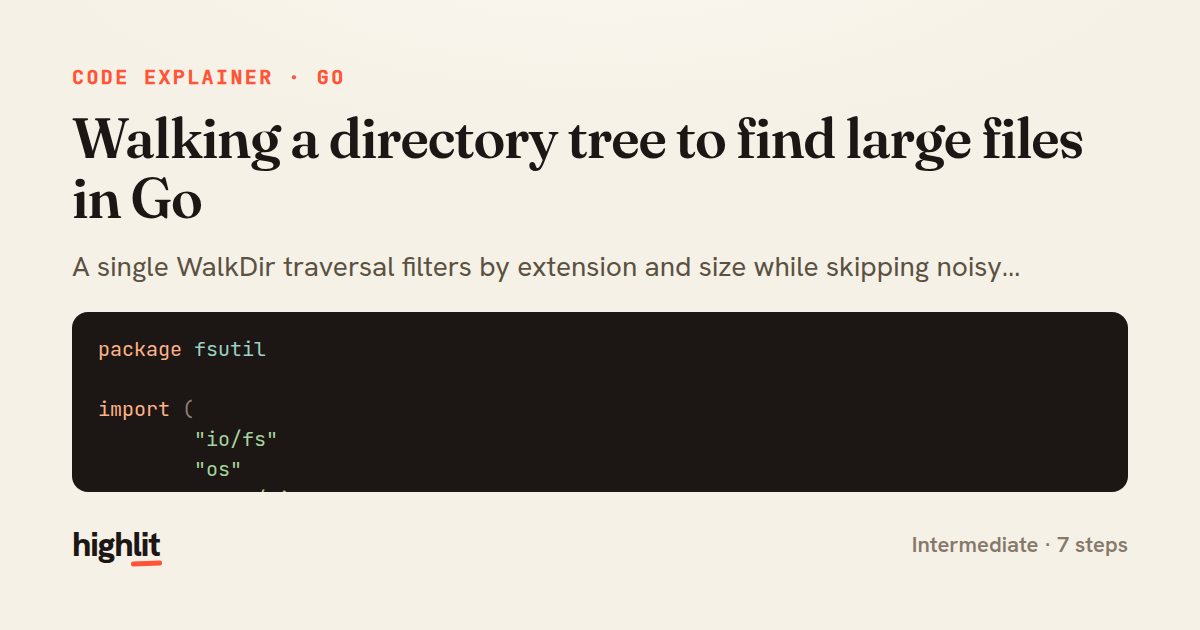
Made with highlit — turn any snippet into a walkthrough like this in about a minute.
Explain your code
Embed this explainer
Drop the interactive walkthrough into a blog or docs. Views never cost a credit.
<iframe src="https://highlit.co/explainers/walking-a-directory-tree-to-find-large-files-in-go-explained-go-fe00/embed?autoplay=1" width="100%" height="520" loading="lazy" style="border:0"></iframe>
Autoplay is on by default — add ?autoplay=0 to start paused.