typescript
50 lines · 8 steps
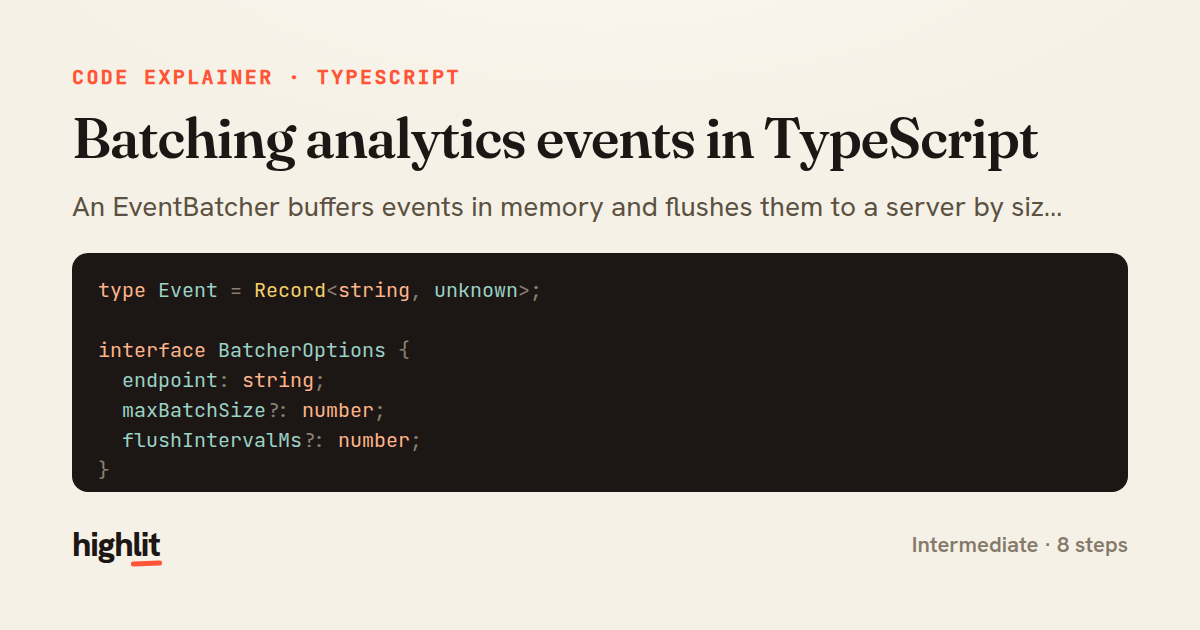
Batching analytics events in TypeScript
An EventBatcher buffers events in memory and flushes them to a server by size or on a timer, requeuing on failure.
Explained by
highlit
1type Event = Record<string, unknown>;
2
3interface BatcherOptions {
4 endpoint: string;
5 maxBatchSize?: number;
6 flushIntervalMs?: number;
7}
8
9export class EventBatcher {
10 private queue: Event[] = [];
11 private timer: ReturnType<typeof setInterval> | null = null;
12 private readonly maxBatchSize: number;
13
14 constructor(private readonly options: BatcherOptions) {
15 this.maxBatchSize = options.maxBatchSize ?? 50;
16 this.timer = setInterval(() => {
17 void this.flush();
18 }, options.flushIntervalMs ?? 5000);
19 }
20
21 track(event: Event): void {
22 this.queue.push({ ...event, ts: Date.now() });
23 if (this.queue.length >= this.maxBatchSize) {
24 void this.flush();
25 }
26 }
27
28 async flush(): Promise<void> {
29 if (this.queue.length === 0) return;
30
31 const batch = this.queue.splice(0, this.queue.length);
32 try {
33 await fetch(this.options.endpoint, {
34 method: "POST",
35 headers: { "content-type": "application/json" },
36 body: JSON.stringify({ events: batch }),
37 keepalive: true,
38 });
39 } catch (err) {
40 this.queue.unshift(...batch);
41 console.error("event flush failed, requeued", err);
42 }
43 }
44
45 async close(): Promise<void> {
46 if (this.timer) clearInterval(this.timer);
47 this.timer = null;
48 await this.flush();
49 }
50}
01 / 01
STEP 01
‹ swipe to step through ›
Walkthrough
Space play
←→ step
click any line
Three takeaways
- 1Batching trades a little latency for far fewer network round-trips.
- 2Flushing on both a size threshold and a timer bounds memory and delay at once.
- 3Requeuing a failed batch preserves data at the cost of possible duplicate delivery.
Related explainers
typescript
import { registerLocaleData } from '@angular/common';
import localeFr from '@angular/common/locales/fr';
import localeFrExtra from '@angular/common/locales/extra/fr';
import localeDe from '@angular/common/locales/de';
Locale-aware bootstrapping in Angular
i18n
localization
dependency-injection
Intermediate
8 steps
rust
use serde::Deserialize;

#[derive(Debug, Deserialize)]
#[serde(untagged)]
Parsing flexible JSON shapes with serde
deserialization
enums
json
Intermediate
6 steps
ruby
require "shellwords"
require "open3"

module Backup
Building safe shell commands in Ruby
shell-out
subprocess
command-injection
Intermediate
7 steps
python
from fastapi import FastAPI, WebSocket, WebSocketDisconnect

app = FastAPI()
Building a WebSocket chat with FastAPI
websockets
broadcast
connection-management
Intermediate
9 steps
typescript
import { Module } from '@nestjs/common';
import { ConfigModule } from '@nestjs/config';
import * as Joi from 'joi';
Validating env config at boot in NestJS
configuration
schema-validation
environment-variables
Intermediate
8 steps
typescript
import { Inject, Injectable, Logger } from '@nestjs/common';
import { CACHE_MANAGER } from '@nestjs/cache-manager';
import { Cache } from 'cache-manager';
import { InjectRepository } from '@nestjs/typeorm';
A cache-aside country lookup in NestJS
cache-aside
dependency-injection
batch-lookup
Intermediate
8 steps
Share this explainer
Here's the card — post it anywhere.
Made with highlit — turn any snippet into a walkthrough like this in about a minute.
Explain your code
Embed this explainer
Drop the interactive walkthrough into a blog or docs. Views never cost a credit.
<iframe src="https://highlit.co/explainers/batching-analytics-events-in-typescript-explained-typescript-2bc0/embed?autoplay=1" width="100%" height="520" loading="lazy" style="border:0"></iframe>
Autoplay is on by default — add ?autoplay=0 to start paused.