typescript
37 lines · 9 steps
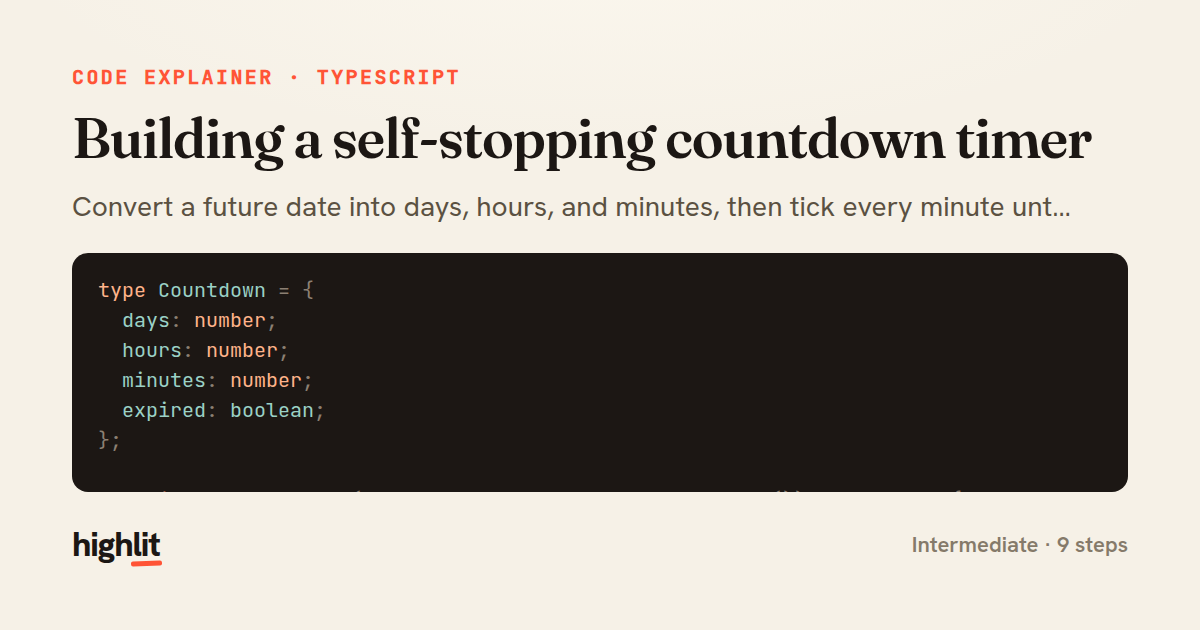
Building a self-stopping countdown timer
Convert a future date into days, hours, and minutes, then tick every minute until it expires.
Explained by
highlit
1type Countdown = {
2 days: number;
3 hours: number;
4 minutes: number;
5 expired: boolean;
6};
7
8function getCountdown(target: Date, now: Date = new Date()): Countdown {
9 const diff = target.getTime() - now.getTime();
10
11 if (diff <= 0) {
12 return { days: 0, hours: 0, minutes: 0, expired: true };
13 }
14
15 const totalMinutes = Math.floor(diff / 60_000);
16 const days = Math.floor(totalMinutes / (60 * 24));
17 const hours = Math.floor((totalMinutes % (60 * 24)) / 60);
18 const minutes = totalMinutes % 60;
19
20 return { days, hours, minutes, expired: false };
21}
22
23function startCountdown(
24 target: Date,
25 onTick: (c: Countdown) => void,
26): () => void {
27 const tick = () => {
28 const countdown = getCountdown(target);
29 onTick(countdown);
30 if (countdown.expired) clearInterval(timer);
31 };
32
33 tick();
34 const timer = setInterval(tick, 60_000);
35
36 return () => clearInterval(timer);
37}
01 / 01
STEP 01
‹ swipe to step through ›
Walkthrough
Space play
←→ step
click any line
Three takeaways
- 1Reduce a time difference to whole units by dividing down and taking the remainder at each level.
- 2Returning a cleanup function lets callers cancel side effects like intervals cleanly.
- 3Running the first tick immediately avoids a blank interval before the first update fires.
Related explainers
typescript
import { registerLocaleData } from '@angular/common';
import localeFr from '@angular/common/locales/fr';
import localeFrExtra from '@angular/common/locales/extra/fr';
import localeDe from '@angular/common/locales/de';
Locale-aware bootstrapping in Angular
i18n
localization
dependency-injection
Intermediate
8 steps
typescript
import { Module } from '@nestjs/common';
import { ConfigModule } from '@nestjs/config';
import * as Joi from 'joi';
Validating env config at boot in NestJS
configuration
schema-validation
environment-variables
Intermediate
8 steps
javascript
function evaluate(expression) {
  const tokens = tokenize(expression);
  let pos = 0;
Building a recursive descent calculator
parsing
recursion
operator-precedence
Intermediate
8 steps
typescript
import { Inject, Injectable, Logger } from '@nestjs/common';
import { CACHE_MANAGER } from '@nestjs/cache-manager';
import { Cache } from 'cache-manager';
import { InjectRepository } from '@nestjs/typeorm';
A cache-aside country lookup in NestJS
cache-aside
dependency-injection
batch-lookup
Intermediate
8 steps
typescript
import { Injectable, effect, signal, computed } from '@angular/core';

interface Preferences {
  theme: 'light' | 'dark';
A signal-based preferences store in Angular
signals
state-management
persistence
Intermediate
7 steps
go
func (w *Watcher) resetDebounce(d time.Duration) {
	if !w.timer.Stop() {
		select {
		case <-w.timer.C:
Debouncing a stream of events in Go
debounce
timers
channels
Advanced
7 steps
Share this explainer
Here's the card — post it anywhere.
Made with highlit — turn any snippet into a walkthrough like this in about a minute.
Explain your code
Embed this explainer
Drop the interactive walkthrough into a blog or docs. Views never cost a credit.
<iframe src="https://highlit.co/explainers/building-a-self-stopping-countdown-timer-explained-typescript-59cc/embed?autoplay=1" width="100%" height="520" loading="lazy" style="border:0"></iframe>
Autoplay is on by default — add ?autoplay=0 to start paused.