python
47 lines · 7 steps
Building a signup form with Flask-WTF
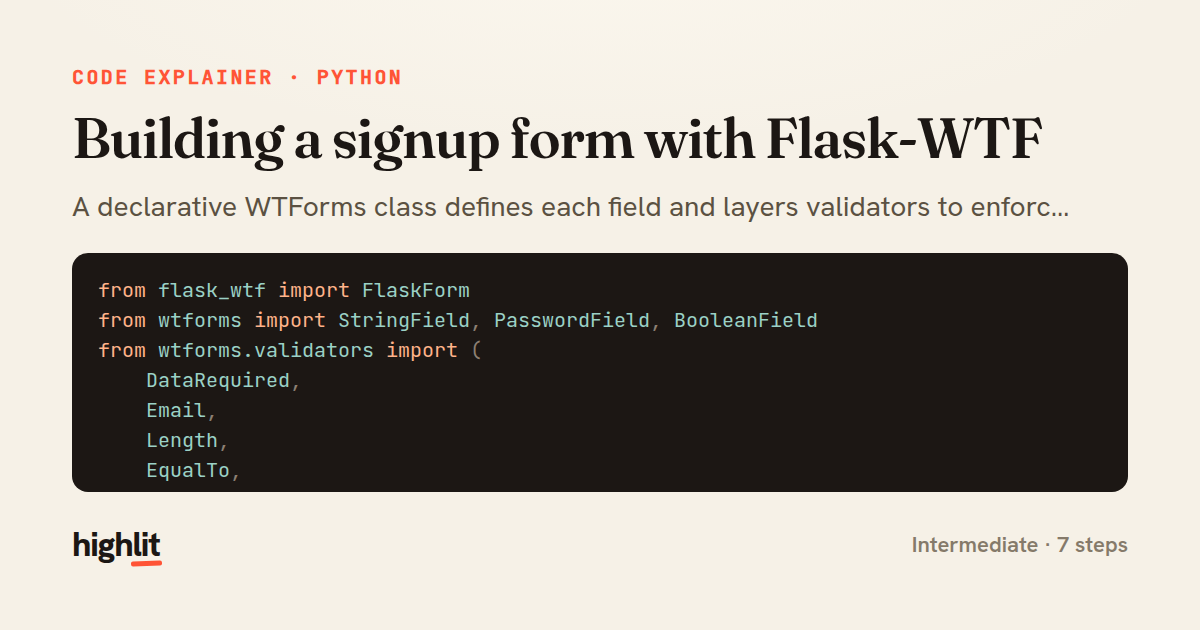
A declarative WTForms class defines each field and layers validators to enforce signup rules server-side.
Explained by
highlit
1from flask_wtf import FlaskForm
2from wtforms import StringField, PasswordField, BooleanField
3from wtforms.validators import (
4 DataRequired,
5 Email,
6 Length,
7 EqualTo,
8 Regexp,
9)
10
11
12class SignupForm(FlaskForm):
13 username = StringField(
14 "Username",
15 validators=[
16 DataRequired(),
17 Length(min=3, max=32),
18 Regexp(
19 r"^[A-Za-z0-9_]+$",
20 message="Username may only contain letters, numbers, and underscores.",
21 ),
22 ],
23 )
24 email = StringField(
25 "Email",
26 validators=[DataRequired(), Email(), Length(max=255)],
27 )
28 password = PasswordField(
29 "Password",
30 validators=[
31 DataRequired(),
32 Length(min=8, max=128),
33 Regexp(
34 r"(?=.*[a-z])(?=.*[A-Z])(?=.*\d)",
35 message="Password must include upper- and lowercase letters and a digit.",
36 ),
37 EqualTo("confirm", message="Passwords must match."),
38 ],
39 )
40 confirm = PasswordField(
41 "Confirm Password",
42 validators=[DataRequired()],
43 )
44 accept_terms = BooleanField(
45 "I accept the Terms of Service",
46 validators=[DataRequired(message="You must accept the terms to continue.")],
47 )
01 / 01
STEP 01
‹ swipe to step through ›
Walkthrough
Space play
←→ step
click any line
Three takeaways
- 1Subclassing FlaskForm lets you declare fields as class attributes, each paired with its own validation chain.
- 2Validators run in order, so combining DataRequired, Length, and Regexp builds precise rules from small reusable pieces.
- 3Cross-field checks like EqualTo let one field's validity depend on another, keeping password confirmation logic inside the form.
Related explainers
python
from fastapi import FastAPI, WebSocket, WebSocketDisconnect

app = FastAPI()
Building a WebSocket chat with FastAPI
websockets
broadcast
connection-management
Intermediate
9 steps
ruby
class UserAgentParser
  BROWSERS = [
    [/Edg\/([\d.]+)/, "Edge"],
    [/OPR\/([\d.]+)/, "Opera"],
Parsing user-agent strings in Ruby
regex
pattern-matching
lookup-tables
Intermediate
8 steps
python
import time
import uuid

from django.utils.deprecation import MiddlewareMixin
Attaching per-request context in Django
middleware
request lifecycle
multi-tenancy
Intermediate
7 steps
python
import random
from typing import Iterator, List
How reservoir sampling picks k items
reservoir-sampling
streaming
randomness
Intermediate
5 steps
python
import secrets

from django.contrib.auth import authenticate, login
from django.core.cache import cache
Two-factor login with OTP in Django
two-factor-auth
one-time-passwords
caching
Intermediate
9 steps
python
import re
from functools import total_ordering
from typing import Optional
Parsing and comparing semantic versions
regex
operator-overloading
sorting
Intermediate
7 steps
Share this explainer
Here's the card — post it anywhere.
Made with highlit — turn any snippet into a walkthrough like this in about a minute.
Explain your code
Embed this explainer
Drop the interactive walkthrough into a blog or docs. Views never cost a credit.
<iframe src="https://highlit.co/explainers/building-a-signup-form-with-flask-wtf-explained-python-9adb/embed?autoplay=1" width="100%" height="520" loading="lazy" style="border:0"></iframe>
Autoplay is on by default — add ?autoplay=0 to start paused.