javascript
42 lines · 8 steps
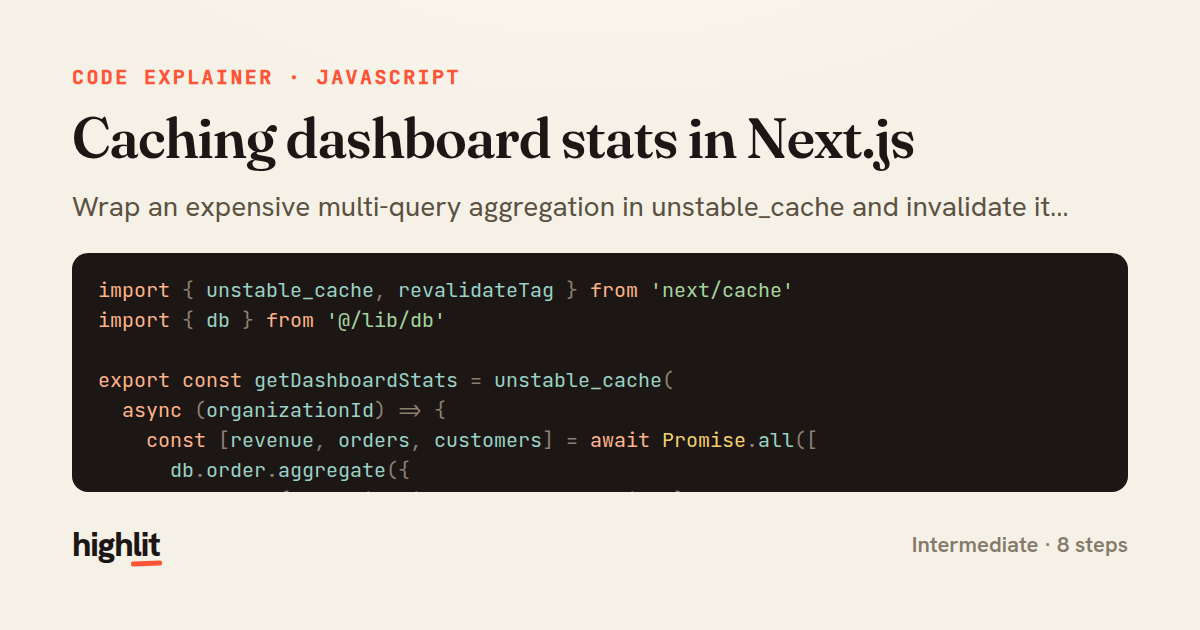
Caching dashboard stats in Next.js
Wrap an expensive multi-query aggregation in unstable_cache and invalidate it by tag when the underlying data changes.
Explained by
highlit
1import { unstable_cache, revalidateTag } from 'next/cache'
2import { db } from '@/lib/db'
3
4export const getDashboardStats = unstable_cache(
5 async (organizationId) => {
6 const [revenue, orders, customers] = await Promise.all([
7 db.order.aggregate({
8 where: { organizationId, status: 'paid' },
9 _sum: { total: true },
10 }),
11 db.order.groupBy({
12 by: ['status'],
13 where: { organizationId },
14 _count: { _all: true },
15 }),
16 db.customer.count({
17 where: { organizationId, deletedAt: null },
18 }),
19 ])
20
21 return {
22 totalRevenue: revenue._sum.total ?? 0,
23 ordersByStatus: Object.fromEntries(
24 orders.map((row) => [row.status, row._count._all]),
25 ),
26 customerCount: customers,
27 computedAt: new Date().toISOString(),
28 }
29 },
30 ['dashboard-stats'],
31 { tags: ['dashboard-stats'], revalidate: 3600 },
32)
33
34export async function markOrderPaid(orderId, organizationId) {
35 const order = await db.order.update({
36 where: { id: orderId, organizationId },
37 data: { status: 'paid', paidAt: new Date() },
38 })
39
40 revalidateTag('dashboard-stats')
41 return order
42}
01 / 01
STEP 01
‹ swipe to step through ›
Walkthrough
Space play
←→ step
click any line
Three takeaways
- 1Tag-based caching lets you cache a value once and precisely invalidate it from anywhere a write occurs.
- 2Running independent queries with Promise.all shrinks total latency to the slowest single query.
- 3Pairing a cache key with a revalidate window gives you both freshness bounds and on-demand invalidation.
Related explainers
javascript
function evaluate(expression) {
  const tokens = tokenize(expression);
  let pos = 0;
Building a recursive descent calculator
parsing
recursion
operator-precedence
Intermediate
8 steps
javascript
import { useState, useEffect, useCallback, useRef } from 'react';

const cache = new Map();
const inflight = new Map();
Building a stale-while-revalidate hook in React
caching
request-deduplication
custom-hooks
Advanced
10 steps
go
func (w *Watcher) resetDebounce(d time.Duration) {
	if !w.timer.Stop() {
		select {
		case <-w.timer.C:
Debouncing a stream of events in Go
debounce
timers
channels
Advanced
7 steps
php
<?php

namespace App\Services;
Building a cached daily leaderboard in Laravel
caching
aggregation
eager-loading
Intermediate
9 steps
python
import secrets

from django.contrib.auth import authenticate, login
from django.core.cache import cache
Two-factor login with OTP in Django
two-factor-auth
one-time-passwords
caching
Intermediate
9 steps
rust
use std::collections::VecDeque;
use std::sync::{Arc, Condvar, Mutex};
use std::time::{Duration, Instant};
Building a counting semaphore in Rust
concurrency
synchronization
condition-variable
Advanced
9 steps
Share this explainer
Here's the card — post it anywhere.
Made with highlit — turn any snippet into a walkthrough like this in about a minute.
Explain your code
Embed this explainer
Drop the interactive walkthrough into a blog or docs. Views never cost a credit.
<iframe src="https://highlit.co/explainers/caching-dashboard-stats-in-next-js-explained-javascript-d2a0/embed?autoplay=1" width="100%" height="520" loading="lazy" style="border:0"></iframe>
Autoplay is on by default — add ?autoplay=0 to start paused.