typescript
38 lines · 6 steps
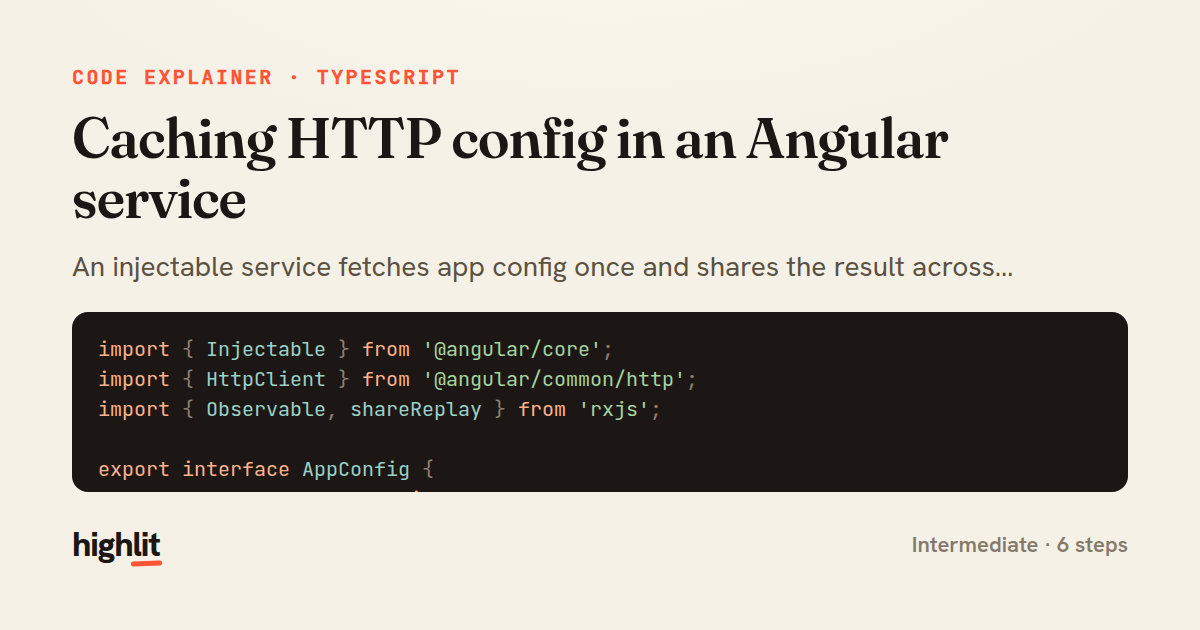
Caching HTTP config in an Angular service
An injectable service fetches app config once and shares the result across every subscriber using shareReplay.
Explained by
highlit
1import { Injectable } from '@angular/core';
2import { HttpClient } from '@angular/common/http';
3import { Observable, shareReplay } from 'rxjs';
4
5export interface AppConfig {
6 featureFlags: Record<string, boolean>;
7 apiBaseUrl: string;
8 supportEmail: string;
9}
10
11@Injectable({ providedIn: 'root' })
12export class ConfigService {
13 private config$?: Observable<AppConfig>;
14
15 constructor(private http: HttpClient) {}
16
17 getConfig(): Observable<AppConfig> {
18 if (!this.config$) {
19 this.config$ = this.http.get<AppConfig>('/api/config').pipe(
20 shareReplay({ bufferSize: 1, refCount: false }),
21 );
22 }
23 return this.config$;
24 }
25
26 isFeatureEnabled(flag: string): Observable<boolean> {
27 return this.getConfig().pipe(
28 map((config) => config.featureFlags[flag] ?? false),
29 );
30 }
31
32 refresh(): Observable<AppConfig> {
33 this.config$ = undefined;
34 return this.getConfig();
35 }
36}
37
38import { map } from 'rxjs';
01 / 01
STEP 01
‹ swipe to step through ›
Walkthrough
Space play
←→ step
click any line
Three takeaways
- 1A cached Observable field lets a service fetch once and replay the result to every later subscriber.
- 2shareReplay with bufferSize 1 and refCount false keeps the response alive even when no one is currently subscribed.
- 3Nulling the cached Observable is a clean way to force a fresh fetch on the next access.
Related explainers
typescript
import { registerLocaleData } from '@angular/common';
import localeFr from '@angular/common/locales/fr';
import localeFrExtra from '@angular/common/locales/extra/fr';
import localeDe from '@angular/common/locales/de';
Locale-aware bootstrapping in Angular
i18n
localization
dependency-injection
Intermediate
8 steps
typescript
import { Module } from '@nestjs/common';
import { ConfigModule } from '@nestjs/config';
import * as Joi from 'joi';
Validating env config at boot in NestJS
configuration
schema-validation
environment-variables
Intermediate
8 steps
java
@Component
@Converter
public class EncryptedStringConverter implements AttributeConverter<String, String> {
Transparent column encryption in Spring & JPA
encryption
aes-gcm
jpa-converter
Advanced
10 steps
typescript
import { Inject, Injectable, Logger } from '@nestjs/common';
import { CACHE_MANAGER } from '@nestjs/cache-manager';
import { Cache } from 'cache-manager';
import { InjectRepository } from '@nestjs/typeorm';
A cache-aside country lookup in NestJS
cache-aside
dependency-injection
batch-lookup
Intermediate
8 steps
java
package com.acme.billing.config;

import org.springframework.boot.autoconfigure.condition.ConditionalOnProperty;
import org.springframework.boot.context.properties.ConfigurationProperties;
Feature-flagged beans with Spring @ConditionalOnProperty
feature-flags
conditional-beans
strategy-pattern
Intermediate
5 steps
typescript
import { Injectable, effect, signal, computed } from '@angular/core';

interface Preferences {
  theme: 'light' | 'dark';
A signal-based preferences store in Angular
signals
state-management
persistence
Intermediate
7 steps
Share this explainer
Here's the card — post it anywhere.
Made with highlit — turn any snippet into a walkthrough like this in about a minute.
Explain your code
Embed this explainer
Drop the interactive walkthrough into a blog or docs. Views never cost a credit.
<iframe src="https://highlit.co/explainers/caching-http-config-in-an-angular-service-explained-typescript-6cd9/embed?autoplay=1" width="100%" height="520" loading="lazy" style="border:0"></iframe>
Autoplay is on by default — add ?autoplay=0 to start paused.