python
47 lines · 9 steps
Cleaning a customer DataFrame with pandas
A single function normalizes messy customer records column by column into a consistent, deduplicated table.
Explained by
highlit
1import pandas as pd
2import numpy as np
3
4
5def clean_customers(df: pd.DataFrame) -> pd.DataFrame:
6 df = df.copy()
7
8 df.columns = (
9 df.columns.str.strip()
10 .str.lower()
11 .str.replace(r"[^\w]+", "_", regex=True)
12 .str.strip("_")
13 )
14
15 df["email"] = df["email"].str.strip().str.lower()
16 df.loc[~df["email"].str.contains(r"^[^@]+@[^@]+\.[^@]+$", na=False), "email"] = np.nan
17
18 df["name"] = (
19 df["name"]
20 .str.strip()
21 .str.replace(r"\s+", " ", regex=True)
22 .str.title()
23 )
24
25 df["phone"] = (
26 df["phone"]
27 .astype("string")
28 .str.replace(r"\D", "", regex=True)
29 .str.replace(r"^1(\d{10})$", r"\1", regex=True)
30 )
31 df.loc[df["phone"].str.len() != 10, "phone"] = pd.NA
32
33 df["signup_date"] = pd.to_datetime(df["signup_date"], errors="coerce")
34
35 df["country"] = (
36 df["country"].str.strip().str.upper().replace(
37 {"USA": "US", "U.S.": "US", "UNITED STATES": "US", "UK": "GB"}
38 )
39 )
40
41 spend = df["total_spend"].astype("string").str.replace(r"[$,]", "", regex=True)
42 df["total_spend"] = pd.to_numeric(spend, errors="coerce").fillna(0.0)
43
44 df = df.drop_duplicates(subset="email", keep="last")
45 df = df.dropna(subset=["email", "name"]).reset_index(drop=True)
46
47 return df
01 / 01
STEP 01
‹ swipe to step through ›
Walkthrough
Space play
←→ step
click any line
Three takeaways
- 1Copying the input up front keeps the cleaning function free of surprising side effects on the caller's data.
- 2pandas string accessors and regex let you normalize entire columns without explicit loops.
- 3Coercing bad values to NaN/NA first lets a final dropna enforce which fields are mandatory.
Related explainers
php
<?php

class NameParser
{
Parsing a full name into components in PHP
string-parsing
arrays
normalization
Intermediate
8 steps
python
from fastapi import FastAPI, WebSocket, WebSocketDisconnect

app = FastAPI()
Building a WebSocket chat with FastAPI
websockets
broadcast
connection-management
Intermediate
9 steps
ruby
class UserAgentParser
  BROWSERS = [
    [/Edg\/([\d.]+)/, "Edge"],
    [/OPR\/([\d.]+)/, "Opera"],
Parsing user-agent strings in Ruby
regex
pattern-matching
lookup-tables
Intermediate
8 steps
python
import time
import uuid

from django.utils.deprecation import MiddlewareMixin
Attaching per-request context in Django
middleware
request lifecycle
multi-tenancy
Intermediate
7 steps
python
import random
from typing import Iterator, List
How reservoir sampling picks k items
reservoir-sampling
streaming
randomness
Intermediate
5 steps
go
package logging

import (
	"context"
Deduplicating log attributes in Go's slog
decorator-pattern
structured-logging
immutability
Intermediate
8 steps
Share this explainer
Here's the card — post it anywhere.
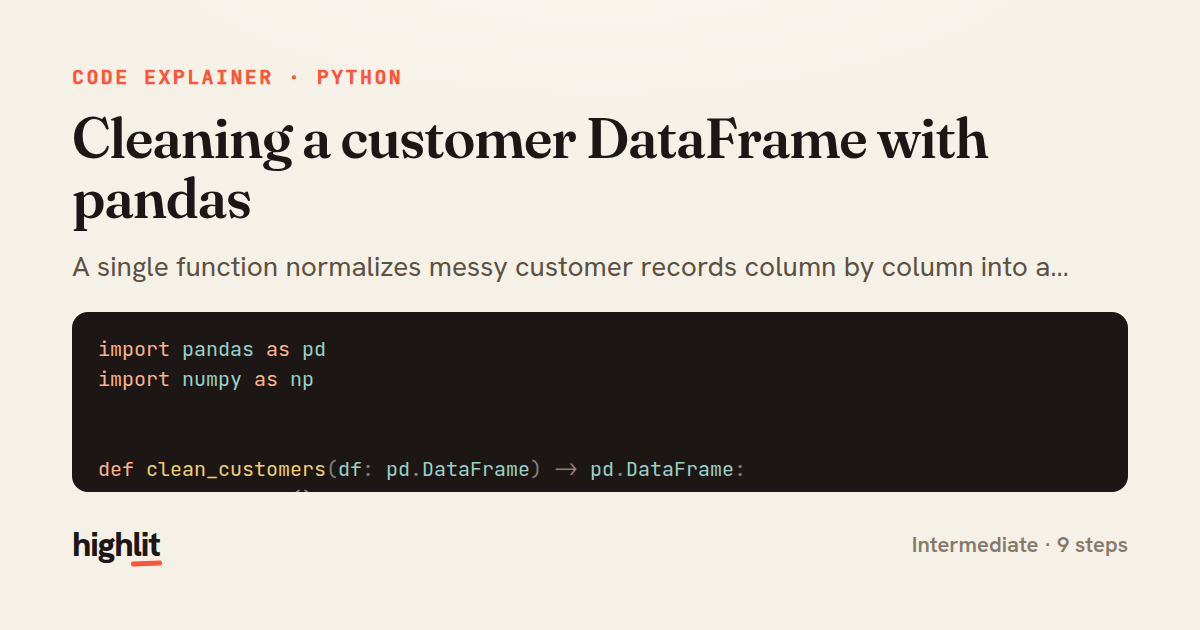
Made with highlit — turn any snippet into a walkthrough like this in about a minute.
Explain your code
Embed this explainer
Drop the interactive walkthrough into a blog or docs. Views never cost a credit.
<iframe src="https://highlit.co/explainers/cleaning-a-customer-dataframe-with-pandas-explained-python-9386/embed?autoplay=1" width="100%" height="520" loading="lazy" style="border:0"></iframe>
Autoplay is on by default — add ?autoplay=0 to start paused.