java
39 lines · 8 steps
Normalizing email addresses in Java
A validator that canonicalizes emails, applying Gmail's dot and plus-tag rules so equivalent addresses collapse to one form.
Explained by
highlit
1public final class EmailNormalizer {
2
3 private static final Pattern EMAIL_PATTERN = Pattern.compile(
4 "^[A-Za-z0-9._%+-]+@[A-Za-z0-9.-]+\\.[A-Za-z]{2,}$"
5 );
6
7 private static final Set<String> GMAIL_DOMAINS = Set.of("gmail.com", "googlemail.com");
8
9 public String normalize(String rawEmail) {
10 if (rawEmail == null || rawEmail.isBlank()) {
11 throw new InvalidEmailException("Email must not be empty");
12 }
13
14 String trimmed = rawEmail.strip().toLowerCase(Locale.ROOT);
15
16 if (!EMAIL_PATTERN.matcher(trimmed).matches()) {
17 throw new InvalidEmailException("Malformed email: " + rawEmail);
18 }
19
20 int at = trimmed.lastIndexOf('@');
21 String localPart = trimmed.substring(0, at);
22 String domain = trimmed.substring(at + 1);
23
24 if (GMAIL_DOMAINS.contains(domain)) {
25 int plus = localPart.indexOf('+');
26 if (plus >= 0) {
27 localPart = localPart.substring(0, plus);
28 }
29 localPart = localPart.replace(".", "");
30 domain = "gmail.com";
31 }
32
33 if (localPart.isEmpty()) {
34 throw new InvalidEmailException("Email local part is empty after normalization");
35 }
36
37 return localPart + "@" + domain;
38 }
39}
01 / 01
STEP 01
‹ swipe to step through ›
Walkthrough
Space play
←→ step
click any line
Three takeaways
- 1Normalizing to a canonical form lets you treat differently-typed inputs as one identity.
- 2Validate structure with a compiled pattern before slicing a string into meaningful parts.
- 3Provider-specific rules like Gmail's dot-insensitivity belong behind an explicit domain check.
Related explainers
php
<?php

class NameParser
{
Parsing a full name into components in PHP
string-parsing
arrays
normalization
Intermediate
8 steps
php
<?php

namespace App\Services\Checkout;
Validating coupons with Laravel's Pipeline
pipeline
chain of responsibility
transactions
Intermediate
7 steps
ruby
class UserAgentParser
  BROWSERS = [
    [/Edg\/([\d.]+)/, "Edge"],
    [/OPR\/([\d.]+)/, "Opera"],
Parsing user-agent strings in Ruby
regex
pattern-matching
lookup-tables
Intermediate
8 steps
java
@Component
@Converter
public class EncryptedStringConverter implements AttributeConverter<String, String> {
Transparent column encryption in Spring & JPA
encryption
aes-gcm
jpa-converter
Advanced
10 steps
php
<?php

namespace App\Services;
How a password strength validator works in PHP
validation
regular-expressions
data-driven
Intermediate
8 steps
java
package com.acme.billing.config;

import org.springframework.boot.autoconfigure.condition.ConditionalOnProperty;
import org.springframework.boot.context.properties.ConfigurationProperties;
Feature-flagged beans with Spring @ConditionalOnProperty
feature-flags
conditional-beans
strategy-pattern
Intermediate
5 steps
Share this explainer
Here's the card — post it anywhere.
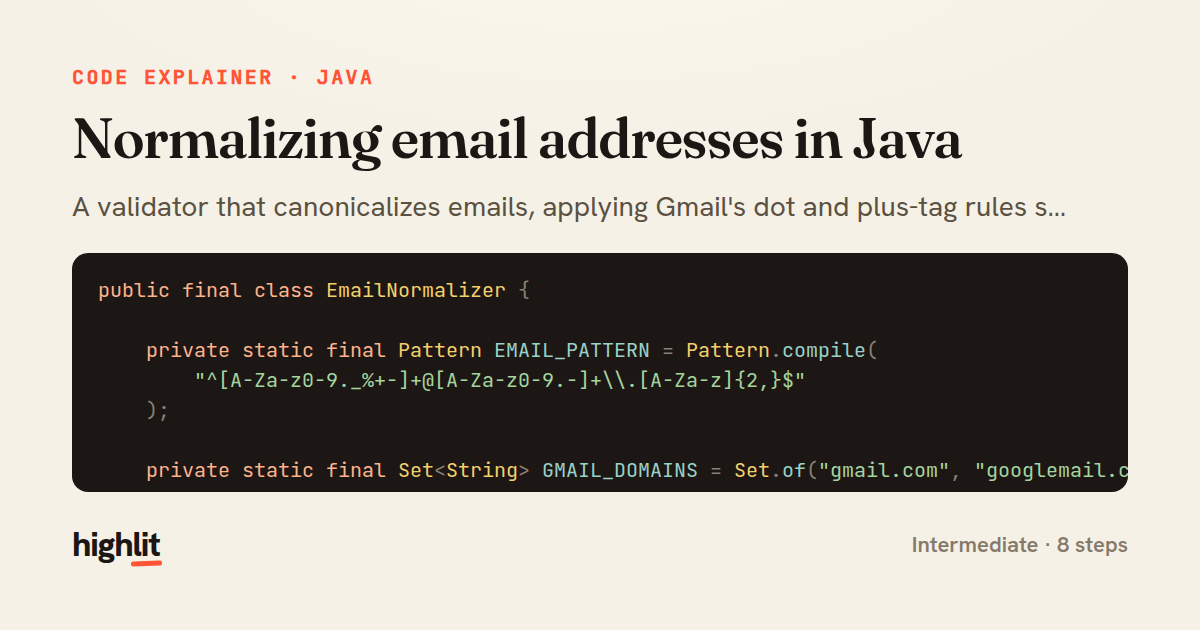
Made with highlit — turn any snippet into a walkthrough like this in about a minute.
Explain your code
Embed this explainer
Drop the interactive walkthrough into a blog or docs. Views never cost a credit.
<iframe src="https://highlit.co/explainers/normalizing-email-addresses-in-java-explained-java-3d72/embed?autoplay=1" width="100%" height="520" loading="lazy" style="border:0"></iframe>
Autoplay is on by default — add ?autoplay=0 to start paused.