javascript
40 lines · 8 steps
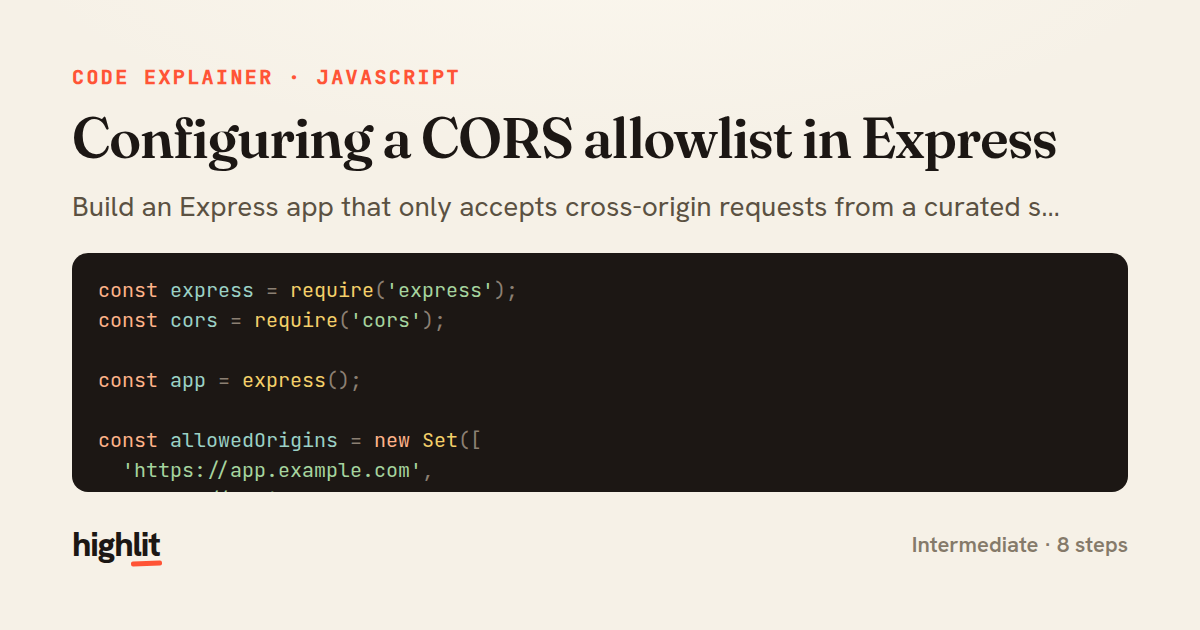
Configuring a CORS allowlist in Express
Build an Express app that only accepts cross-origin requests from a curated set of trusted origins.
Explained by
highlit
1const express = require('express');
2const cors = require('cors');
3
4const app = express();
5
6const allowedOrigins = new Set([
7 'https://app.example.com',
8 'https://admin.example.com',
9]);
10
11if (process.env.NODE_ENV !== 'production') {
12 allowedOrigins.add('http://localhost:3000');
13}
14
15const corsOptions = {
16 origin(origin, callback) {
17 if (!origin || allowedOrigins.has(origin)) {
18 return callback(null, true);
19 }
20 return callback(new Error(`Origin ${origin} not allowed by CORS`));
21 },
22 credentials: true,
23 methods: ['GET', 'POST', 'PUT', 'PATCH', 'DELETE'],
24 allowedHeaders: ['Content-Type', 'Authorization', 'X-Requested-With'],
25 exposedHeaders: ['X-Request-Id', 'X-RateLimit-Remaining'],
26 maxAge: 86400,
27 optionsSuccessStatus: 204,
28};
29
30app.use(cors(corsOptions));
31app.options('*', cors(corsOptions));
32
33app.use((err, req, res, next) => {
34 if (err && err.message && err.message.includes('not allowed by CORS')) {
35 return res.status(403).json({ error: 'CORS_FORBIDDEN', message: err.message });
36 }
37 return next(err);
38});
39
40module.exports = app;
01 / 01
STEP 01
‹ swipe to step through ›
Walkthrough
Space play
←→ step
click any line
Three takeaways
- 1A dynamic origin function lets you validate requests against an allowlist instead of hardcoding a single origin.
- 2CORS options control not just origins but credentials, methods, headers, and preflight caching behavior.
- 3Rejected origins surface as errors, so a dedicated handler is needed to turn them into clean HTTP responses.
Related explainers
python
import time
import uuid

from django.utils.deprecation import MiddlewareMixin
Attaching per-request context in Django
middleware
request lifecycle
multi-tenancy
Intermediate
7 steps
javascript
function evaluate(expression) {
  const tokens = tokenize(expression);
  let pos = 0;
Building a recursive descent calculator
parsing
recursion
operator-precedence
Intermediate
8 steps
javascript
import { useState, useEffect, useCallback, useRef } from 'react';

const cache = new Map();
const inflight = new Map();
Building a stale-while-revalidate hook in React
caching
request-deduplication
custom-hooks
Advanced
10 steps
java
public static Map<String, String> parseCookieHeader(String header) {
    Map<String, String> cookies = new LinkedHashMap<>();
    if (header == null || header.isBlank()) {
        return cookies;
Parsing an HTTP Cookie header in Java
string-parsing
http
url-decoding
Intermediate
6 steps
javascript
import { useEffect, useRef, useState } from 'react';

export function useDelayedFlag(active, delay = 300) {
  const [visible, setVisible] = useState(false);
Delaying a loading spinner with a React hook
custom-hooks
debouncing
cleanup
Intermediate
8 steps
go
package middleware

import (
	"net/http"
Per-plan export limits in Gin middleware
middleware
rate-limiting
authorization
Intermediate
7 steps
Share this explainer
Here's the card — post it anywhere.
Made with highlit — turn any snippet into a walkthrough like this in about a minute.
Explain your code
Embed this explainer
Drop the interactive walkthrough into a blog or docs. Views never cost a credit.
<iframe src="https://highlit.co/explainers/configuring-a-cors-allowlist-in-express-explained-javascript-a235/embed?autoplay=1" width="100%" height="520" loading="lazy" style="border:0"></iframe>
Autoplay is on by default — add ?autoplay=0 to start paused.