python
37 lines · 7 steps
Custom columns in the Django admin
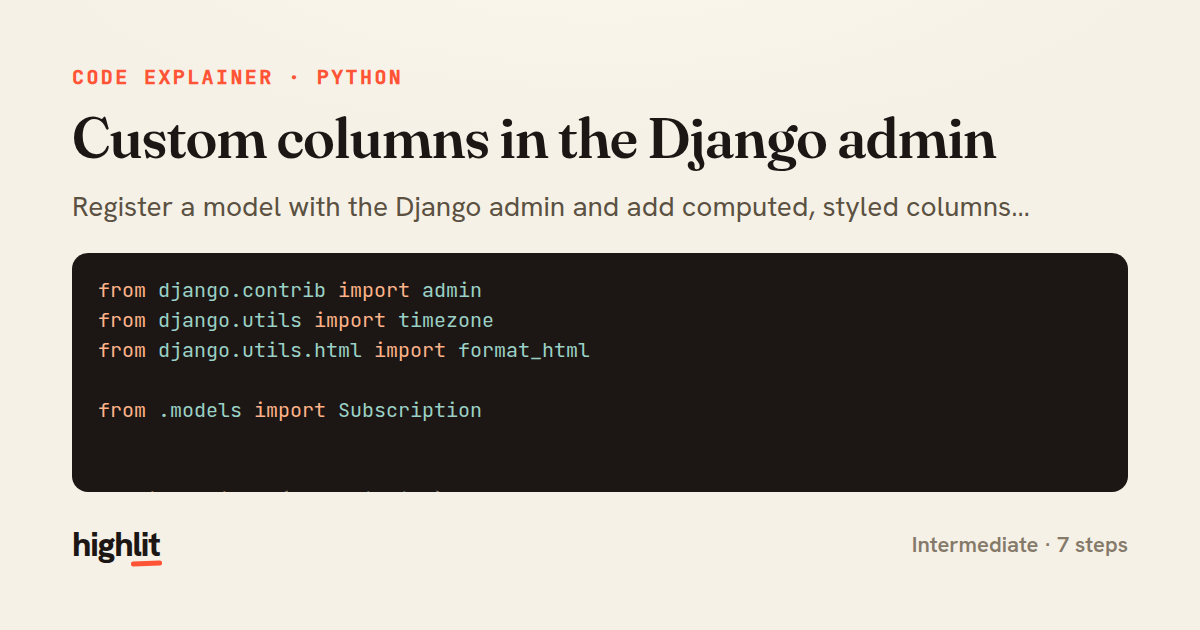
Register a model with the Django admin and add computed, styled columns using @admin.display methods.
Explained by
highlit
1from django.contrib import admin
2from django.utils import timezone
3from django.utils.html import format_html
4
5from .models import Subscription
6
7
8@admin.register(Subscription)
9class SubscriptionAdmin(admin.ModelAdmin):
10 list_display = ("customer", "plan", "status_badge", "days_remaining", "is_active")
11 list_select_related = ("customer", "plan")
12 ordering = ("-created_at",)
13
14 @admin.display(description="Status", ordering="status")
15 def status_badge(self, obj):
16 colors = {
17 "active": "#2e7d32",
18 "trialing": "#0277bd",
19 "past_due": "#f9a825",
20 "canceled": "#c62828",
21 }
22 return format_html(
23 '<span style="color:{}; font-weight:600">{}</span>',
24 colors.get(obj.status, "#616161"),
25 obj.get_status_display(),
26 )
27
28 @admin.display(description="Days left")
29 def days_remaining(self, obj):
30 if obj.current_period_end is None:
31 return "\u2014"
32 delta = (obj.current_period_end - timezone.now()).days
33 return max(delta, 0)
34
35 @admin.display(description="Active", boolean=True)
36 def is_active(self, obj):
37 return obj.status in ("active", "trialing")
01 / 01
STEP 01
‹ swipe to step through ›
Walkthrough
Space play
←→ step
click any line
Three takeaways
- 1The @admin.display decorator turns a method into a virtual column with its own header, sort key, and boolean icon.
- 2format_html safely interpolates values into markup so admin cells can carry styling without XSS risk.
- 3list_select_related batches related-object lookups to keep custom columns from firing N+1 queries.
Related explainers
python
from fastapi import FastAPI, WebSocket, WebSocketDisconnect

app = FastAPI()
Building a WebSocket chat with FastAPI
websockets
broadcast
connection-management
Intermediate
9 steps
python
import time
import uuid

from django.utils.deprecation import MiddlewareMixin
Attaching per-request context in Django
middleware
request lifecycle
multi-tenancy
Intermediate
7 steps
python
import random
from typing import Iterator, List
How reservoir sampling picks k items
reservoir-sampling
streaming
randomness
Intermediate
5 steps
python
import secrets

from django.contrib.auth import authenticate, login
from django.core.cache import cache
Two-factor login with OTP in Django
two-factor-auth
one-time-passwords
caching
Intermediate
9 steps
python
import re
from functools import total_ordering
from typing import Optional
Parsing and comparing semantic versions
regex
operator-overloading
sorting
Intermediate
7 steps
python
from typing import Any, Sequence, Mapping


def render_markdown_table(
Rendering an aligned Markdown table in Python
string formatting
data transformation
closures
Intermediate
8 steps
Share this explainer
Here's the card — post it anywhere.
Made with highlit — turn any snippet into a walkthrough like this in about a minute.
Explain your code
Embed this explainer
Drop the interactive walkthrough into a blog or docs. Views never cost a credit.
<iframe src="https://highlit.co/explainers/custom-columns-in-the-django-admin-explained-python-819f/embed?autoplay=1" width="100%" height="520" loading="lazy" style="border:0"></iframe>
Autoplay is on by default — add ?autoplay=0 to start paused.