python
51 lines · 7 steps
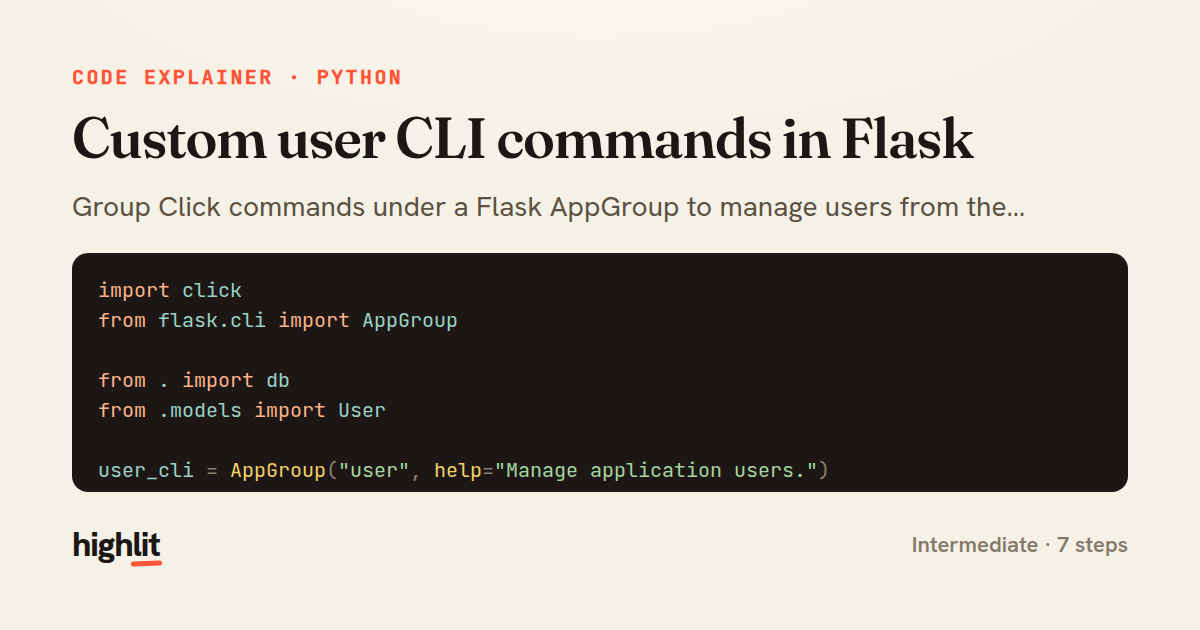
Custom user CLI commands in Flask
Group Click commands under a Flask AppGroup to manage users from the command line.
Explained by
highlit
1import click
2from flask.cli import AppGroup
3
4from . import db
5from .models import User
6
7user_cli = AppGroup("user", help="Manage application users.")
8
9
10@user_cli.command("create")
11@click.argument("email")
12@click.option("--password", prompt=True, hide_input=True, confirmation_prompt=True)
13@click.option("--admin", is_flag=True, help="Grant administrator privileges.")
14def create_user(email, password, admin):
15 if User.query.filter_by(email=email).first():
16 raise click.ClickException(f"A user with {email!r} already exists.")
17
18 user = User(email=email, is_admin=admin)
19 user.set_password(password)
20 db.session.add(user)
21 db.session.commit()
22 click.secho(f"Created user {email} (id={user.id}).", fg="green")
23
24
25@user_cli.command("promote")
26@click.argument("email")
27def promote_user(email):
28 user = User.query.filter_by(email=email).first()
29 if user is None:
30 raise click.ClickException(f"No user found for {email!r}.")
31
32 user.is_admin = True
33 db.session.commit()
34 click.secho(f"{email} is now an administrator.", fg="yellow")
35
36
37@user_cli.command("delete")
38@click.argument("email")
39@click.confirmation_option(prompt="Permanently delete this user?")
40def delete_user(email):
41 user = User.query.filter_by(email=email).first()
42 if user is None:
43 raise click.ClickException(f"No user found for {email!r}.")
44
45 db.session.delete(user)
46 db.session.commit()
47 click.secho(f"Deleted {email}.", fg="red")
48
49
50def register_cli(app):
51 app.cli.add_command(user_cli)
01 / 01
STEP 01
‹ swipe to step through ›
Walkthrough
Space play
←→ step
click any line
Three takeaways
- 1An AppGroup bundles related Click commands under one namespace that shares the Flask app context.
- 2Click decorators declare arguments, prompts, and confirmations declaratively instead of hand-parsing input.
- 3Raising ClickException gives clean, exit-code-aware error messages instead of raw tracebacks.
Related explainers
python
from fastapi import FastAPI, WebSocket, WebSocketDisconnect

app = FastAPI()
Building a WebSocket chat with FastAPI
websockets
broadcast
connection-management
Intermediate
9 steps
python
import time
import uuid

from django.utils.deprecation import MiddlewareMixin
Attaching per-request context in Django
middleware
request lifecycle
multi-tenancy
Intermediate
7 steps
python
import random
from typing import Iterator, List
How reservoir sampling picks k items
reservoir-sampling
streaming
randomness
Intermediate
5 steps
python
import secrets

from django.contrib.auth import authenticate, login
from django.core.cache import cache
Two-factor login with OTP in Django
two-factor-auth
one-time-passwords
caching
Intermediate
9 steps
python
import re
from functools import total_ordering
from typing import Optional
Parsing and comparing semantic versions
regex
operator-overloading
sorting
Intermediate
7 steps
python
from typing import Any, Sequence, Mapping


def render_markdown_table(
Rendering an aligned Markdown table in Python
string formatting
data transformation
closures
Intermediate
8 steps
Share this explainer
Here's the card — post it anywhere.
Made with highlit — turn any snippet into a walkthrough like this in about a minute.
Explain your code
Embed this explainer
Drop the interactive walkthrough into a blog or docs. Views never cost a credit.
<iframe src="https://highlit.co/explainers/custom-user-cli-commands-in-flask-explained-python-ba8b/embed?autoplay=1" width="100%" height="520" loading="lazy" style="border:0"></iframe>
Autoplay is on by default — add ?autoplay=0 to start paused.