python
39 lines · 6 steps
Merging sorted log files with heapq
Stream multiple time-sorted log files and interleave them into one chronological output without loading everything into memory.
Explained by
highlit
1import heapq
2from datetime import datetime
3from pathlib import Path
4from typing import Iterator, NamedTuple
5
6
7class LogEntry(NamedTuple):
8 timestamp: datetime
9 source: str
10 message: str
11
12
13def parse_entries(path: Path) -> Iterator[LogEntry]:
14 source = path.stem
15 with path.open(encoding="utf-8") as fh:
16 for line in fh:
17 line = line.rstrip("\n")
18 if not line:
19 continue
20 stamp, _, message = line.partition(" ")
21 try:
22 ts = datetime.fromisoformat(stamp)
23 except ValueError:
24 continue
25 yield LogEntry(ts, source, message)
26
27
28def merge_logs(paths: list[Path]) -> Iterator[LogEntry]:
29 streams = [parse_entries(p) for p in paths]
30 yield from heapq.merge(*streams, key=lambda entry: entry.timestamp)
31
32
33def write_merged(paths: list[Path], destination: Path) -> int:
34 count = 0
35 with destination.open("w", encoding="utf-8") as out:
36 for entry in merge_logs(paths):
37 out.write(f"{entry.timestamp.isoformat()} [{entry.source}] {entry.message}\n")
38 count += 1
39 return count
01 / 01
STEP 01
‹ swipe to step through ›
Walkthrough
Space play
←→ step
click any line
Three takeaways
- 1heapq.merge interleaves already-sorted iterables lazily, so you never hold every entry in memory at once.
- 2Generators with yield let each file be read line-by-line on demand, keeping the whole pipeline streaming.
- 3A NamedTuple gives structured, self-documenting records while staying lightweight and comparable.
Related explainers
python
from fastapi import FastAPI, WebSocket, WebSocketDisconnect

app = FastAPI()
Building a WebSocket chat with FastAPI
websockets
broadcast
connection-management
Intermediate
9 steps
python
import time
import uuid

from django.utils.deprecation import MiddlewareMixin
Attaching per-request context in Django
middleware
request lifecycle
multi-tenancy
Intermediate
7 steps
python
import random
from typing import Iterator, List
How reservoir sampling picks k items
reservoir-sampling
streaming
randomness
Intermediate
5 steps
rust
use chrono::{Duration, NaiveDate};

#[derive(Debug)]
pub struct DateRange {
Parsing and iterating date ranges in Rust
error-handling
iterators
parsing
Intermediate
7 steps
python
import secrets

from django.contrib.auth import authenticate, login
from django.core.cache import cache
Two-factor login with OTP in Django
two-factor-auth
one-time-passwords
caching
Intermediate
9 steps
python
import re
from functools import total_ordering
from typing import Optional
Parsing and comparing semantic versions
regex
operator-overloading
sorting
Intermediate
7 steps
Share this explainer
Here's the card — post it anywhere.
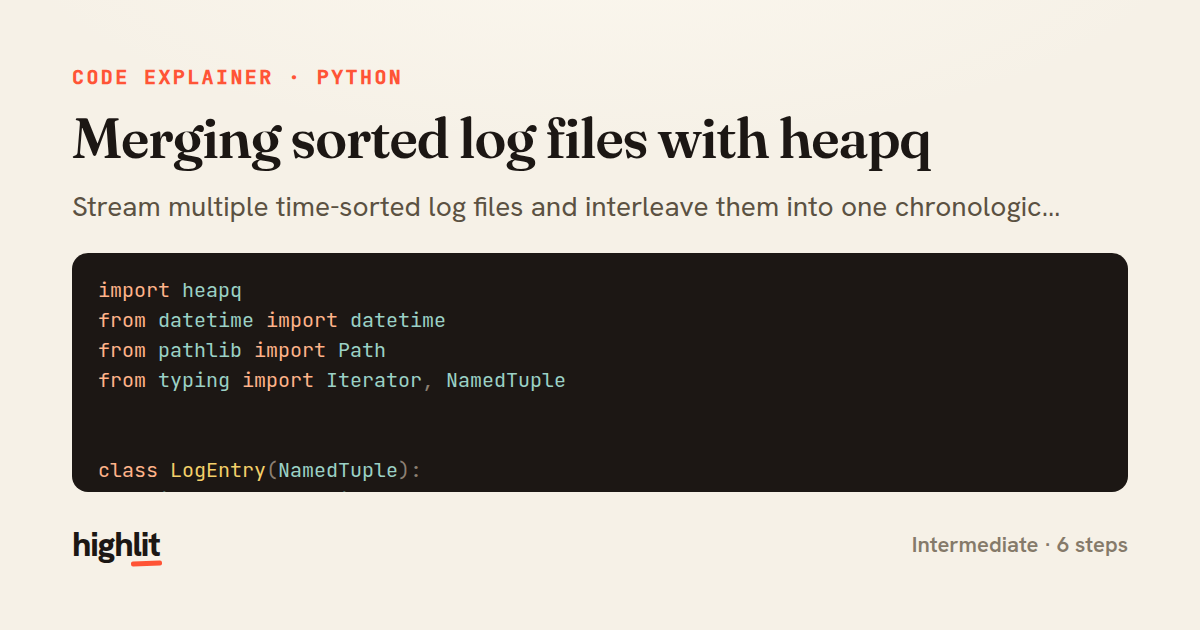
Made with highlit — turn any snippet into a walkthrough like this in about a minute.
Explain your code
Embed this explainer
Drop the interactive walkthrough into a blog or docs. Views never cost a credit.
<iframe src="https://highlit.co/explainers/merging-sorted-log-files-with-heapq-explained-python-a5e3/embed?autoplay=1" width="100%" height="520" loading="lazy" style="border:0"></iframe>
Autoplay is on by default — add ?autoplay=0 to start paused.