php
36 lines · 7 steps
Defining rate limiters in Laravel
How a RouteServiceProvider registers named rate limiters that adapt to the authenticated user.
Explained by
highlit
1<?php
2
3namespace App\Providers;
4
5use Illuminate\Cache\RateLimiting\Limit;
6use Illuminate\Http\Request;
7use Illuminate\Support\Facades\RateLimiter;
8use Illuminate\Support\ServiceProvider;
9
10class RouteServiceProvider extends ServiceProvider
11{
12 public function boot(): void
13 {
14 RateLimiter::for('api', function (Request $request) {
15 return $request->user()
16 ? Limit::perMinute(120)->by($request->user()->id)
17 : Limit::perMinute(30)->by($request->ip());
18 });
19
20 RateLimiter::for('uploads', function (Request $request) {
21 $user = $request->user();
22
23 if ($user?->onPremiumPlan()) {
24 return Limit::none();
25 }
26
27 return Limit::perMinute(10)
28 ->by($user?->id ?: $request->ip())
29 ->response(function (Request $request, array $headers) {
30 return response()->json([
31 'message' => 'Upload limit reached. Try again shortly.',
32 ], 429, $headers);
33 });
34 });
35 }
36}
01 / 01
STEP 01
‹ swipe to step through ›
Walkthrough
Space play
←→ step
click any line
Three takeaways
- 1Named rate limiters let you attach different throttling rules to routes by name instead of hardcoding limits.
- 2Keying limits by user id versus IP lets you give authenticated clients a higher, per-account quota.
- 3Returning Limit::none() or a custom response tailors throttling to plans and gives clients a clear rejection message.
Related explainers
php
<?php

class NameParser
{
Parsing a full name into components in PHP
string-parsing
arrays
normalization
Intermediate
8 steps
php
<?php

namespace App\Services\Checkout;
Validating coupons with Laravel's Pipeline
pipeline
chain of responsibility
transactions
Intermediate
7 steps
python
import time
import uuid

from django.utils.deprecation import MiddlewareMixin
Attaching per-request context in Django
middleware
request lifecycle
multi-tenancy
Intermediate
7 steps
javascript
function evaluate(expression) {
  const tokens = tokenize(expression);
  let pos = 0;
Building a recursive descent calculator
parsing
recursion
operator-precedence
Intermediate
8 steps
php
<?php

namespace App\Services;
How a password strength validator works in PHP
validation
regular-expressions
data-driven
Intermediate
8 steps
php
<?php

namespace App\Services;
Building a cached daily leaderboard in Laravel
caching
aggregation
eager-loading
Intermediate
9 steps
Share this explainer
Here's the card — post it anywhere.
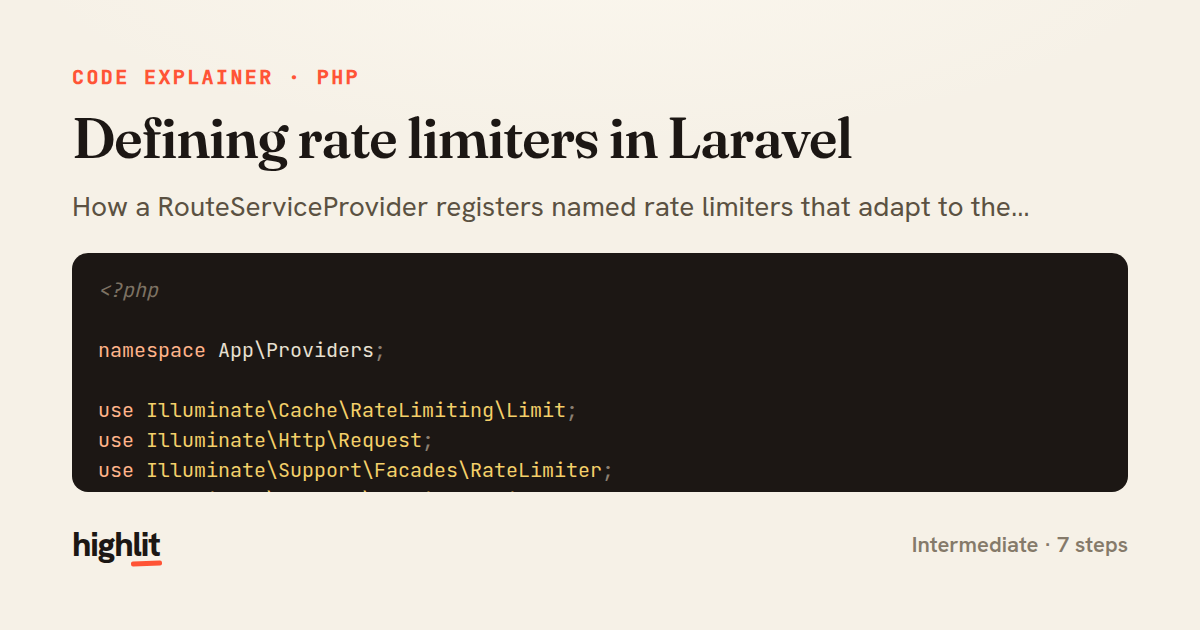
Made with highlit — turn any snippet into a walkthrough like this in about a minute.
Explain your code
Embed this explainer
Drop the interactive walkthrough into a blog or docs. Views never cost a credit.
<iframe src="https://highlit.co/explainers/defining-rate-limiters-in-laravel-explained-php-1422/embed?autoplay=1" width="100%" height="520" loading="lazy" style="border:0"></iframe>
Autoplay is on by default — add ?autoplay=0 to start paused.