python
33 lines · 7 steps
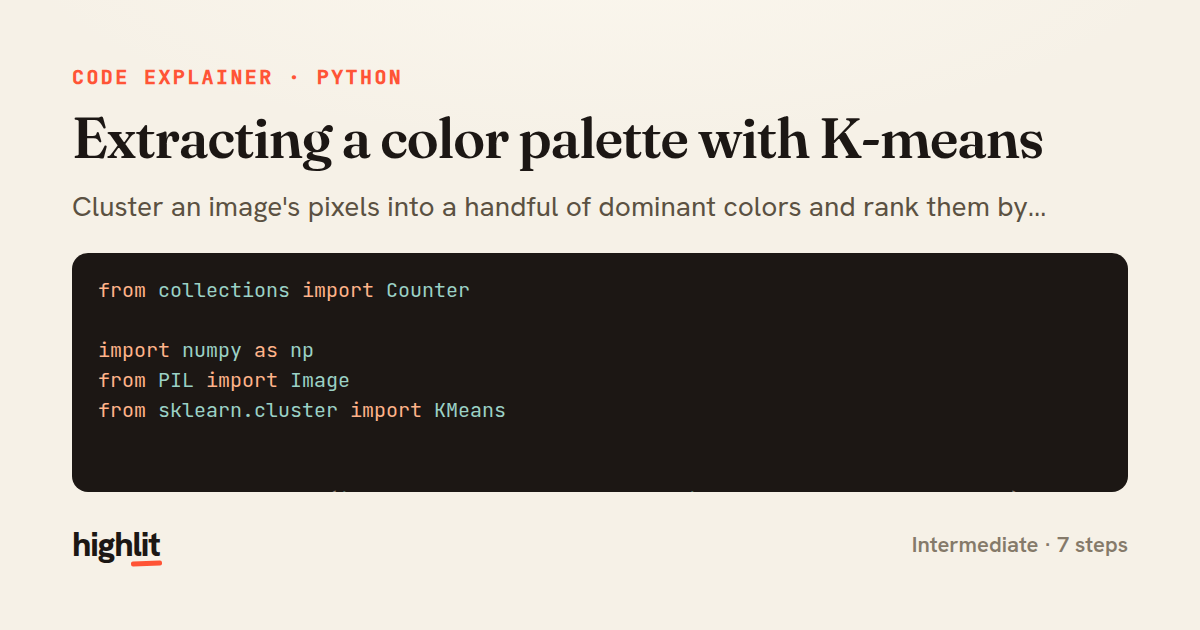
Extracting a color palette with K-means
Cluster an image's pixels into a handful of dominant colors and rank them by how much of the image they cover.
Explained by
highlit
1from collections import Counter
2
3import numpy as np
4from PIL import Image
5from sklearn.cluster import KMeans
6
7
8def extract_palette(image_path, num_colors=6, resize_to=200, sample_frac=1.0):
9 image = Image.open(image_path).convert("RGB")
10 image.thumbnail((resize_to, resize_to))
11
12 pixels = np.asarray(image, dtype=np.float64).reshape(-1, 3)
13 if sample_frac < 1.0:
14 rng = np.random.default_rng(seed=42)
15 idx = rng.choice(len(pixels), size=int(len(pixels) * sample_frac), replace=False)
16 pixels = pixels[idx]
17
18 kmeans = KMeans(n_clusters=num_colors, n_init="auto", random_state=42)
19 labels = kmeans.fit_predict(pixels)
20
21 counts = Counter(labels)
22 total = sum(counts.values())
23 centers = kmeans.cluster_centers_.round().astype(int)
24
25 palette = []
26 for label, count in counts.most_common():
27 r, g, b = centers[label]
28 palette.append({
29 "hex": f"#{r:02x}{g:02x}{b:02x}",
30 "rgb": (int(r), int(g), int(b)),
31 "weight": round(count / total, 4),
32 })
33 return palette
01 / 01
STEP 01
‹ swipe to step through ›
Walkthrough
Space play
←→ step
click any line
Three takeaways
- 1Clustering pixel colors turns thousands of shades into a few representative swatches.
- 2Downsizing and optionally subsampling keeps the clustering fast without changing the palette much.
- 3Cluster sizes double as weights, letting you rank colors by their visual prominence.
Related explainers
python
from fastapi import FastAPI, WebSocket, WebSocketDisconnect

app = FastAPI()
Building a WebSocket chat with FastAPI
websockets
broadcast
connection-management
Intermediate
9 steps
python
import time
import uuid

from django.utils.deprecation import MiddlewareMixin
Attaching per-request context in Django
middleware
request lifecycle
multi-tenancy
Intermediate
7 steps
python
import random
from typing import Iterator, List
How reservoir sampling picks k items
reservoir-sampling
streaming
randomness
Intermediate
5 steps
python
import secrets

from django.contrib.auth import authenticate, login
from django.core.cache import cache
Two-factor login with OTP in Django
two-factor-auth
one-time-passwords
caching
Intermediate
9 steps
python
import re
from functools import total_ordering
from typing import Optional
Parsing and comparing semantic versions
regex
operator-overloading
sorting
Intermediate
7 steps
python
from typing import Any, Sequence, Mapping


def render_markdown_table(
Rendering an aligned Markdown table in Python
string formatting
data transformation
closures
Intermediate
8 steps
Share this explainer
Here's the card — post it anywhere.
Made with highlit — turn any snippet into a walkthrough like this in about a minute.
Explain your code
Embed this explainer
Drop the interactive walkthrough into a blog or docs. Views never cost a credit.
<iframe src="https://highlit.co/explainers/extracting-a-color-palette-with-k-means-explained-python-fa57/embed?autoplay=1" width="100%" height="520" loading="lazy" style="border:0"></iframe>
Autoplay is on by default — add ?autoplay=0 to start paused.