python
37 lines · 7 steps
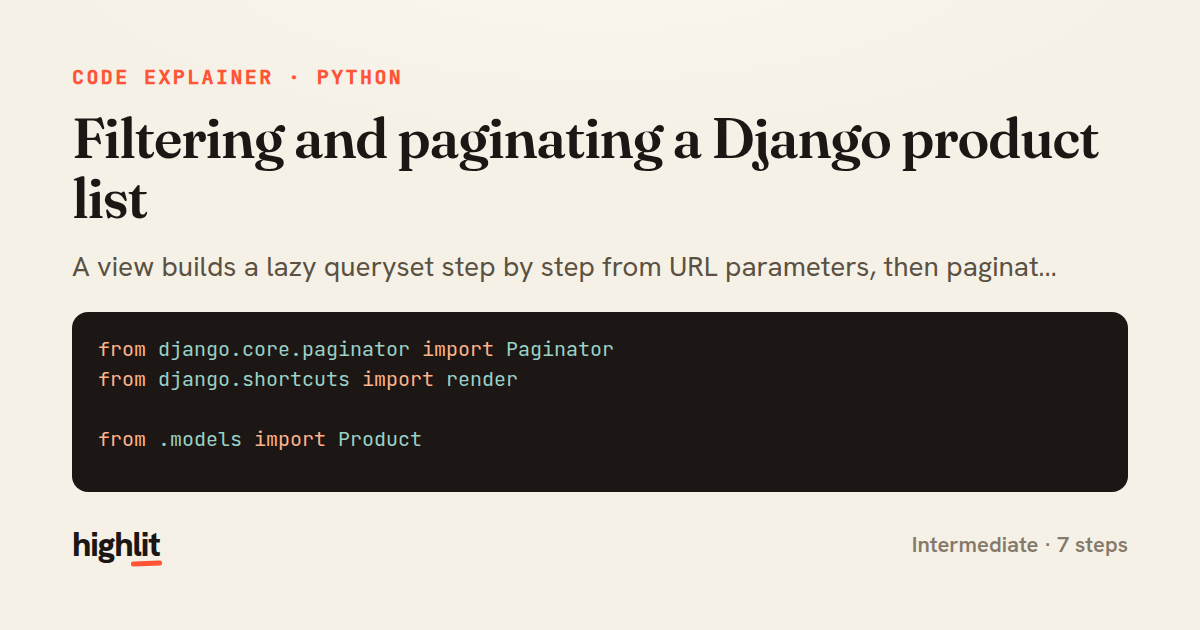
Filtering and paginating a Django product list
A view builds a lazy queryset step by step from URL parameters, then paginates it for the template.
Explained by
highlit
1from django.core.paginator import Paginator
2from django.shortcuts import render
3
4from .models import Product
5
6
7def product_list(request):
8 products = Product.objects.select_related("category").order_by("-created_at")
9
10 category = request.GET.get("category")
11 if category:
12 products = products.filter(category__slug=category)
13
14 search = request.GET.get("q", "").strip()
15 if search:
16 products = products.filter(name__icontains=search)
17
18 in_stock = request.GET.get("in_stock")
19 if in_stock == "1":
20 products = products.filter(stock__gt=0)
21
22 paginator = Paginator(products, 24)
23 page = paginator.get_page(request.GET.get("page"))
24
25 querystring = request.GET.copy()
26 querystring.pop("page", None)
27
28 return render(
29 request,
30 "catalog/product_list.html",
31 {
32 "page": page,
33 "querystring": querystring.urlencode(),
34 "category": category,
35 "search": search,
36 },
37 )
01 / 01
STEP 01
‹ swipe to step through ›
Walkthrough
Space play
←→ step
click any line
Three takeaways
- 1Django querysets are lazy, so chaining filters conditionally builds no database work until the page is actually sliced.
- 2Reading filters straight from request.GET lets one view handle category, search, and stock combinations without extra routes.
- 3Stripping the page key from a copied querystring keeps pagination links carrying every other active filter.
Related explainers
python
from fastapi import FastAPI, WebSocket, WebSocketDisconnect

app = FastAPI()
Building a WebSocket chat with FastAPI
websockets
broadcast
connection-management
Intermediate
9 steps
python
import time
import uuid

from django.utils.deprecation import MiddlewareMixin
Attaching per-request context in Django
middleware
request lifecycle
multi-tenancy
Intermediate
7 steps
python
import random
from typing import Iterator, List
How reservoir sampling picks k items
reservoir-sampling
streaming
randomness
Intermediate
5 steps
rust
use chrono::{Duration, NaiveDate};

#[derive(Debug)]
pub struct DateRange {
Parsing and iterating date ranges in Rust
error-handling
iterators
parsing
Intermediate
7 steps
python
import secrets

from django.contrib.auth import authenticate, login
from django.core.cache import cache
Two-factor login with OTP in Django
two-factor-auth
one-time-passwords
caching
Intermediate
9 steps
python
import re
from functools import total_ordering
from typing import Optional
Parsing and comparing semantic versions
regex
operator-overloading
sorting
Intermediate
7 steps
Share this explainer
Here's the card — post it anywhere.
Made with highlit — turn any snippet into a walkthrough like this in about a minute.
Explain your code
Embed this explainer
Drop the interactive walkthrough into a blog or docs. Views never cost a credit.
<iframe src="https://highlit.co/explainers/filtering-and-paginating-a-django-product-list-explained-python-3284/embed?autoplay=1" width="100%" height="520" loading="lazy" style="border:0"></iframe>
Autoplay is on by default — add ?autoplay=0 to start paused.