python
54 lines · 9 steps
Finding near-duplicate images by perceptual hash
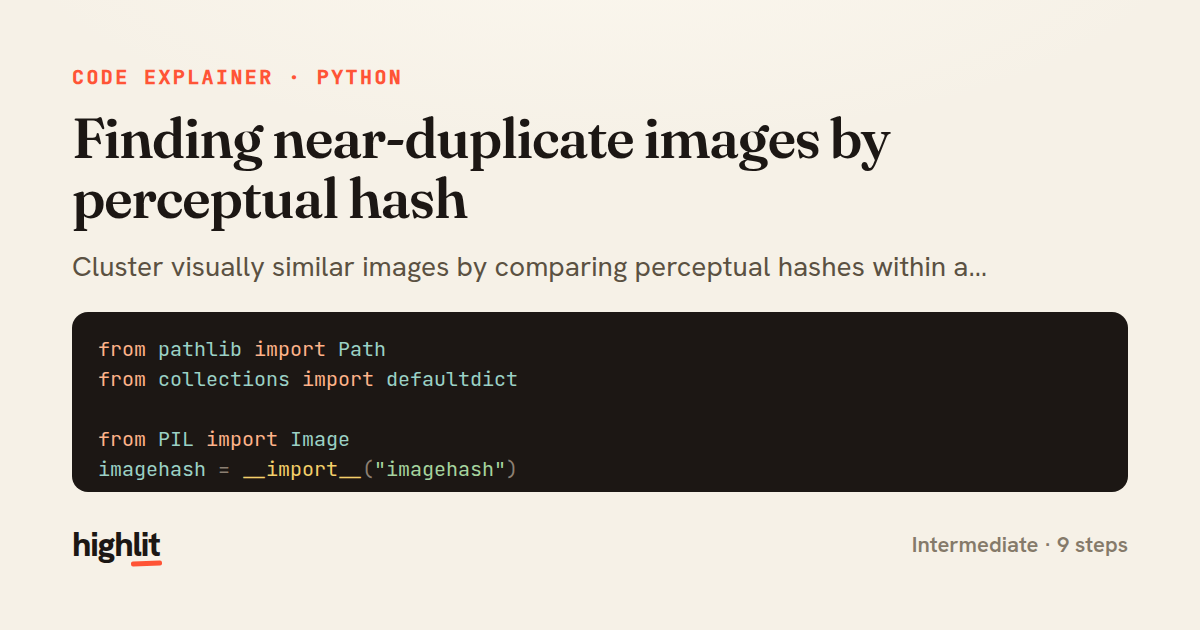
Cluster visually similar images by comparing perceptual hashes within a distance threshold, then prune the redundant copies.
Explained by
highlit
1from pathlib import Path
2from collections import defaultdict
3
4from PIL import Image
5imagehash = __import__("imagehash")
6
7
8def _phash(path: Path) -> imagehash.ImageHash:
9 with Image.open(path) as img:
10 return imagehash.phash(img.convert("RGB"), hash_size=16)
11
12
13def find_near_duplicates(directory, max_distance=8):
14 exts = {".jpg", ".jpeg", ".png", ".webp", ".bmp", ".gif"}
15 hashes = {}
16 for path in sorted(Path(directory).rglob("*")):
17 if path.suffix.lower() not in exts:
18 continue
19 try:
20 hashes[path] = _phash(path)
21 except (OSError, ValueError):
22 continue
23
24 buckets = defaultdict(list)
25 for path, h in hashes.items():
26 prefix = str(h)[:8]
27 buckets[prefix].append(path)
28
29 seen = set()
30 groups = []
31 for path, h in hashes.items():
32 if path in seen:
33 continue
34 cluster = [path]
35 seen.add(path)
36 for other, oh in hashes.items():
37 if other in seen:
38 continue
39 if h - oh <= max_distance:
40 cluster.append(other)
41 seen.add(other)
42 if len(cluster) > 1:
43 groups.append(sorted(cluster, key=lambda p: (-p.stat().st_size, p.name)))
44 return groups
45
46
47def prune_duplicates(directory, max_distance=8, dry_run=True):
48 removed = []
49 for keep, *dupes in find_near_duplicates(directory, max_distance):
50 for dup in dupes:
51 removed.append(dup)
52 if not dry_run:
53 dup.unlink()
54 return removed
01 / 01
STEP 01
‹ swipe to step through ›
Walkthrough
Space play
←→ step
click any line
Three takeaways
- 1Perceptual hashes let you measure image similarity numerically instead of demanding byte-for-byte equality.
- 2Hamming distance between hashes plus a threshold turns fuzzy 'looks alike' into a concrete grouping rule.
- 3Separating detection from deletion — with a dry-run default — makes destructive operations safe to preview.
Related explainers
python
from fastapi import FastAPI, WebSocket, WebSocketDisconnect

app = FastAPI()
Building a WebSocket chat with FastAPI
websockets
broadcast
connection-management
Intermediate
9 steps
python
import time
import uuid

from django.utils.deprecation import MiddlewareMixin
Attaching per-request context in Django
middleware
request lifecycle
multi-tenancy
Intermediate
7 steps
python
import random
from typing import Iterator, List
How reservoir sampling picks k items
reservoir-sampling
streaming
randomness
Intermediate
5 steps
go
package logging

import (
	"context"
Deduplicating log attributes in Go's slog
decorator-pattern
structured-logging
immutability
Intermediate
8 steps
python
import secrets

from django.contrib.auth import authenticate, login
from django.core.cache import cache
Two-factor login with OTP in Django
two-factor-auth
one-time-passwords
caching
Intermediate
9 steps
php
<?php

final class RotatingFileLogger
{
How a rotating file logger works in PHP
logging
file-rotation
io
Intermediate
9 steps
Share this explainer
Here's the card — post it anywhere.
Made with highlit — turn any snippet into a walkthrough like this in about a minute.
Explain your code
Embed this explainer
Drop the interactive walkthrough into a blog or docs. Views never cost a credit.
<iframe src="https://highlit.co/explainers/finding-near-duplicate-images-by-perceptual-hash-explained-python-add9/embed?autoplay=1" width="100%" height="520" loading="lazy" style="border:0"></iframe>
Autoplay is on by default — add ?autoplay=0 to start paused.