javascript
35 lines · 7 steps
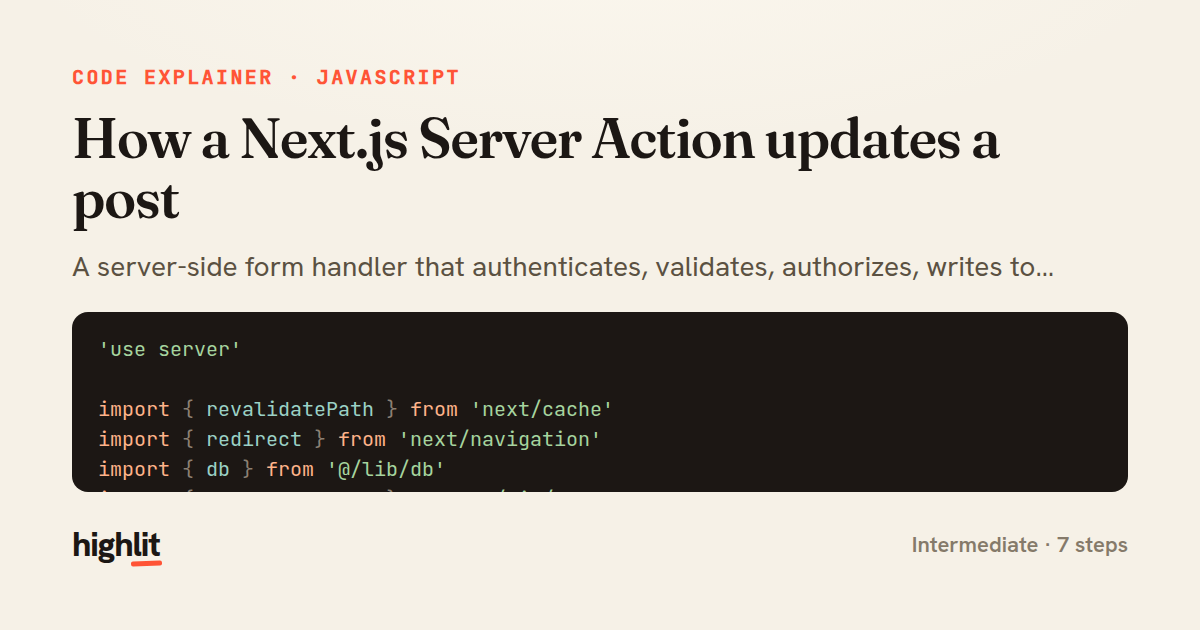
How a Next.js Server Action updates a post
A server-side form handler that authenticates, validates, authorizes, writes to the database, and revalidates cached pages.
Explained by
highlit
1'use server'
2
3import { revalidatePath } from 'next/cache'
4import { redirect } from 'next/navigation'
5import { db } from '@/lib/db'
6import { getCurrentUser } from '@/lib/auth'
7
8export async function updatePost(postId, formData) {
9 const user = await getCurrentUser()
10 if (!user) {
11 throw new Error('Unauthorized')
12 }
13
14 const title = formData.get('title')?.toString().trim()
15 const body = formData.get('body')?.toString().trim()
16
17 if (!title || !body) {
18 return { error: 'Title and body are required.' }
19 }
20
21 const post = await db.post.findUnique({ where: { id: postId } })
22 if (!post || post.authorId !== user.id) {
23 throw new Error('Not found')
24 }
25
26 const updated = await db.post.update({
27 where: { id: postId },
28 data: { title, body, updatedAt: new Date() },
29 })
30
31 revalidatePath('/blog')
32 revalidatePath(`/blog/${updated.slug}`)
33
34 redirect(`/blog/${updated.slug}`)
35}
01 / 01
STEP 01
‹ swipe to step through ›
Walkthrough
Space play
←→ step
click any line
Three takeaways
- 1Server Actions let you run trusted, server-only mutations directly from a form submission without a separate API route.
- 2Always re-check authentication and ownership on the server, since client-side checks can be bypassed.
- 3After mutating data, revalidate every affected path so cached pages reflect the change.
Related explainers
php
<?php

namespace App\Services\Checkout;
Validating coupons with Laravel's Pipeline
pipeline
chain of responsibility
transactions
Intermediate
7 steps
javascript
function evaluate(expression) {
  const tokens = tokenize(expression);
  let pos = 0;
Building a recursive descent calculator
parsing
recursion
operator-precedence
Intermediate
8 steps
php
<?php

namespace App\Services;
How a password strength validator works in PHP
validation
regular-expressions
data-driven
Intermediate
8 steps
javascript
import { useState, useEffect, useCallback, useRef } from 'react';

const cache = new Map();
const inflight = new Map();
Building a stale-while-revalidate hook in React
caching
request-deduplication
custom-hooks
Advanced
10 steps
rust
use chrono::{Duration, NaiveDate};

#[derive(Debug)]
pub struct DateRange {
Parsing and iterating date ranges in Rust
error-handling
iterators
parsing
Intermediate
7 steps
javascript
import { useEffect, useRef, useState } from 'react';

export function useDelayedFlag(active, delay = 300) {
  const [visible, setVisible] = useState(false);
Delaying a loading spinner with a React hook
custom-hooks
debouncing
cleanup
Intermediate
8 steps
Share this explainer
Here's the card — post it anywhere.
Made with highlit — turn any snippet into a walkthrough like this in about a minute.
Explain your code
Embed this explainer
Drop the interactive walkthrough into a blog or docs. Views never cost a credit.
<iframe src="https://highlit.co/explainers/how-a-next-js-server-action-updates-a-post-explained-javascript-4b98/embed?autoplay=1" width="100%" height="520" loading="lazy" style="border:0"></iframe>
Autoplay is on by default — add ?autoplay=0 to start paused.