typescript
51 lines · 8 steps
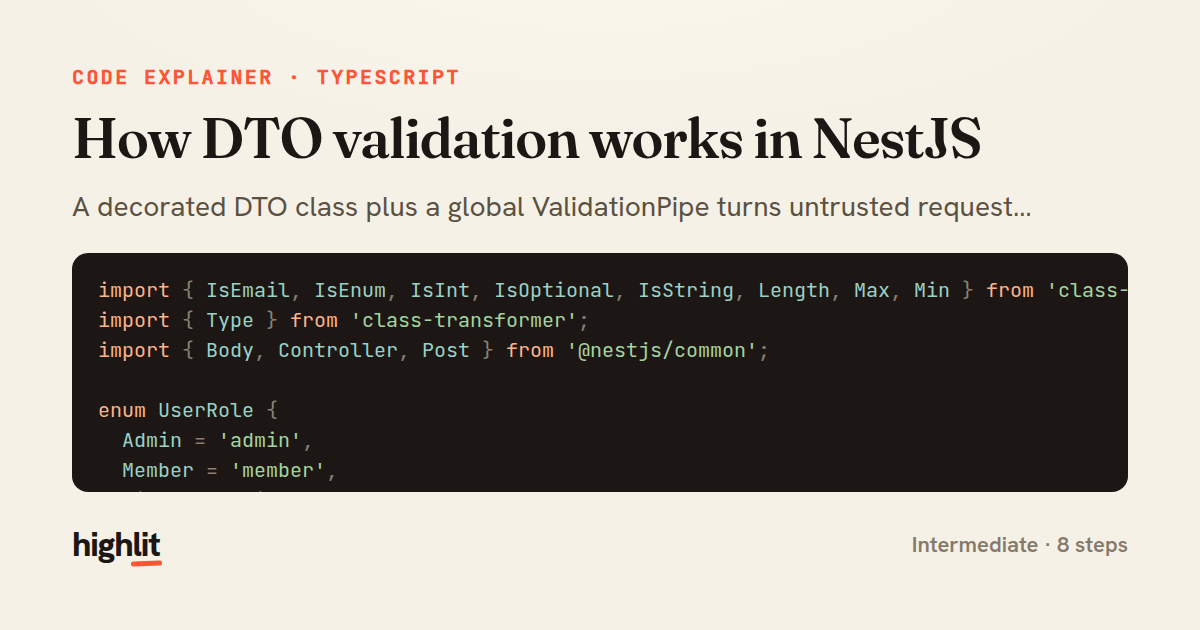
How DTO validation works in NestJS
A decorated DTO class plus a global ValidationPipe turns untrusted request bodies into validated, typed objects.
Explained by
highlit
1import { IsEmail, IsEnum, IsInt, IsOptional, IsString, Length, Max, Min } from 'class-validator';
2import { Type } from 'class-transformer';
3import { Body, Controller, Post } from '@nestjs/common';
4
5enum UserRole {
6 Admin = 'admin',
7 Member = 'member',
8 Viewer = 'viewer',
9}
10
11export class CreateUserDto {
12 @IsString()
13 @Length(2, 50)
14 name: string;
15
16 @IsEmail()
17 email: string;
18
19 @IsEnum(UserRole)
20 role: UserRole;
21
22 @IsOptional()
23 @Type(() => Number)
24 @IsInt()
25 @Min(13)
26 @Max(120)
27 age?: number;
28}
29
30@Controller('users')
31export class UsersController {
32 constructor(private readonly usersService: UsersService) {}
33
34 @Post()
35 async create(@Body() dto: CreateUserDto) {
36 return this.usersService.create(dto);
37 }
38}
39
40export async function bootstrap() {
41 const app = await NestFactory.create(AppModule);
42 app.useGlobalPipes(
43 new ValidationPipe({
44 whitelist: true,
45 forbidNonWhitelisted: true,
46 transform: true,
47 transformOptions: { enableImplicitConversion: false },
48 }),
49 );
50 await app.listen(3000);
51}
01 / 01
STEP 01
‹ swipe to step through ›
Walkthrough
Space play
←→ step
click any line
Three takeaways
- 1Decorators on DTO fields declare validation rules that the ValidationPipe enforces at the boundary.
- 2whitelist and forbidNonWhitelisted strip or reject any property your DTO doesn't explicitly allow.
- 3Pairing @Type with transform lets you coerce raw request values into the correct runtime types.
Related explainers
typescript
import { registerLocaleData } from '@angular/common';
import localeFr from '@angular/common/locales/fr';
import localeFrExtra from '@angular/common/locales/extra/fr';
import localeDe from '@angular/common/locales/de';
Locale-aware bootstrapping in Angular
i18n
localization
dependency-injection
Intermediate
8 steps
typescript
import { Module } from '@nestjs/common';
import { ConfigModule } from '@nestjs/config';
import * as Joi from 'joi';
Validating env config at boot in NestJS
configuration
schema-validation
environment-variables
Intermediate
8 steps
php
<?php

namespace App\Services\Checkout;
Validating coupons with Laravel's Pipeline
pipeline
chain of responsibility
transactions
Intermediate
7 steps
java
@Component
@Converter
public class EncryptedStringConverter implements AttributeConverter<String, String> {
Transparent column encryption in Spring & JPA
encryption
aes-gcm
jpa-converter
Advanced
10 steps
typescript
import { Inject, Injectable, Logger } from '@nestjs/common';
import { CACHE_MANAGER } from '@nestjs/cache-manager';
import { Cache } from 'cache-manager';
import { InjectRepository } from '@nestjs/typeorm';
A cache-aside country lookup in NestJS
cache-aside
dependency-injection
batch-lookup
Intermediate
8 steps
php
<?php

namespace App\Services;
How a password strength validator works in PHP
validation
regular-expressions
data-driven
Intermediate
8 steps
Share this explainer
Here's the card — post it anywhere.
Made with highlit — turn any snippet into a walkthrough like this in about a minute.
Explain your code
Embed this explainer
Drop the interactive walkthrough into a blog or docs. Views never cost a credit.
<iframe src="https://highlit.co/explainers/how-dto-validation-works-in-nestjs-explained-typescript-c2a3/embed?autoplay=1" width="100%" height="520" loading="lazy" style="border:0"></iframe>
Autoplay is on by default — add ?autoplay=0 to start paused.